Free Image to Flowchart Converter
Upload any image of a flowchart, whiteboard sketch, or diagram. AI converts it to a fully editable digital flowchart.
Drop your image here
or click to browse files
Whiteboard photo to editable flowchart
The most-requested image use case.
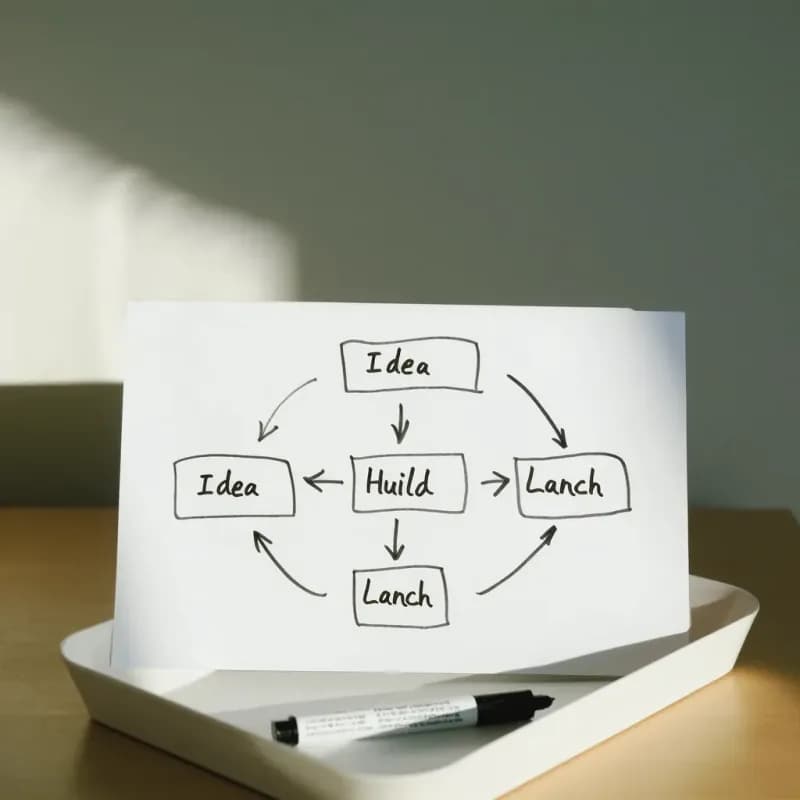
Input
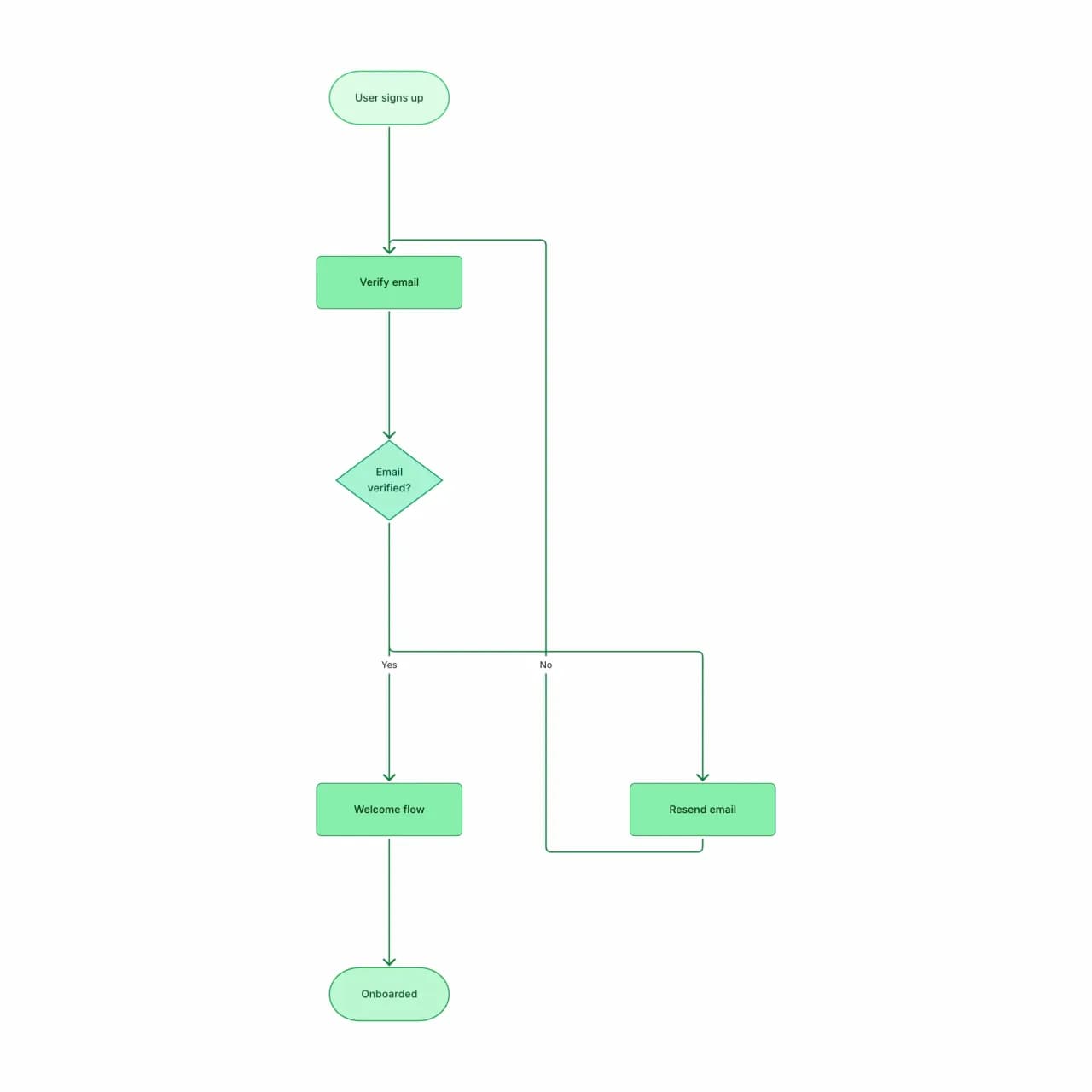
What the AI produces
Photo angle, glare, and handwriting style do not matter as long as text is legible. Diagrams sketched at a 30° angle still parse correctly because the AI rebuilds geometry from scratch.
What is image-to-flowchart conversion?
Upload a photo of a whiteboard, a hand-drawn sketch, or a screenshot of an existing diagram, and Flowova reconstructs it as a real flowchart you can edit. The AI reads node labels (even handwritten ones, if legible), traces arrows, and tries to preserve the layout. It accepts PNG, JPEG, WebP, HEIC, and SVG up to 5MB. Photos taken at extreme angles, with heavy glare, or with overlapping ink may lose detail — straighter, higher-contrast shots come back cleaner.
Turn Any Image into a Flowchart
Upload Your Image
Upload an image — photo of a whiteboard, a screenshot of a Visio/Lucid diagram, a sketch on paper, or a screenshot from a slide deck. PNG, JPG, WebP, HEIC, SVG up to 5MB.
- PNG, JPG, JPEG, WebP, HEIC, SVG accepted
- Up to 5MB per upload
- Phone photos and screenshots both work
AI Extracts the Flowchart
Flowova's vision model reads the image: text inside shapes, arrow direction, decision-diamond branches, swim-lane labels. It rebuilds the flow as editable nodes — not a tracing, an actual flowchart object.
- Reads shape, label, and arrow direction
- Typed labels OCR cleanly; handwriting depends on legibility
- Layout is regenerated — original geometry not preserved
Edit and Export Free
Fix anything the OCR missed (rare for typed text, more common for handwriting), apply a theme, and export. The output is a clean Flowova chart you can rearrange, reflow, or hand off to teammates.
- OCR misses are mostly in handwriting — fix inline
- Theme the result for slides or docs
- Free PNG; SVG, Mermaid, WebP are Pro
Image to Flowchart Features
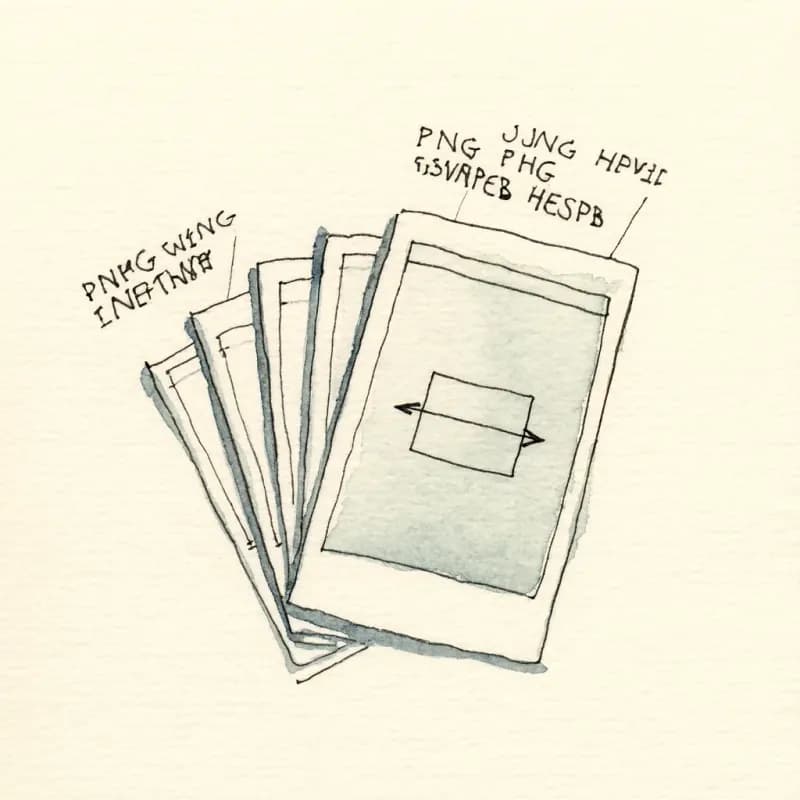
Six Image Formats
PNG, JPG, JPEG, WebP, HEIC (iPhone default), and SVG, up to 5MB each. Single image per request — to combine multiple whiteboard photos into one diagram, stitch them into a single canvas image first (Preview on macOS, GIMP, or Photoshop).
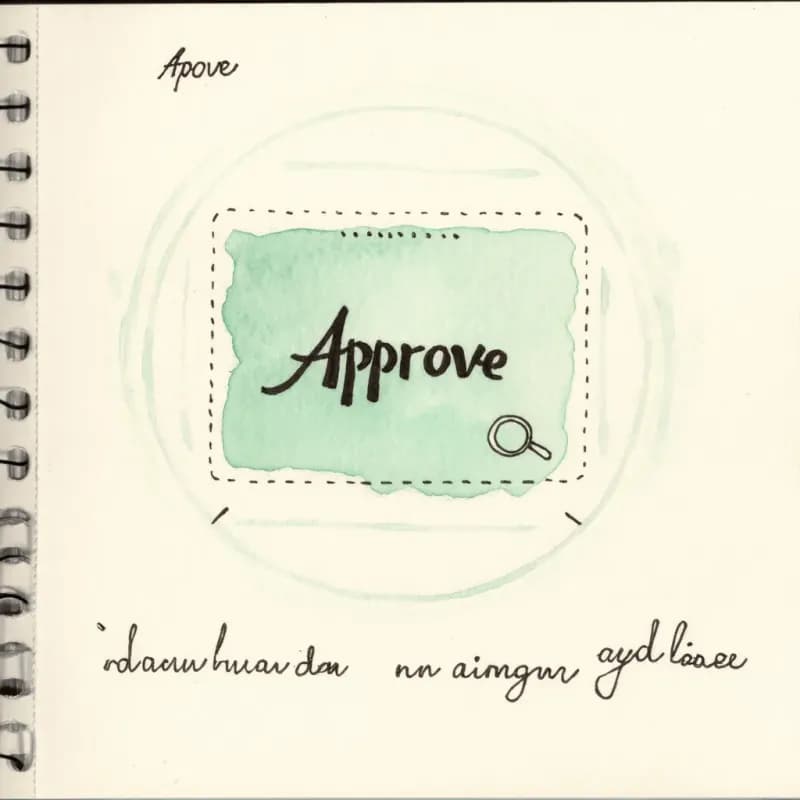
Shape + Label OCR
Reads the shape (rectangle, diamond, oval, parallelogram) and the text inside it as a labeled node. Typed labels OCR cleanly; handwriting depends on legibility.
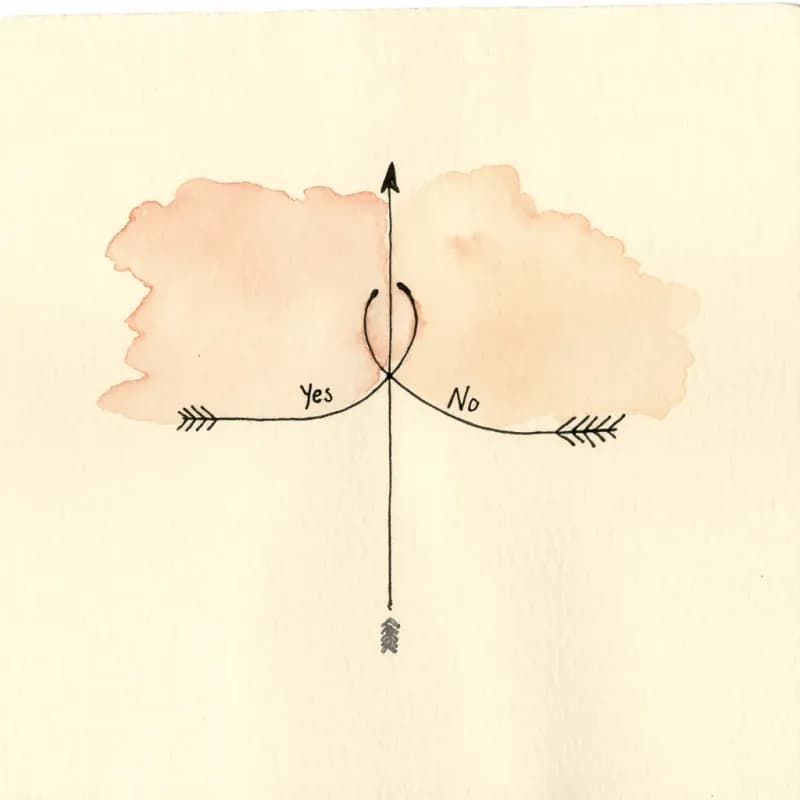
Arrow Direction Detection
Identifies arrow direction and labels — including arrows that bend, cross, or carry conditional labels ("Yes", "No", "if error").
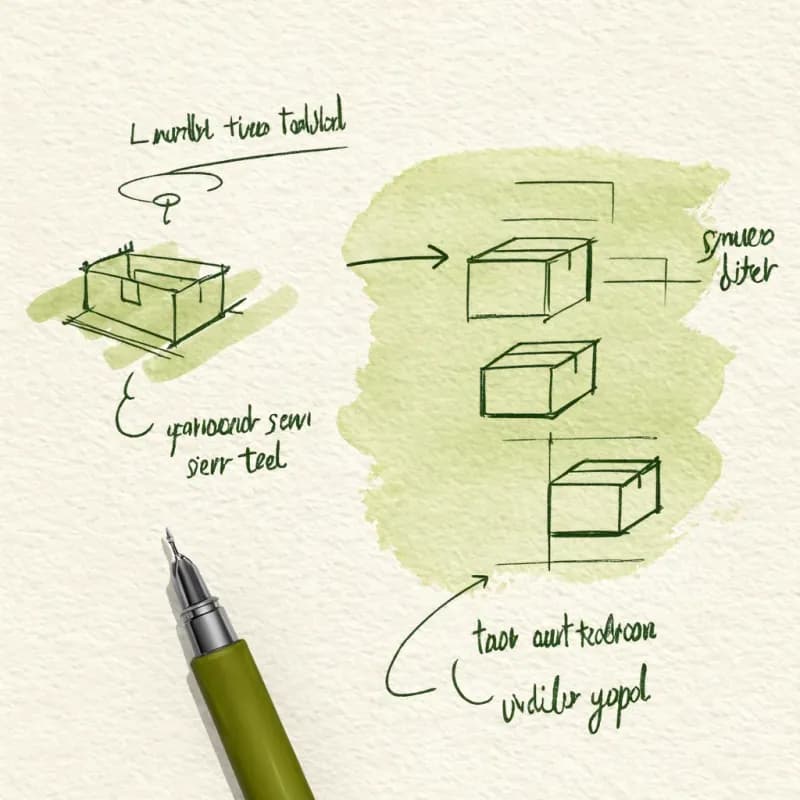
Re-Laid Out by Dagre
The output diagram is regenerated by Dagre, not traced. Your photo can be rotated, skewed, or low-resolution — the digital version is always clean.
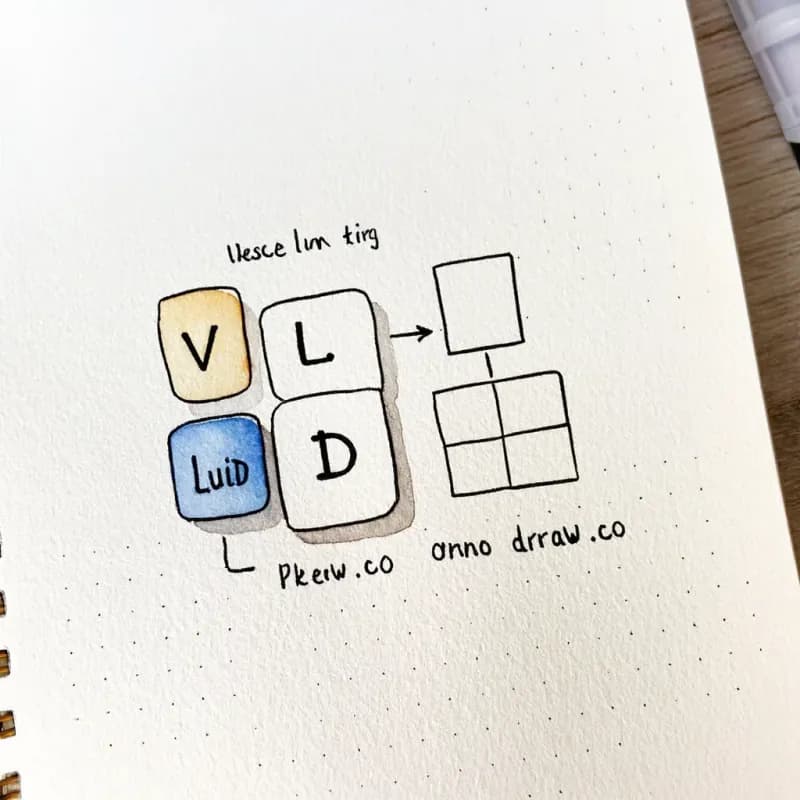
Visio/Lucid/Drawio Compatible
Upload exported PNG or SVG from Visio, Lucidchart, or draw.io and get an editable Flowova version. Useful for migrating off legacy tools.
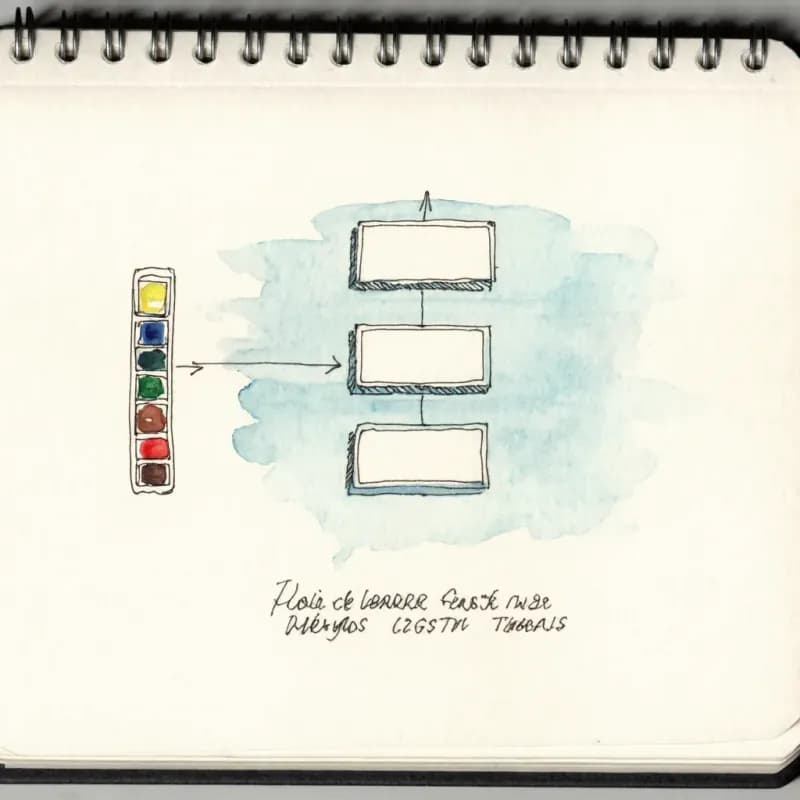
Theme After Conversion
Convert first, then apply any of 40+ themes. The original color coding from your photo is not preserved — start fresh with brand-consistent palette.
When to use image-to-flowchart
Use this tool for
- You took a phone photo of a whiteboard after a meeting and want it editable before the marker fades from memory.
- The only copy of a flowchart you have is a screenshot or a rendered PNG/SVG from another tool, and you need to modify it.
- Re-importing old diagrams from PDFs, slide decks, or scanned documents into an editor you can actually work in.
- Converting a Visio, Lucidchart, or draw.io export to an editable Flowova diagram for downstream sharing.
Use a different tool for
- The text is selectable in a PDF — PDF-to-Flowchart reads the text layer directly instead of relying on the vision model.
- Photos of pure handwriting in a notebook (not a diagram) — a dedicated OCR app like Apple Notes or Google Lens produces cleaner text.
- Multi-page documents — this tool processes one image per generation; extract the relevant page first.
- Visio .vsdx source files — those need a Visio or Lucidchart importer; export to PNG from the source tool, then bring the PNG here.
Image to Flowchart FAQ
Related guides
Canva Flowchart: How to Make One, Use Templates, and Avoid Common Limits
Learn how to make a flowchart in Canva with templates, shapes, and connectors. See when Canva works, where it gets slow, and when an AI flowchart maker is faster.
How to Make a Flowchart: A Complete Beginner Guide for 2026
Learn how to create effective flowcharts from scratch. This step-by-step guide covers flowchart basics, symbol meanings, design tips, and the best tools to use in 2026.
Flowchart Symbols Cheat Sheet: Meanings, Shapes, and Examples
A quick visual guide to flowchart symbols and meanings: start/end, process, decision, input/output, connectors, documents, data stores, and common mistakes.
Ready to Try the AI Flowchart Generator?
Join tens of thousands of professionals who use Flowova to visualize their ideas. Start creating flowcharts with AI in seconds.
Get Started Free