Free Online Flowchart Maker
Create professional flowcharts in seconds. Describe your process in plain language - AI builds the flowchart for you. No design skills needed.
From two sentences to a 12-node flowchart
The kind of input most people actually type.
Input
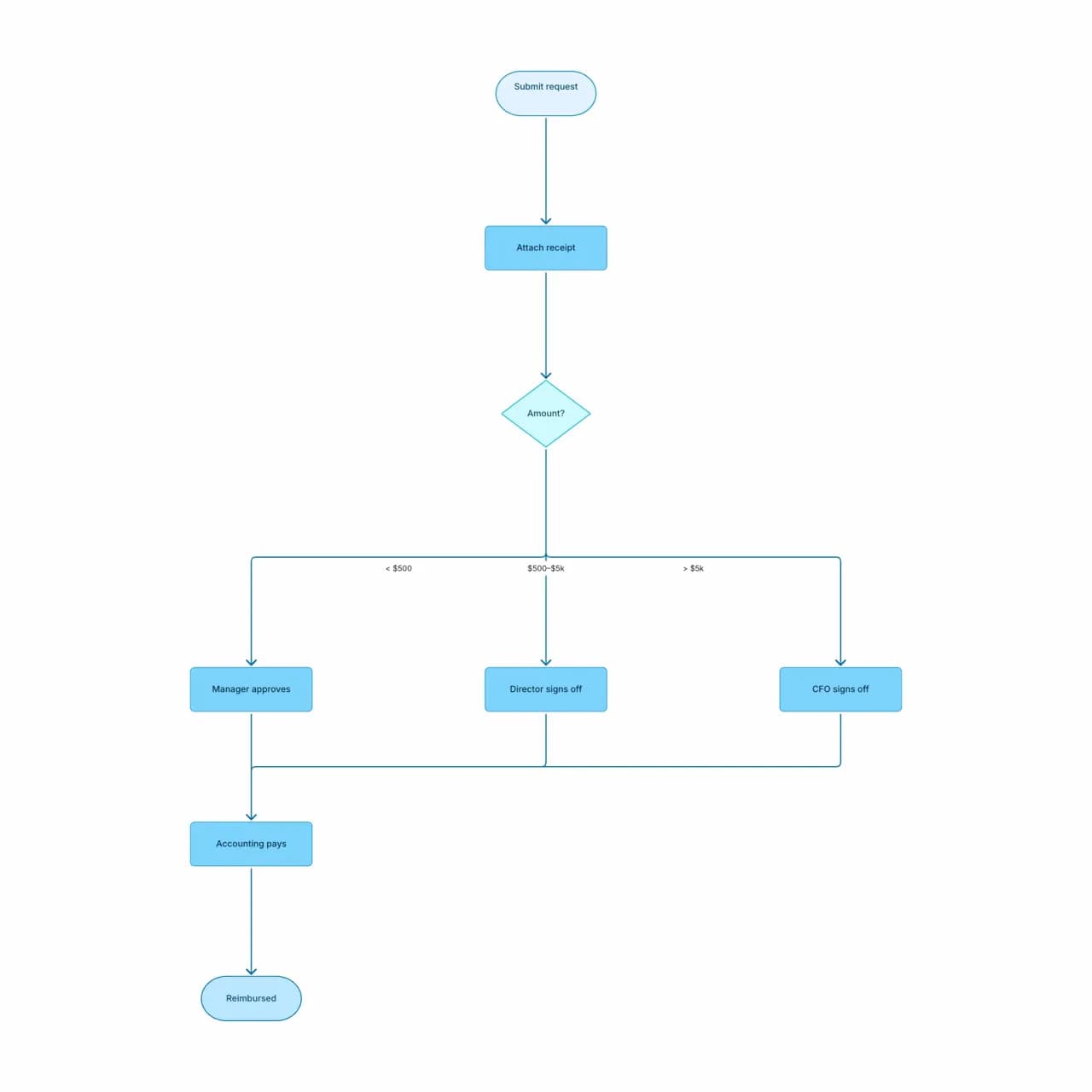
What the AI produces
The AI inferred that "any approver rejects" means each step has its own reject branch, not just one global one. Multi-threshold routing like this would take 5+ minutes to draw manually in draw.io.
What does Flowova's flowchart maker actually do?
Describe a process — even loosely — and you get back a flowchart with proper start/end ovals, decision diamonds, and labeled edges, laid out automatically. From there it is a real editor: 40+ themes, drag nodes around, talk to the AI Chat Agent to refine ("merge steps 2 and 3"), and export. PNG export is free; SVG, JPEG, WebP, and Mermaid export are part of the Pro upgrade. There is no shape palette to learn — the assumption is you know what your process looks like; the tool handles drawing it.
Create a Flowchart with AI in Seconds
Describe Your Process
Type the flowchart you want. Any level of detail works — "approval flow for expense reports" gets a starter; "manager reviews under $500, director reviews $500-$5000, CFO reviews above" gets a fully branched chart with three decision diamonds.
- Plain English (or any of 11 supported output languages)
- From single decisions to multi-branch processes
- Same entry point for paste, file, URL, or image
AI Generates Your Flowchart
The AI selects appropriate shapes (rectangles for steps, diamonds for decisions, parallelograms for I/O, ovals for start/end), assigns swim-lanes if you mention roles, and lays out the diagram with proper spacing.
- Start/end ovals, decision diamonds, labeled edges
- Auto-layout via Dagre, not random placement
- AI Chat Agent (Pro) refines without re-prompting
Edit and Export Free
Edit any node inline, drag to reposition, recolor with one of 40+ themes, or use the AI Chat Agent to make changes conversationally ("merge the two review steps into one parallel review").
- 40+ themes for slide, doc, brand, or audit context
- PNG export is free; SVG and Mermaid are Pro
- Public read-only share links for stakeholder review
Flowchart Maker Features
Five Input Surfaces
Paste text, drop a file, paste a URL, upload an image, or talk to AI Chat Agent — same starting point regardless of source.
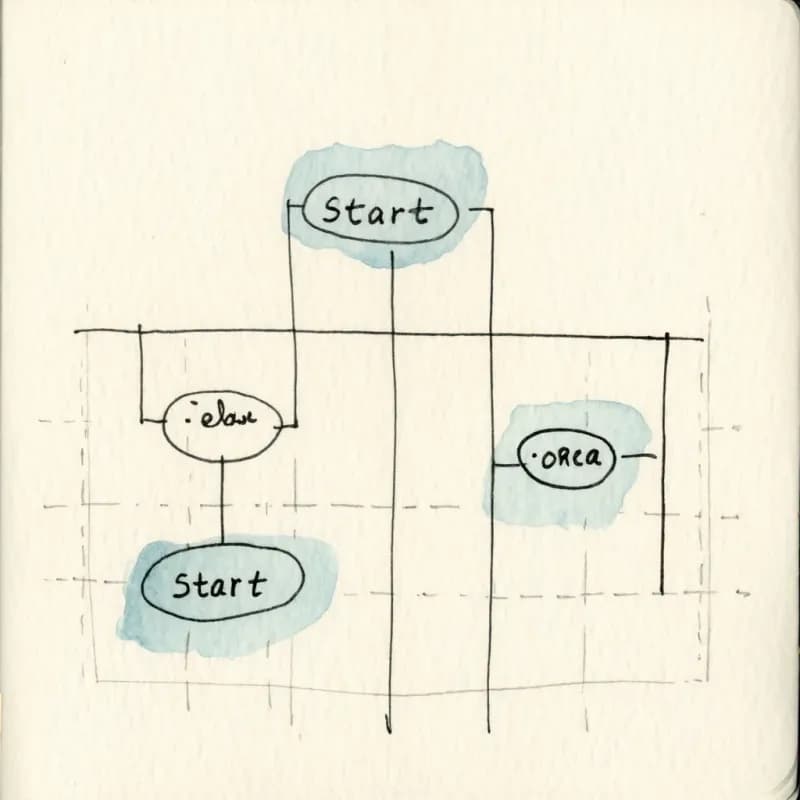
Dagre Auto-Layout
Nodes positioned by Dagre, not randomly placed. Decision diamonds align vertically, parallel branches render side-by-side, no overlapping edges.
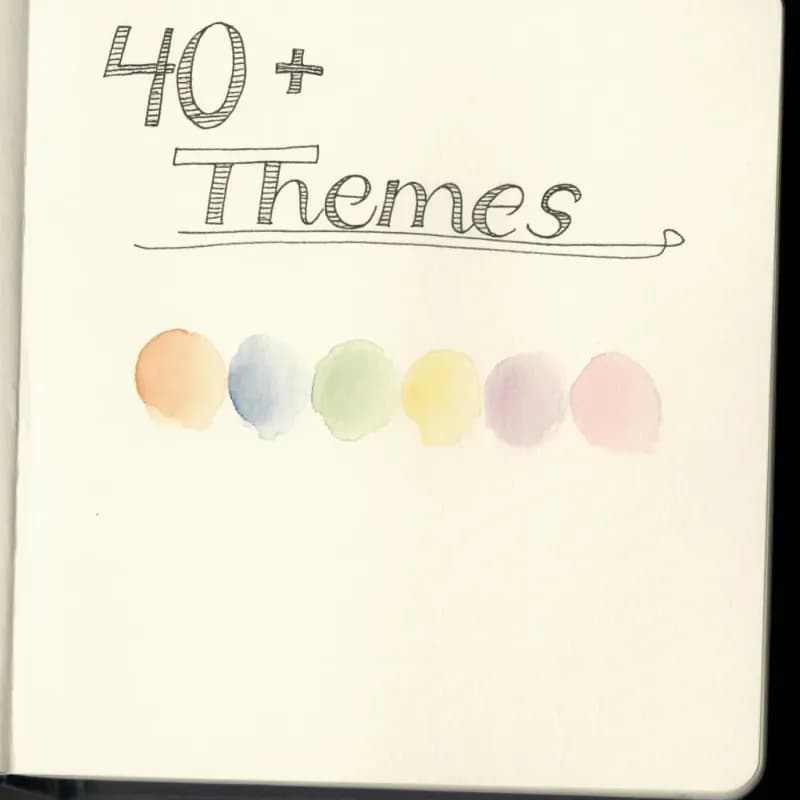
40+ Themed Palettes
Vibrant for slide decks, Forest/Ocean for ops docs, Graphite for technical specs, Midnight for code, Wine for branded content — switch in one click.
Three Edge Styles
Smoothstep (default), straight (for technical diagrams), or simplebezier (for organic flows). Toggle per diagram, applied globally.
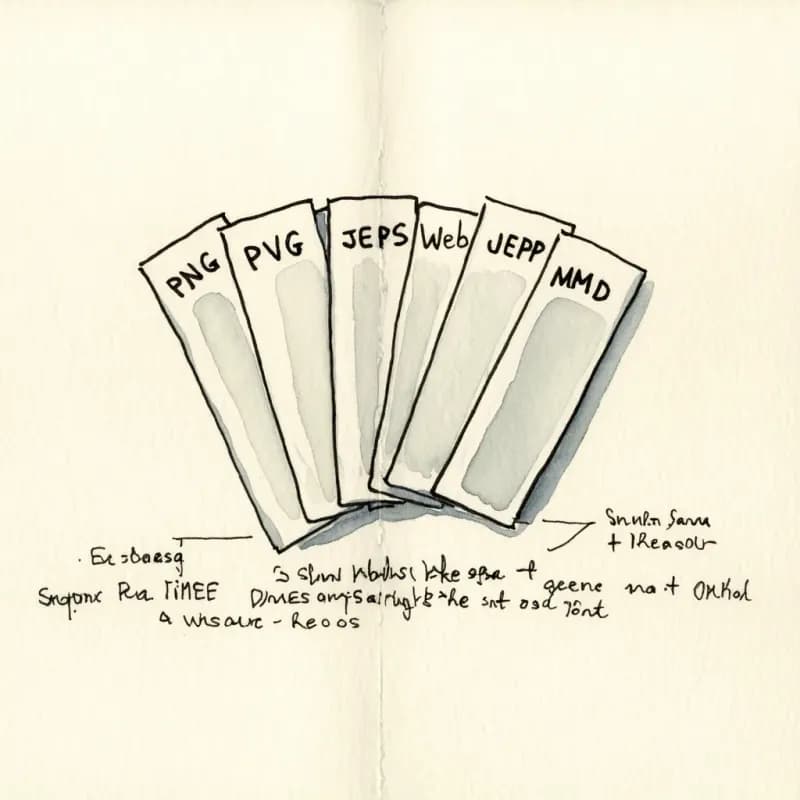
Multi-Format Export
PNG free for sharing and slides. SVG, WebP, JPEG, and Mermaid (Pro) for vector-quality docs, blog images, and round-trip with code-as-diagrams workflows.
Public Read-Only Links
Generate a shareable URL — recipients see the diagram in the browser without an account. Revoke anytime from settings.
When to use the flowchart maker
Use this tool for
- The diagram you want is 'just a flowchart' — boxes, diamonds, arrows — and the audience doesn't care which formal notation.
- Business processes, approval routing, and decision logic where the steps and branches are the whole point.
- First-draft diagrams that you'll iterate on with a teammate or stakeholder before publishing.
- Documentation flowcharts for SOPs, training material, and customer-facing how-to guides.
Use a different tool for
- Database schemas — ER Diagram Generator handles cardinality and foreign keys correctly.
- Cross-team workflows where roles and handoffs are the focus — Swimlane Diagram Maker draws lanes natively.
- Diagrams that need a huge stencil library or unusual custom shapes — draw.io's free shape catalog is unmatched for that.
- Real-time collaborative editing with multiple cursors on one canvas — Lucidchart and Miro are built for that workflow.
Flowchart Maker FAQ
Related guides
How to Make a Flowchart: A Complete Beginner Guide for 2026
Learn how to create effective flowcharts from scratch. This step-by-step guide covers flowchart basics, symbol meanings, design tips, and the best tools to use in 2026.
Flowchart Symbols Cheat Sheet: Meanings, Shapes, and Examples
A quick visual guide to flowchart symbols and meanings: start/end, process, decision, input/output, connectors, documents, data stores, and common mistakes.
Flowchart Best Practices: 10 Rules for Clear, Effective Diagrams
Ten concrete rules for designing flowcharts that are easy to read, technically accurate, and actually useful — with correct and incorrect examples for each.
Ready to Try the AI Flowchart Generator?
Join tens of thousands of professionals who use Flowova to visualize their ideas. Start creating flowcharts with AI in seconds.
Get Started Free