Free AI Sequence Diagram Generator
Transform interaction descriptions into professional UML sequence diagrams instantly. Describe the message flow between components and AI creates the visual diagram.
An OAuth flow as a sequence diagram
The classic example of where sequence diagrams beat flowcharts.
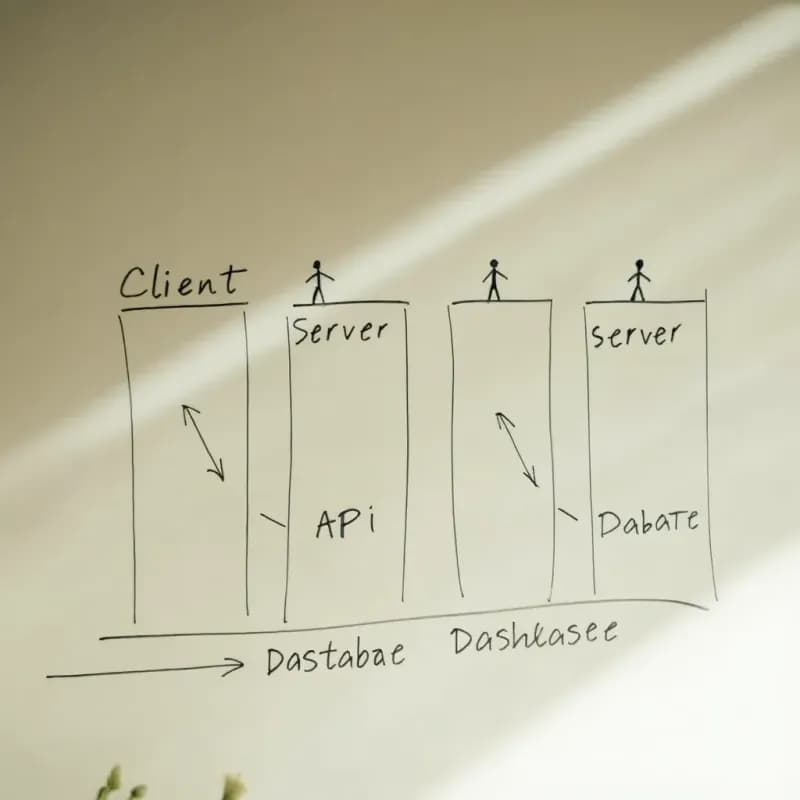
Input
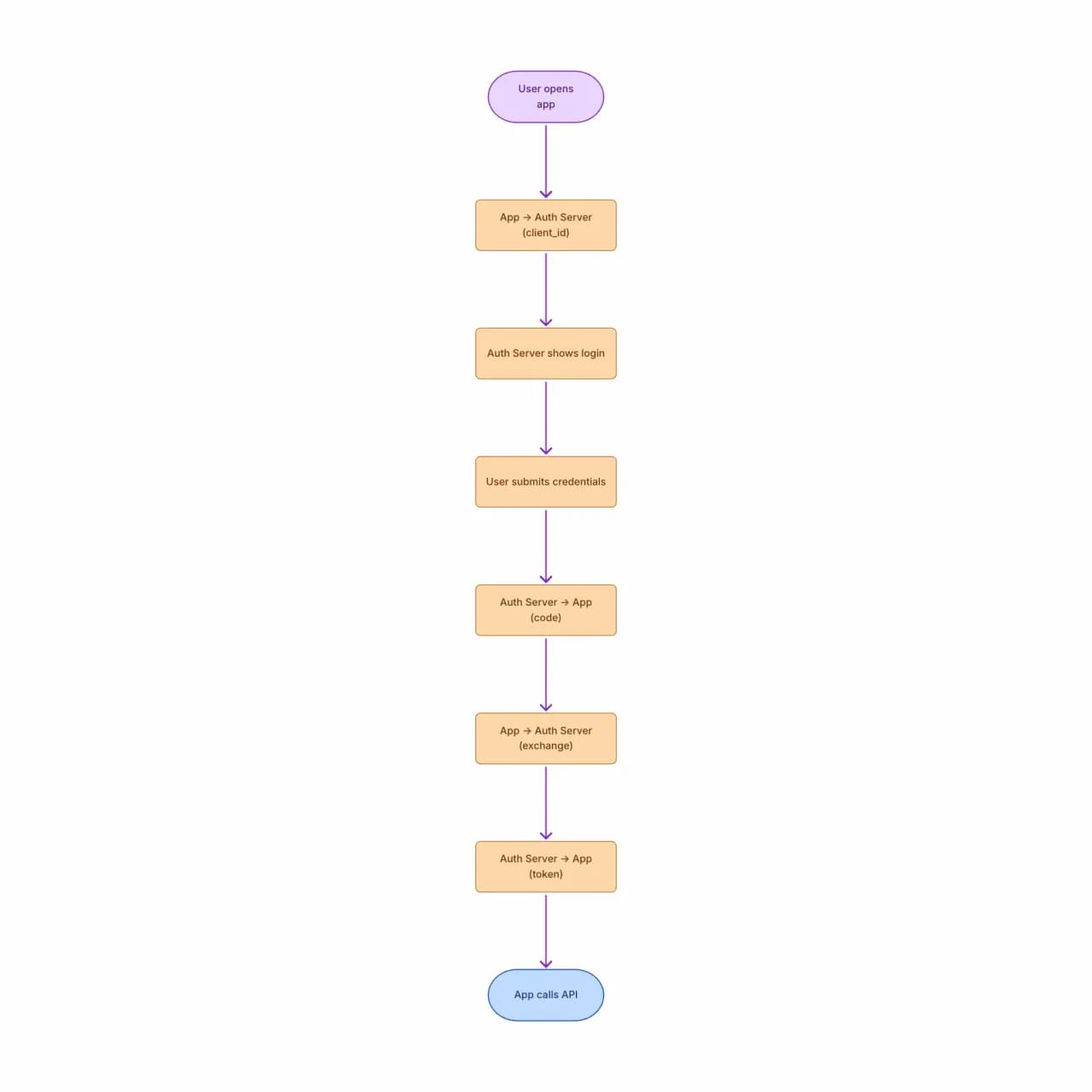
What the AI produces
The "redirect" semantics (steps 2-5) are correctly rendered as a round-trip through the User — this is what differentiates a sequence diagram from a flowchart. In a flowchart, redirects look identical to function calls.
What is a sequence diagram maker?
Describe interactions between services, actors, or system components — who calls whom, in what order, with what message — and Flowova produces a UML sequence diagram with lifelines, messages, and labeled arrows. Activation bars, alt/loop frames, and return arrows are inferred from your description's conditional language ("if the token is valid… otherwise"). Self-calls render as nested activation bars; async messages can be flagged by adding "async" or "fire-and-forget" in your description, producing dashed arrows that match common UML reading conventions.
How to Create a Sequence Diagram
Describe the Interaction
Describe the interaction: who participates (users, systems, services), what messages they send, and the order. Plain English is fine — "user calls API, API queries database, database returns, API responds to user."
- Describe by message order, not actor list
- Conditional language ('if valid… else') becomes alt frames
- Up to ~12 lifelines reads cleanly on one page
AI Creates Your Diagram
The AI creates participants (actors and lifelines) at the top, lays them out left to right in the order you mention them, and draws messages as arrows between lifelines. Async messages get dashed arrows; returns get dashed return arrows.
- Activation bars inferred from message timing
- Return arrows added for synchronous calls
- Loops shown with `loop` frames when described
Customize and Export
Adjust ordering, add activations (boxes on lifelines indicating "this participant is working"), and add notes for clarification. Export as PNG or Mermaid sequenceDiagram syntax.
- Re-order messages by dragging
- PNG (free) for API docs; SVG (Pro) for vector
- Theme for design-review or production-doc context
Sequence Diagram Maker Features
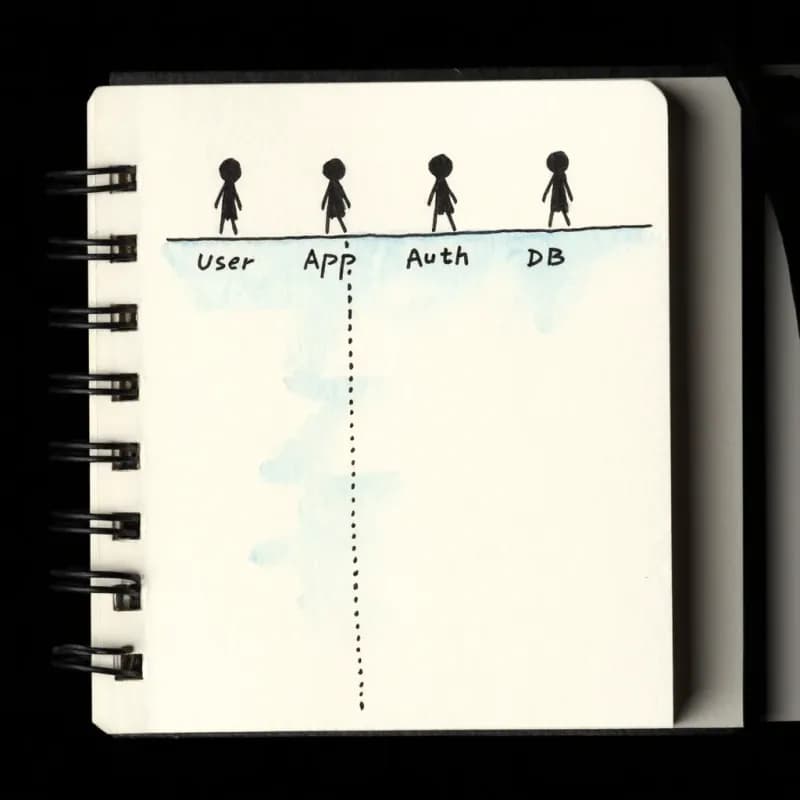
Lifeline Auto-Detection
Actors mentioned in the description ("User", "App", "Auth Server", "API") become lifelines, ordered left-to-right by first mention.
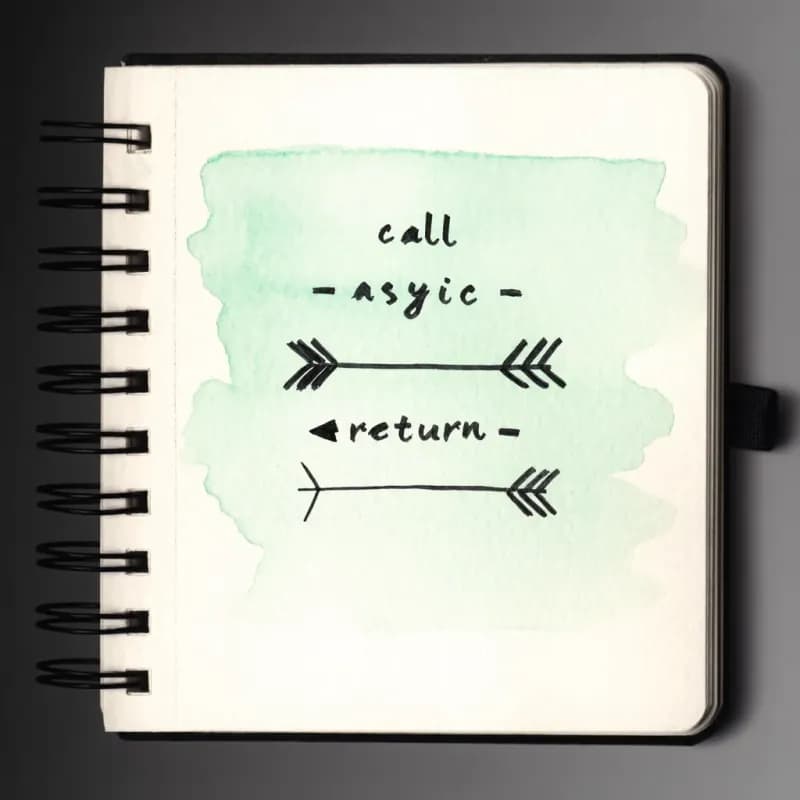
Message Direction and Style
Synchronous calls render as solid arrows, async / fire-and-forget as dashed arrows, return values as thin arrows with labels.
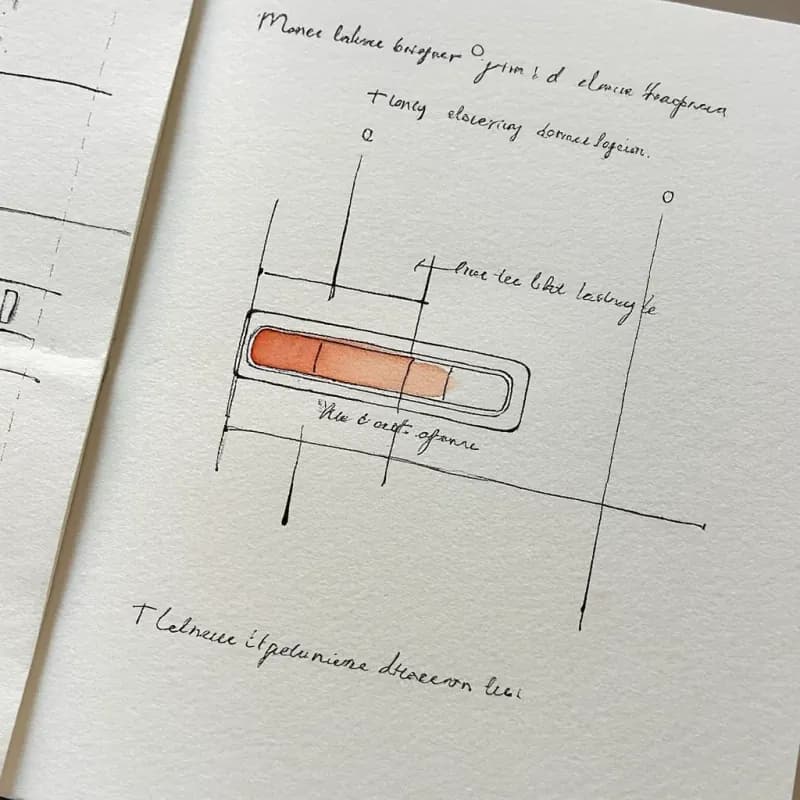
Activation Bars
When a participant is busy processing ("Auth Server validates the token, then…"), the activation bar visualizes the busy period.
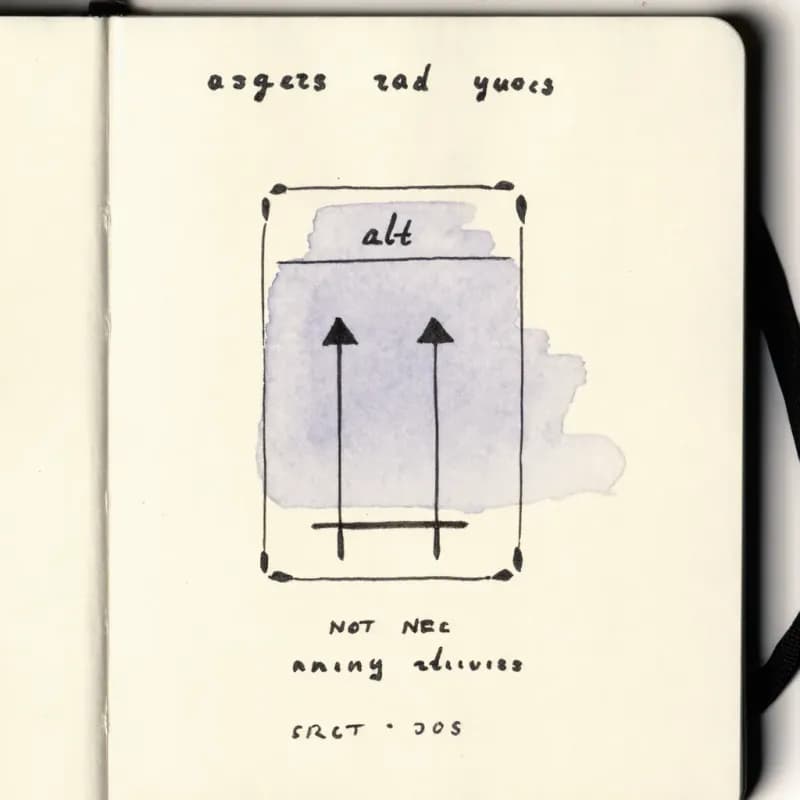
Alt / Loop Frames
"If valid → return token; else → return error" generates an alt frame. Loops ("for each item in cart…") generate a loop frame with labeled bounds.
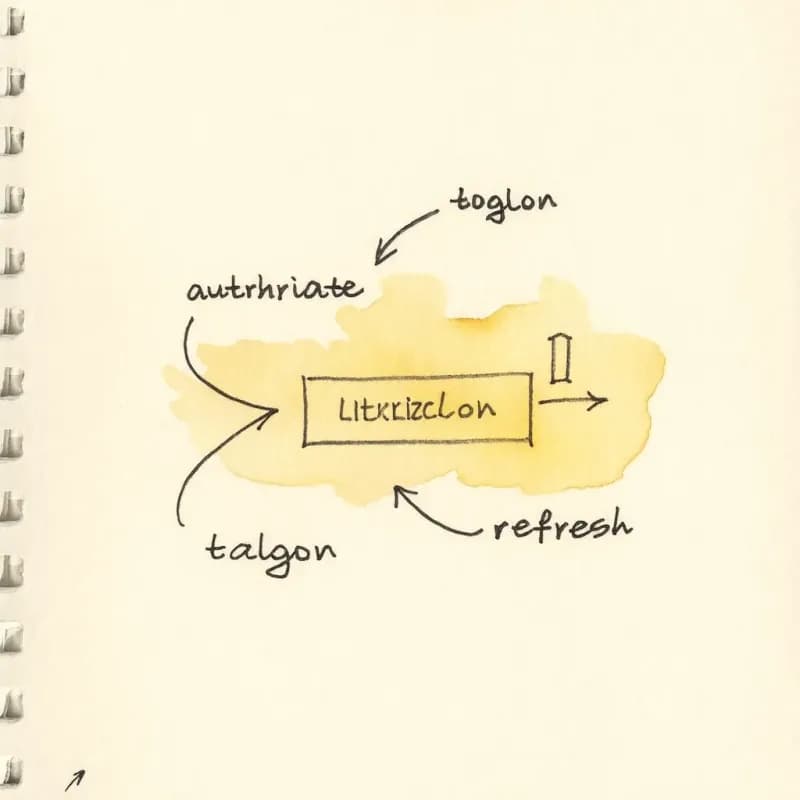
OAuth / JWT Flow Patterns
Common authentication patterns (OAuth 2.0 code flow, PKCE, JWT refresh) are recognized as templates and rendered with standard message sequences.
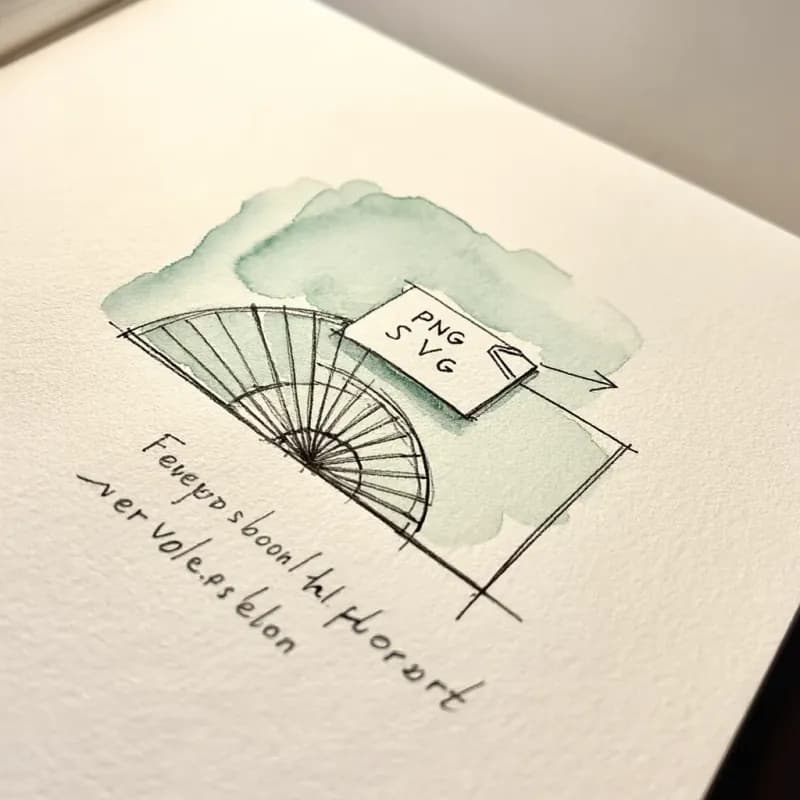
Vector Export for API Docs
PNG free for slack and slides; SVG (Pro) for API documentation pages where the diagram needs to be crisp at any zoom level.
When to use sequence diagrams
Use this tool for
- Documenting microservice request handling — who calls whom and in what order — for a tech spec or runbook.
- OAuth, SAML, OIDC, or any authentication flow where the round trip between user, app, and identity provider is the whole point.
- RPC and gRPC interaction docs where timing and message ordering must be unambiguous.
- Postmortem timelines that show what happened in what order across services during an incident.
Use a different tool for
- Decision-heavy logic with three or more branches — a flowchart reads cleaner; sequence diagrams flatten branching badly.
- The database structure your sequence diagram references — ER Diagram Generator captures the schema; sequence diagrams describe runtime traffic.
- State changes of a single entity over time — State Diagram Maker is the right shape; sequence diagrams describe message flow, not state evolution.
- Architectural overviews of what services exist (not how they call each other) — a system-context sketch in Excalidraw or Lucidchart is more compact.
Sequence Diagram Maker FAQ
Related guides
Sequence Diagram Guide: What It Is, UML Notation, and How to Make One Online
Learn what a sequence diagram is, how UML notation works, and when to use one for API design, microservices, and auth flows. Includes an AI sequence diagram option.
What Is a Flowchart? Definition, Symbols, and Real-World Examples
What is a flowchart? A complete definition with core symbols, types of flow chart models, real-world uses, and when to use (or skip) them. Practical examples included.
Ready to Try the AI Flowchart Generator?
Join tens of thousands of professionals who use Flowova to visualize their ideas. Start creating flowcharts with AI in seconds.
Get Started Free