Free AI User Flow Generator
Transform user journey descriptions into professional UX flow diagrams instantly. Describe how users navigate your product - AI creates the visual user flow.
A signup-to-activation flow
The classic UX-research user flow.
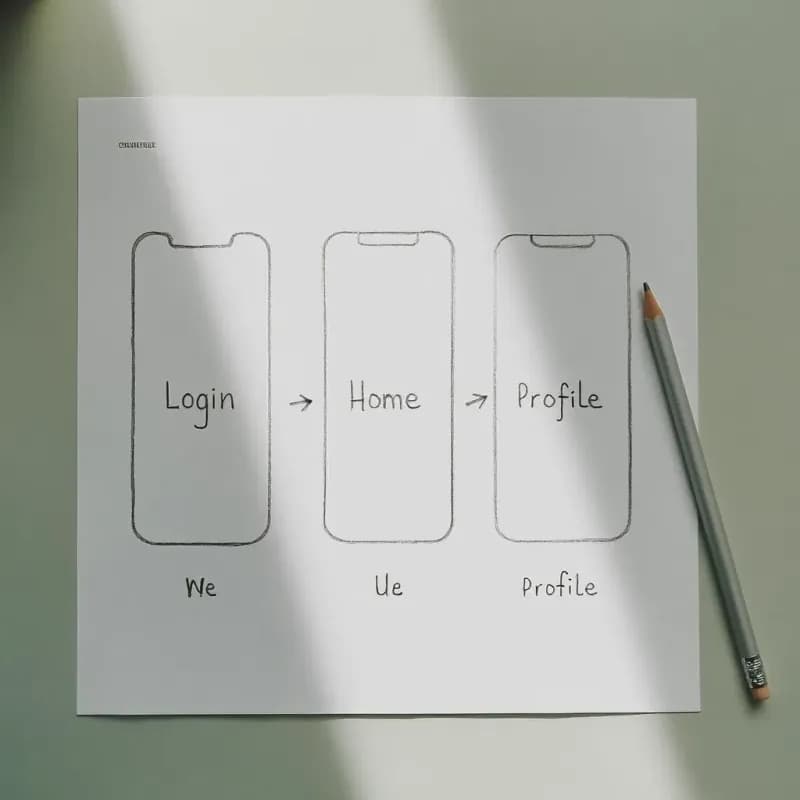
Input
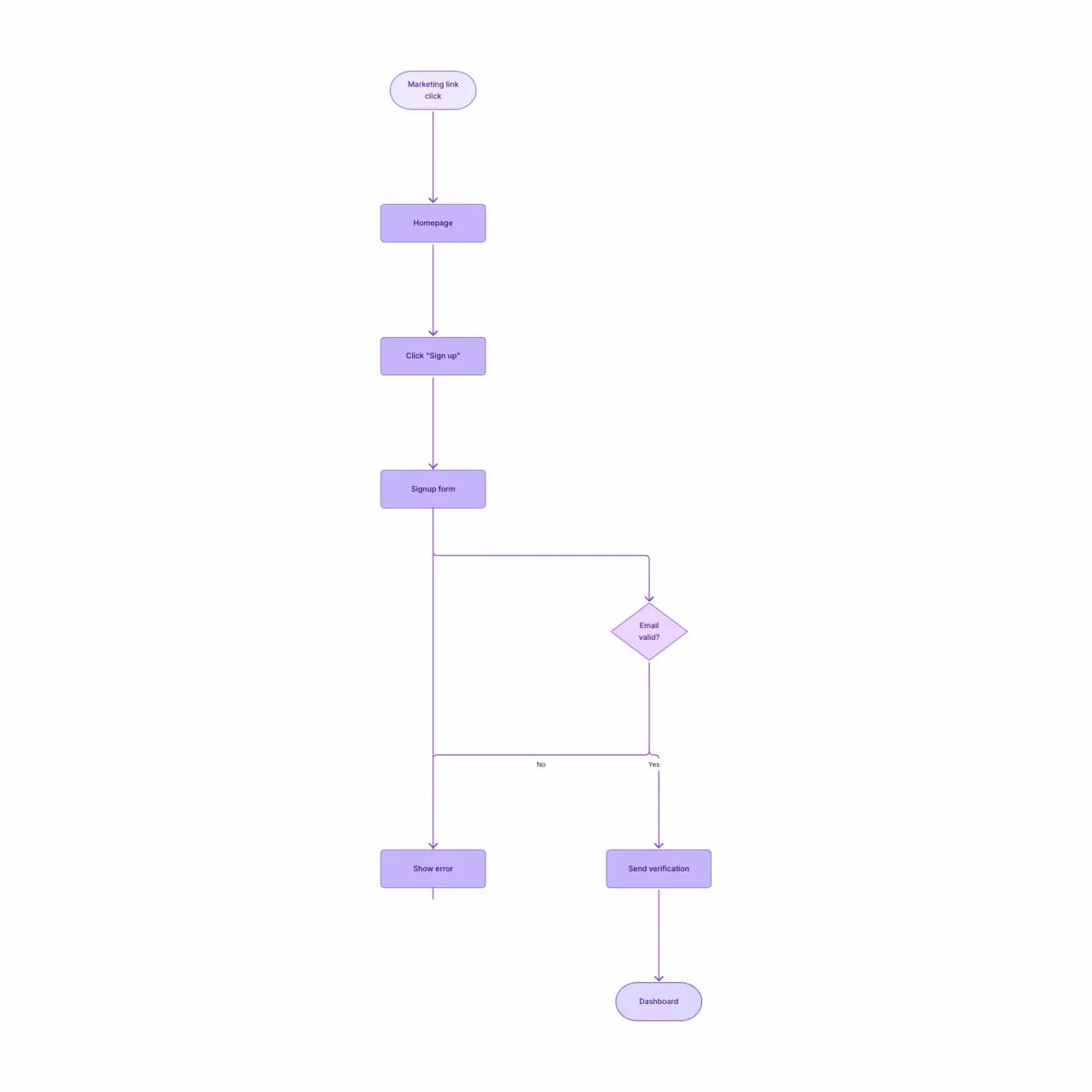
What the AI produces
User flows differ from generic flowcharts: each box represents a screen or modal (the user's view), not an internal system step. This distinction matters in design reviews.
What is a user flow generator?
Describe how someone moves through your product — entry points, screens, actions, validation rules, branch points — and Flowova draws a user flow using the same conventions you'd see in Figma or Whimsical: phone-shaped screens, action labels, decision diamonds for branches, and loops back to earlier states when retries happen. Built for documenting product flows in PRDs, design specs, and user-research reports. Not built for low-fidelity wireframing of the screens themselves — pair it with your wireframe tool.
Design a User Flow from Scratch
Describe the User Journey
Describe the user journey: entry points, screens/pages, actions the user takes, decision points (auth gates, form validation), and exit points (conversion, drop-off).
- Describe screens, actions, and decision points
- Entry source (push, email, link) sets the start
- Validation rules become explicit decision nodes
AI Creates Your Flow
The AI generates a user-flow diagram with screen boxes, decision diamonds for forks (logged in? form valid?), and arrows showing user actions.
- Phone-shaped screens and labeled actions, Figma-style
- Loops back to earlier screens on retry
- Not for wireframing — pair with a wireframe tool
Customize and Export
Refine — add wireframe thumbnails or annotations if needed. Export as PNG/SVG for PRDs, design reviews, or UX research deliverables.
- Drag screens to re-order the journey
- PNG (free) or SVG (Pro) for PRDs
- Theme to match brand or research deliverables
User Flow Generator Features
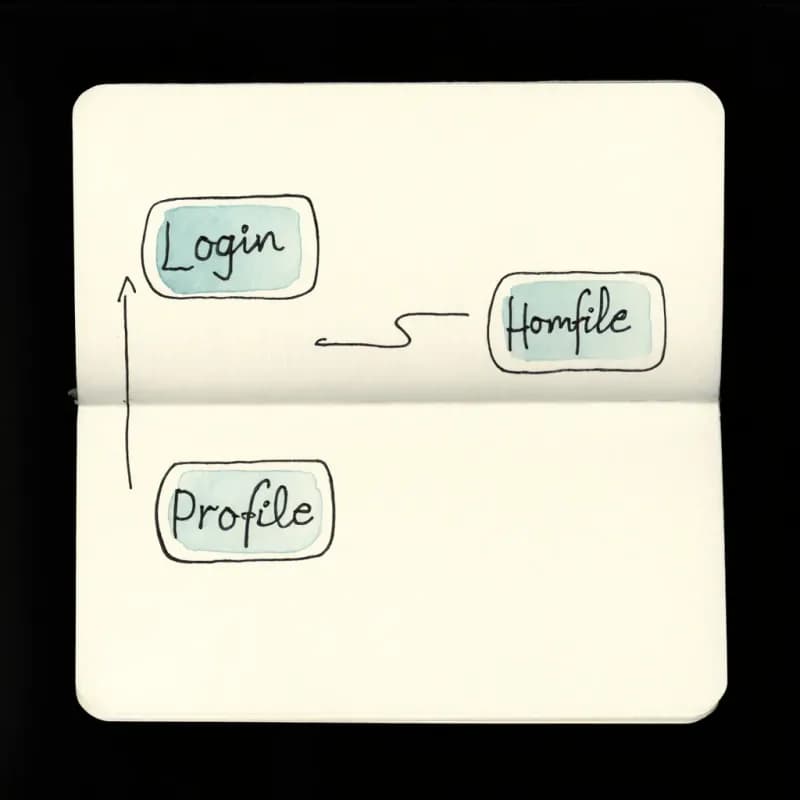
Screens as Phone-Shaped Nodes
Screens render as rounded rectangles with phone aspect ratio — matches Figma, Whimsical, and Miro user-flow conventions for design specs.
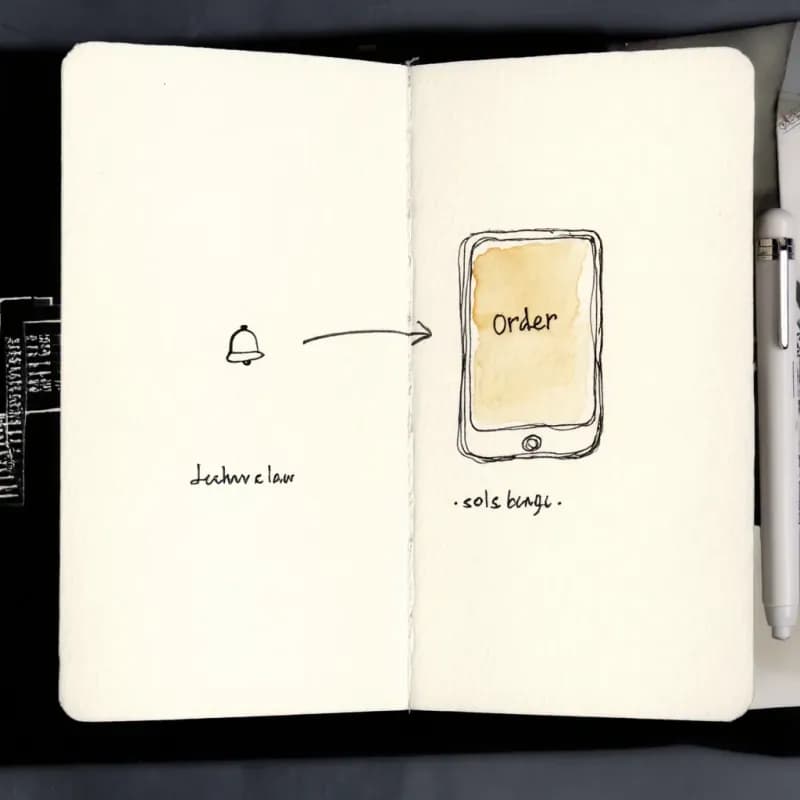
Entry Source as Start
"User taps push notification" or "User clicks email link" generates the start node — the entry source frames the whole flow.
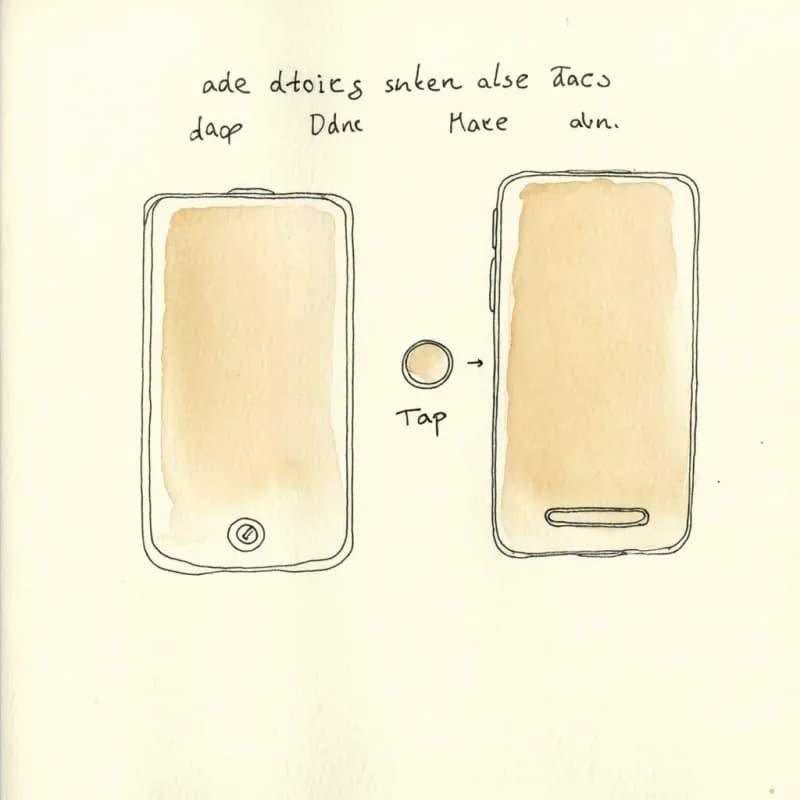
Action vs Screen Distinction
Actions ("tap login button") render as smaller secondary nodes between screens, not as full screens — keeps the diagram readable for long flows.
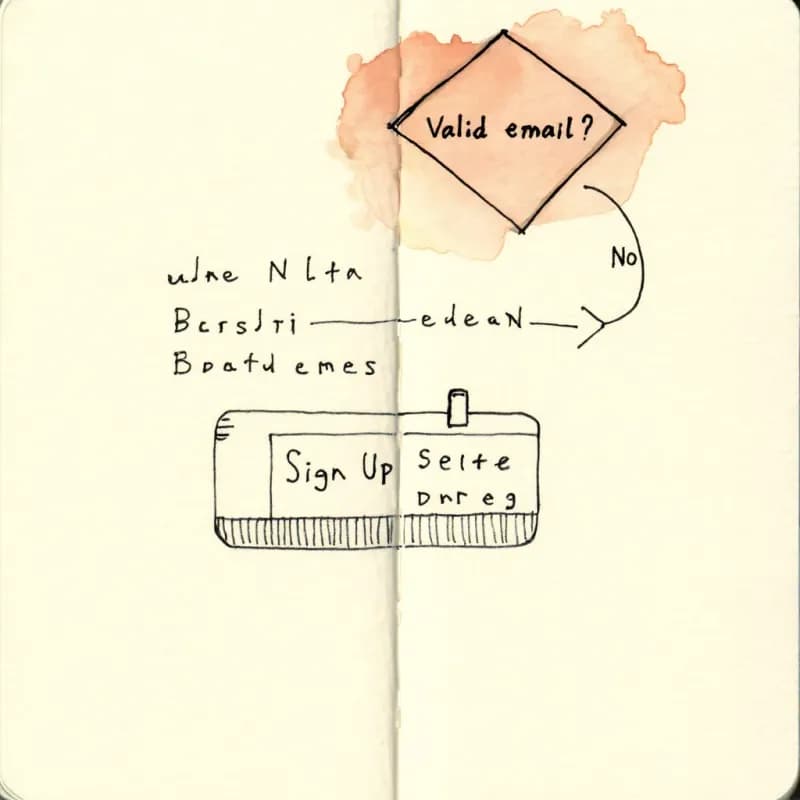
Validation as Decision Diamonds
"If email invalid, show error" generates a decision diamond with retry loops back to the form, matching real user-flow conventions.
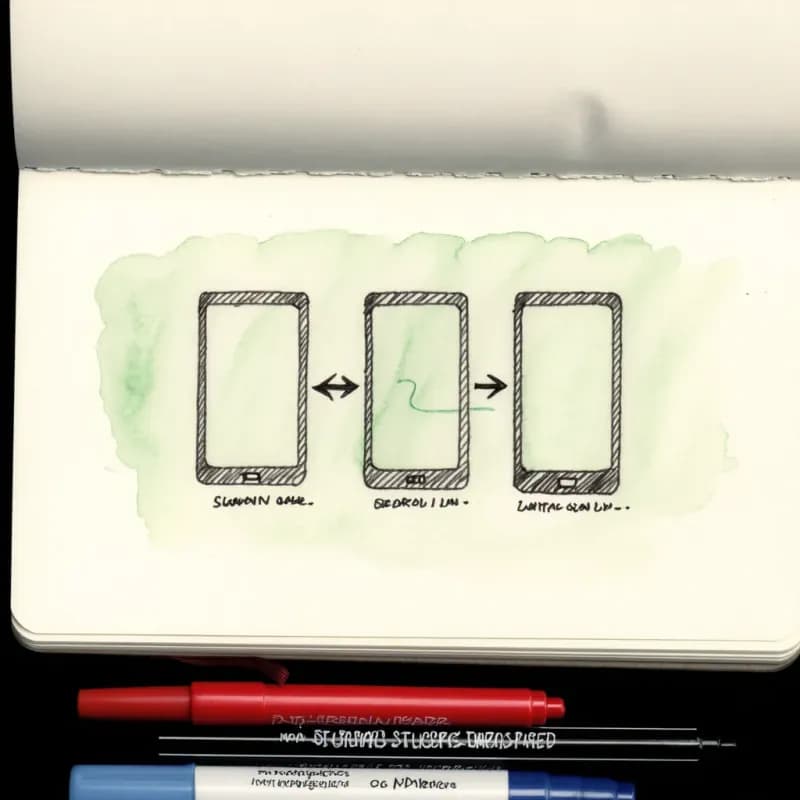
Loop-Back Edges
When users can retry, undo, or back-navigate ("loop back to login on failure"), the back-edges render as curved arrows so they don't clutter the forward flow.
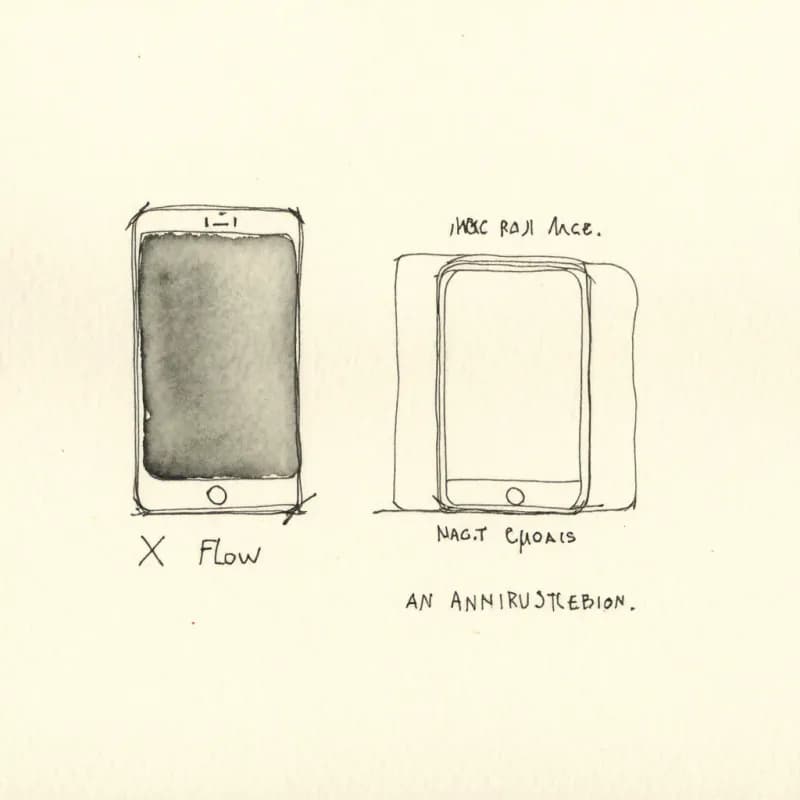
Not for Wireframing
User flow shows the structure; wireframes show the screens. Pair this tool with Figma, Sketch, or Penpot for actual screen mockups.
When to use the user flow generator
Use this tool for
- PRD documentation showing how users navigate a new feature, from entry point to activation.
- UX research deliverables — current-state and desired-state user journeys for a redesign project.
- Design review artifacts that explain decisions about navigation and branching without forcing reviewers to open Figma.
- Onboarding and activation analysis — see the screen-by-screen path users take to reach the first 'aha' moment.
Use a different tool for
- Wireframe-level mockups of the screens themselves — Figma or Sketch are the right tools; this tool draws the connecting flow, not the screens.
- Internal system flow with microservice calls — Sequence Diagram Maker captures backend round-trips that aren't visible to the user.
- Customer journey maps spanning the whole relationship (awareness → advocacy) — a dedicated journey-mapping tool like Smaply or Miro captures emotion and touchpoints.
- Decision logic not tied to UI screens — Decision Tree Maker is the right shape for pure branching.
User Flow Generator FAQ
Related guides
How to Make a Flowchart: A Complete Beginner Guide for 2026
Learn how to create effective flowcharts from scratch. This step-by-step guide covers flowchart basics, symbol meanings, design tips, and the best tools to use in 2026.
Process Mapping: A Practical Guide to Documenting Any Workflow (2026)
Learn how to create effective process maps for your organization. Covers types of process maps, step-by-step methodology, common frameworks (SIPOC, value stream), and best practices.
Ready to Try the AI Flowchart Generator?
Join tens of thousands of professionals who use Flowova to visualize their ideas. Start creating flowcharts with AI in seconds.
Get Started Free