Gerador Gratuito de Texto para Fluxograma
Transforme qualquer descrição em texto em um fluxograma profissional em segundos. Potencializado por IA, sem habilidades de design necessárias.
De um parágrafo desorganizado a um fluxograma limpo
A IA lida com escrita informal — nenhuma sintaxe especial necessária.
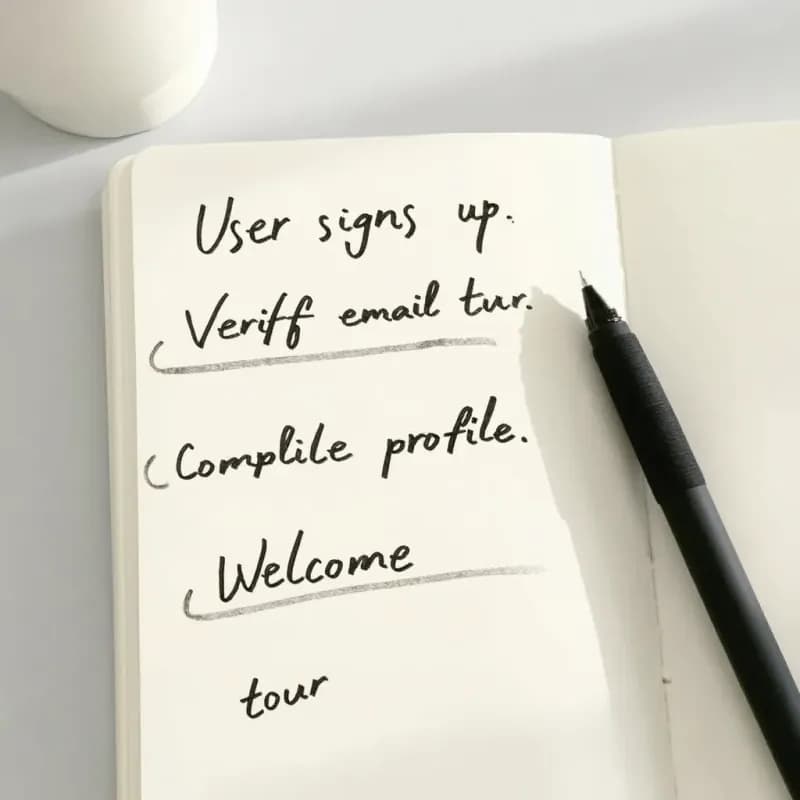
Entrada
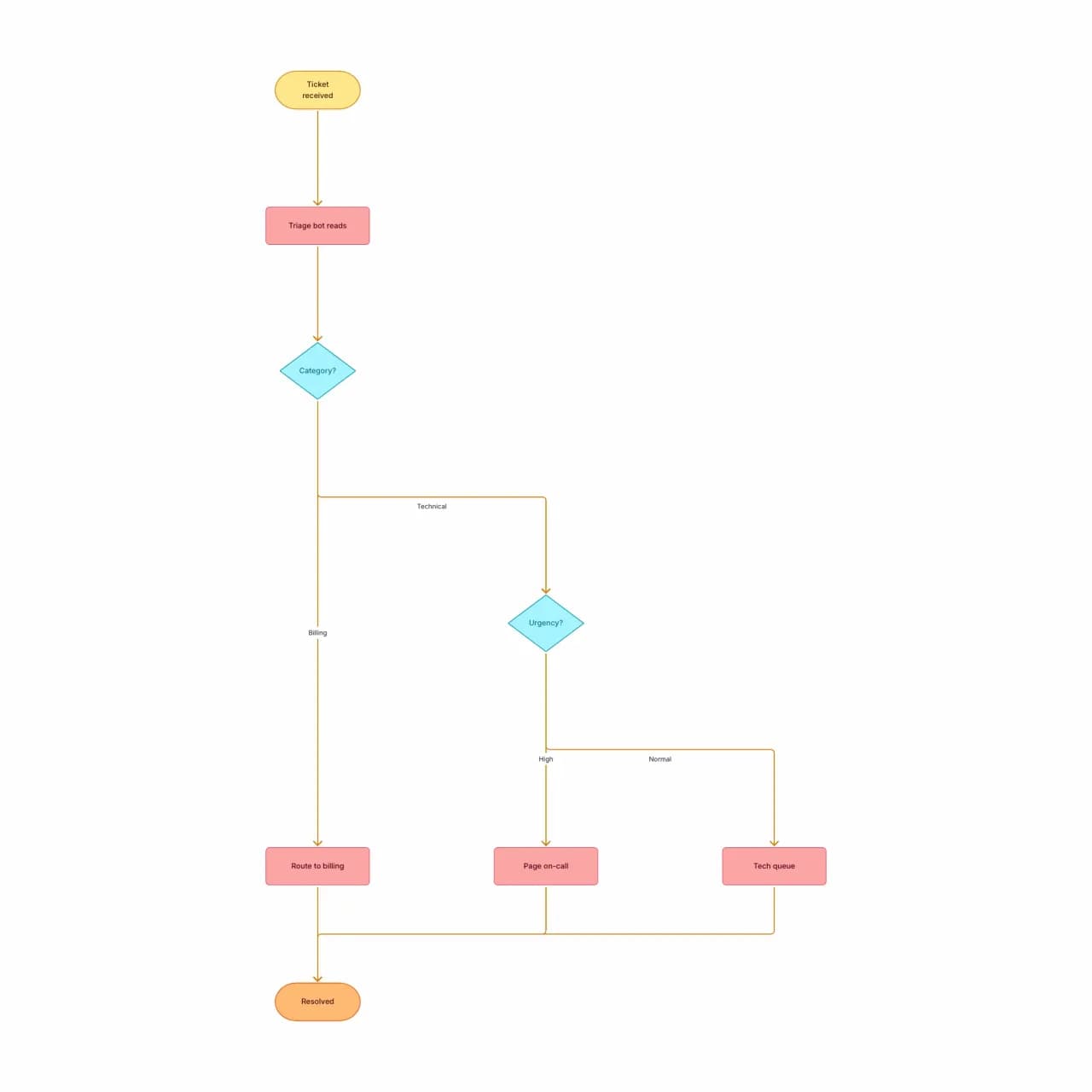
O que a IA produz
Note como "qualquer coisa estranha que não se encaixa" se tornou uma terceira ramificação da decisão de categoria — não um fluxo separado. A IA infere a estrutura de ramificação a partir de expressões hedge em linguagem natural.
O que é geração de texto para fluxograma?
Cole um parágrafo que descreva qualquer sequência — etapas de integração, uma regra de aprovação, um algoritmo — e o Flowova lê a estrutura a partir das suas palavras. A IA infere ramificações quando você escreve 'se', loops quando você escreve 'até' e une caminhos quando duas ramificações convergem. O limite de entrada é de 10.000 caracteres: suficiente para um SOP de várias seções, mas restrito o suficiente para que colar um processo de cada vez gere o layout mais limpo — runbooks longos são divididos em gerações separadas.
Como Converter Texto em Fluxograma
Descreva Seu Processo
Descreva seu processo em linguagem simples. Parágrafos sequenciais, tópicos, etapas numeradas ou fluxo de consciência — tudo funciona. A IA é boa em inferir estrutura a partir de escrita informal.
- Tópicos ou parágrafos — ambos funcionam
- Sem esquema fixo — escrita informal é interpretada
- Até 10.000 caracteres por geração
A IA Cria Seu Fluxograma
O modelo de linguagem do Flowova identifica entidades (etapas, decisões, resultados), mapeia-as para formas de fluxograma e as conecta. O seletor de idioma de saída cobre onze opções: Inglês, Chinês Simplificado, Chinês Tradicional, Japonês, Coreano, Espanhol, Francês, Alemão, Português, Italiano e Automático.
- Ramificações inferidas de 'se' / 'a menos que' / 'quando'
- Nós implícitos de início/fim adicionados quando ausentes
- Loops detectados de 'enquanto' / 'até' / 'repita'
Personalize e Exporte Grátis
Refine rótulos inline, redirecione conexões arrastando, aplique um tema e exporte. A saída em Mermaid é gratuita — útil para incorporar em documentos Markdown sem capturas de tela.
- Arraste nós para reorganizar antes de exportar
- Exportação PNG é gratuita; SVG e WebP são Pro
- Ida e volta com Mermaid funciona (grátis) para sincronizar com README
Recursos de Texto para Fluxograma
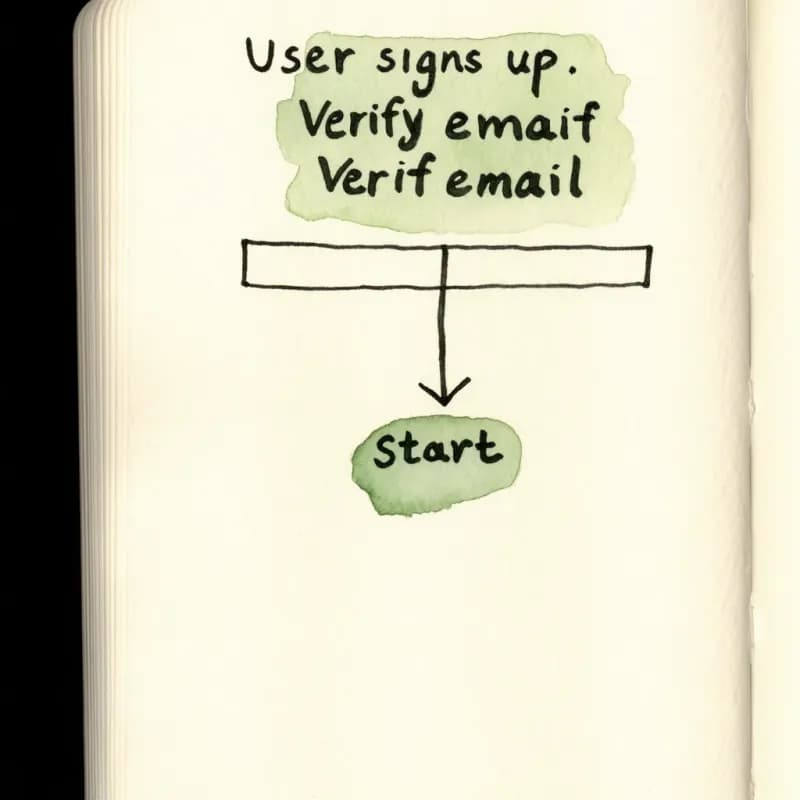
Prosa Livre Funciona
Sem esquema obrigatório — cole um parágrafo, lista de tópicos, transcrição de reunião ou fluxo de consciência. A IA extrai estrutura da escrita informal.
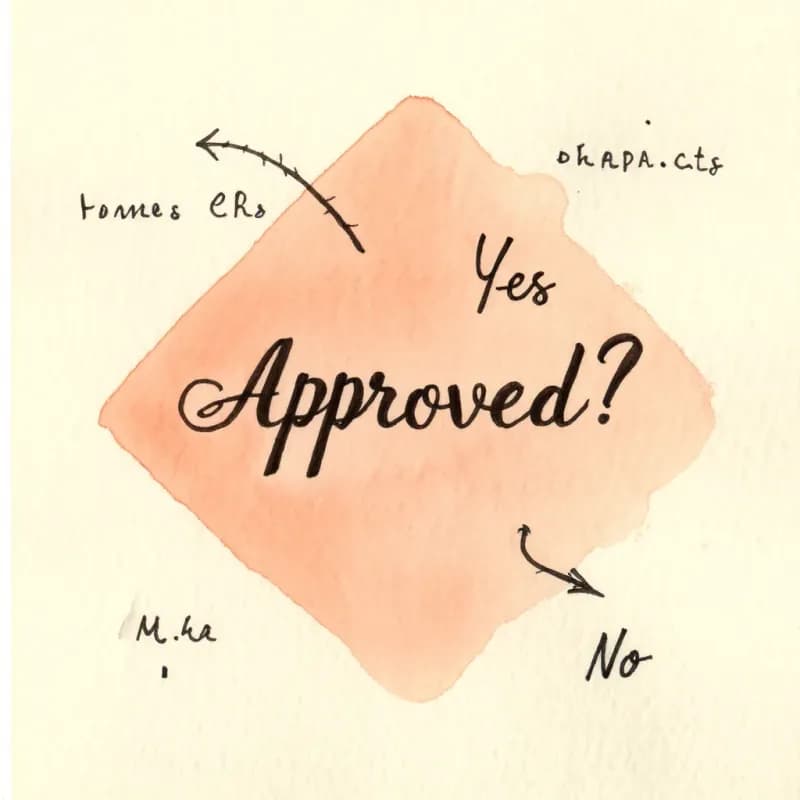
Inferência Condicional
"Se aprovado" se torna uma ramificação Sim a partir de um losango de decisão; "a menos que rejeitado" se torna uma ramificação invertida. Linguagem de loop (enquanto, até, repita) gera arestas de retorno.
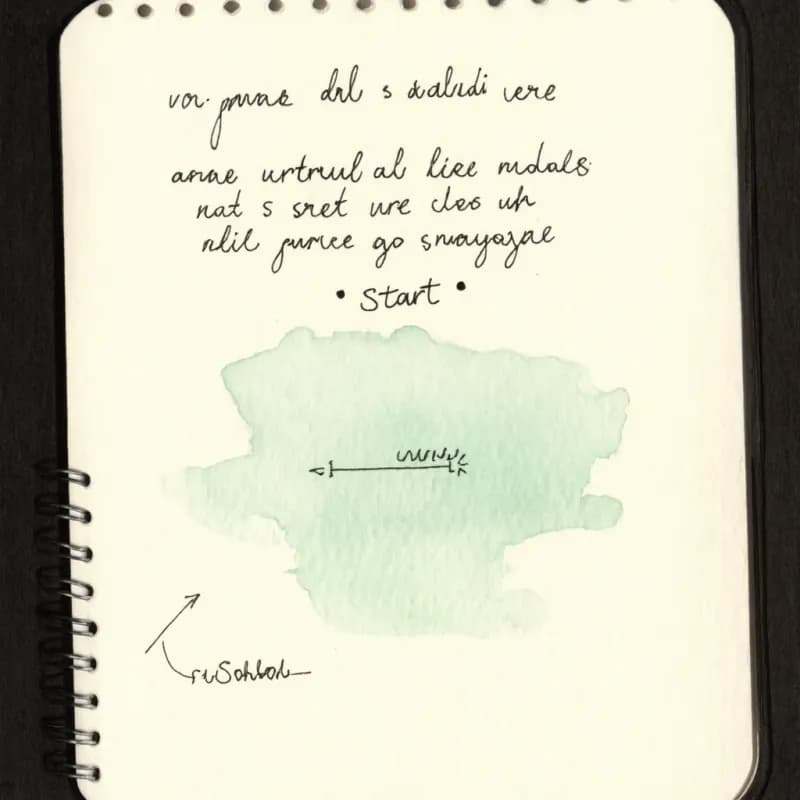
Início e Fim Implícitos
Quando seu texto começa no meio do processo ("após o formulário ser enviado…"), a IA sintetiza um nó de início explícito para que o diagrama seja válido em termos similares ao BPMN.
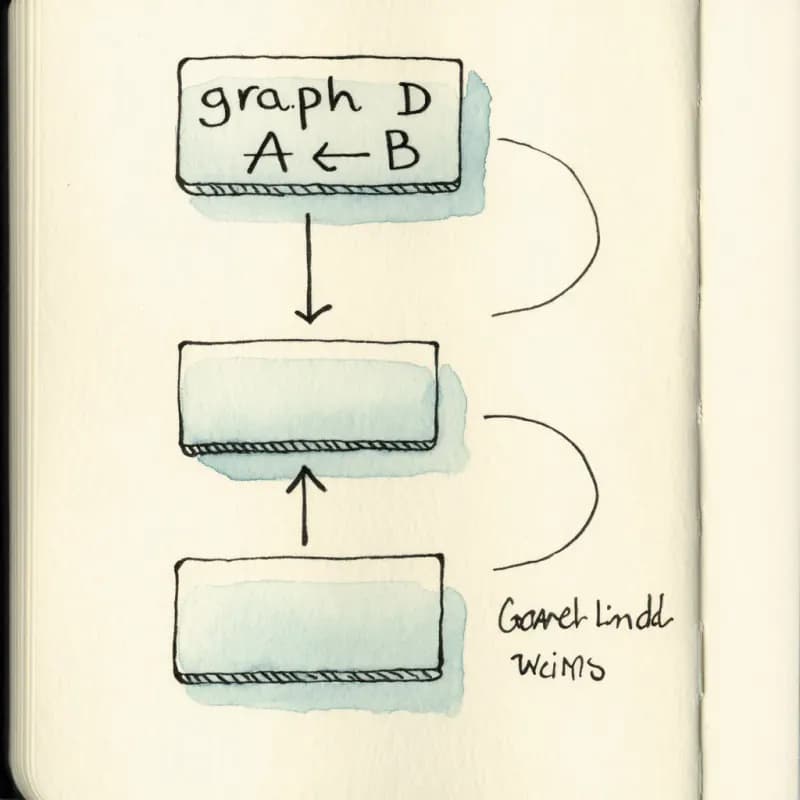
Ida e Volta com Mermaid
Após a geração, exporte de volta para Mermaid (grátis) e cole no seu README ou site de documentação. Edições futuras no editor visual permanecem seguras para ida e volta.
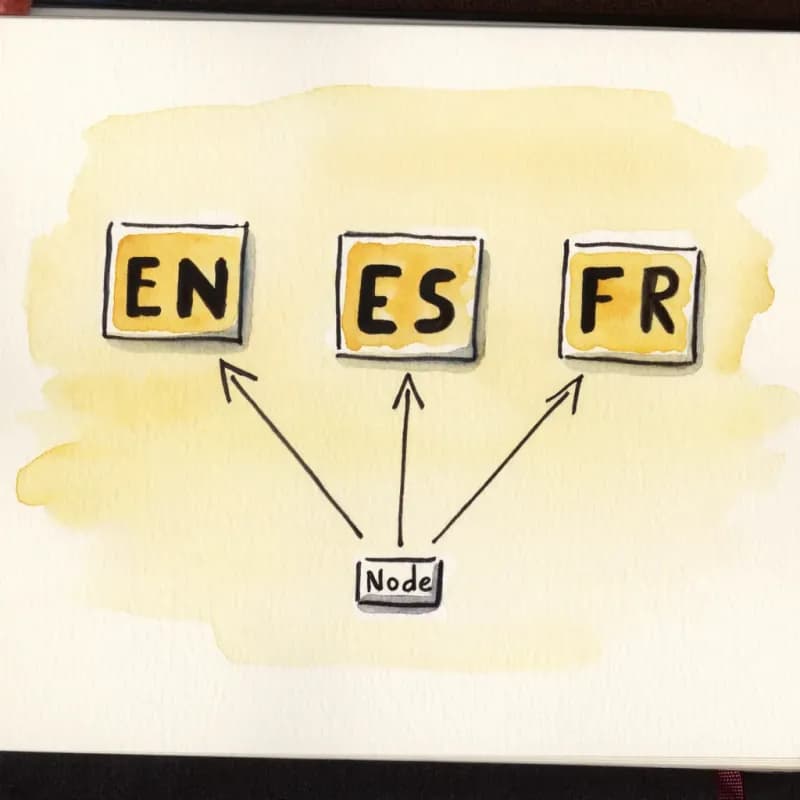
Entrada Multilíngue
Descreva em inglês, chinês, japonês, espanhol, português, francês, alemão e mais — os rótulos dos nós são exibidos no idioma que você usou.
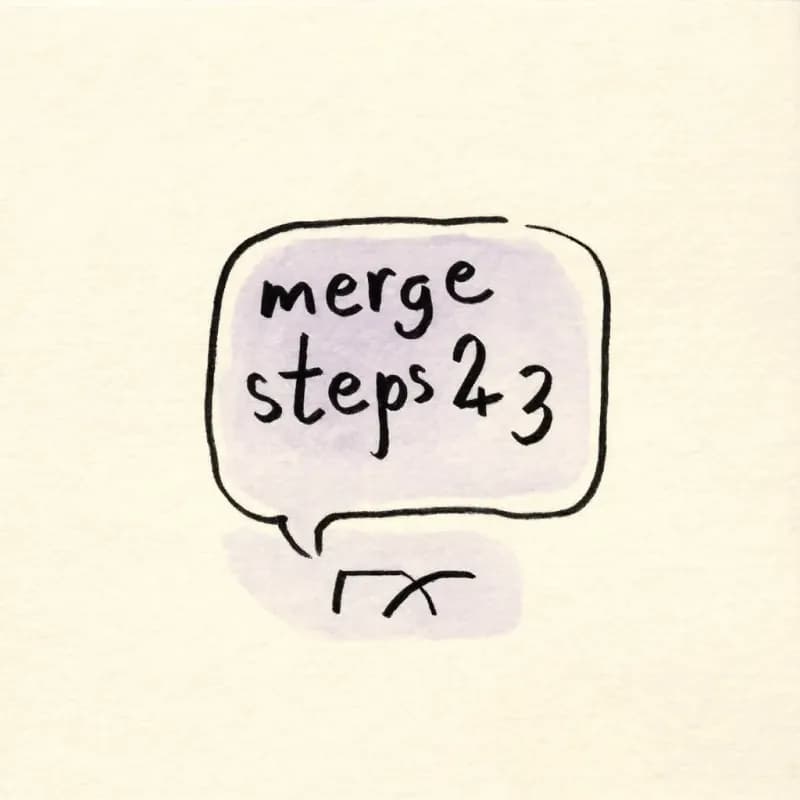
Chat Agent de IA (Pro)
Após a geração, diga "mescle as etapas 2 e 3" ou "adicione um loop de repetição após a etapa de validação" — edições incrementais sem precisar reformular do zero.
Quando usar texto-para-fluxograma
Use esta ferramenta para
- Você tem o processo na cabeça, em anotações de reunião ou em um documento — mas ainda não como um diagrama — e quer um primeiro rascunho em menos de um minuto.
- Traduzir um SOP ou um guia escrito em parágrafos em um visual para stakeholders que apenas folheiam.
- Rascunhar de forma colaborativa: gere um primeiro esboço aqui e itere com sua equipe em vez de começar do zero.
- Equipes multilíngues — descreva no idioma da sua equipe e o diagrama é renderizado com rótulos no mesmo idioma.
Use uma ferramenta diferente para
- Você já tem código-fonte que compila — o parser ciente de linguagem de Código para Fluxograma produz um diagrama mais fiel.
- O 'texto' na verdade está em um PDF, Word ou Excel — envie o arquivo diretamente para a ferramenta correspondente em vez de colar conteúdo parcial.
- Processos multifuncionais em que a história é quem entrega o quê a quem — o Criador de Diagrama Swimlane desenha papéis nativamente.
- Diagramas pixel-perfect alinhados com a marca para um deck de investidores — gere a estrutura aqui e depois refine o SVG exportado no Figma ou Illustrator.
FAQ de Texto para Fluxograma
Mais Ferramentas Gratuitas de Fluxograma
Criador de Fluxograma
Crie fluxogramas online com IA
Imagem para Fluxograma
Converta imagens em fluxogramas editáveis
Criador de Árvore de Decisão
Crie árvores de decisão com IA
Gerador de Diagrama de Fluxo de Trabalho
Crie diagramas de fluxo de trabalho com IA
Markdown para Fluxograma
Converta Markdown em fluxogramas com IA
Guias relacionados
Como Criar um Fluxograma: Guia Completo para Iniciantes em 2026
Aprenda a criar fluxogramas eficazes do zero. Este guia passo a passo abrange os fundamentos, significados dos símbolos, dicas de design e as melhores ferramentas para usar em 2026.
Folha de Referência de Símbolos de Fluxograma: Significados, Formas e Exemplos
Um guia visual rápido para símbolos de fluxograma e seus significados: início/fim, processo, decisão, entrada/saída, conectores, documentos, depósitos de dados e erros comuns.
O Que é um Fluxograma? Definição, Símbolos e Exemplos do Mundo Real
O que é um fluxograma? Uma definição completa com símbolos centrais, tipos de modelos de fluxograma, usos no mundo real e quando usá-los (ou não). Exemplos práticos incluídos.
Pronto para Experimentar o Gerador de Fluxograma com IA?
Junte-se a dezenas de milhares de profissionais que usam o Flowova para visualizar suas ideias. Comece a criar fluxogramas com IA em segundos.
Comece Gratuitamente