Free AI Decision Tree Maker
Transform decision logic into clear visual trees instantly. Describe your if-then-else scenarios and AI creates a professional decision tree diagram.
A bug triage decision tree
Real decision logic, real tree.
Input
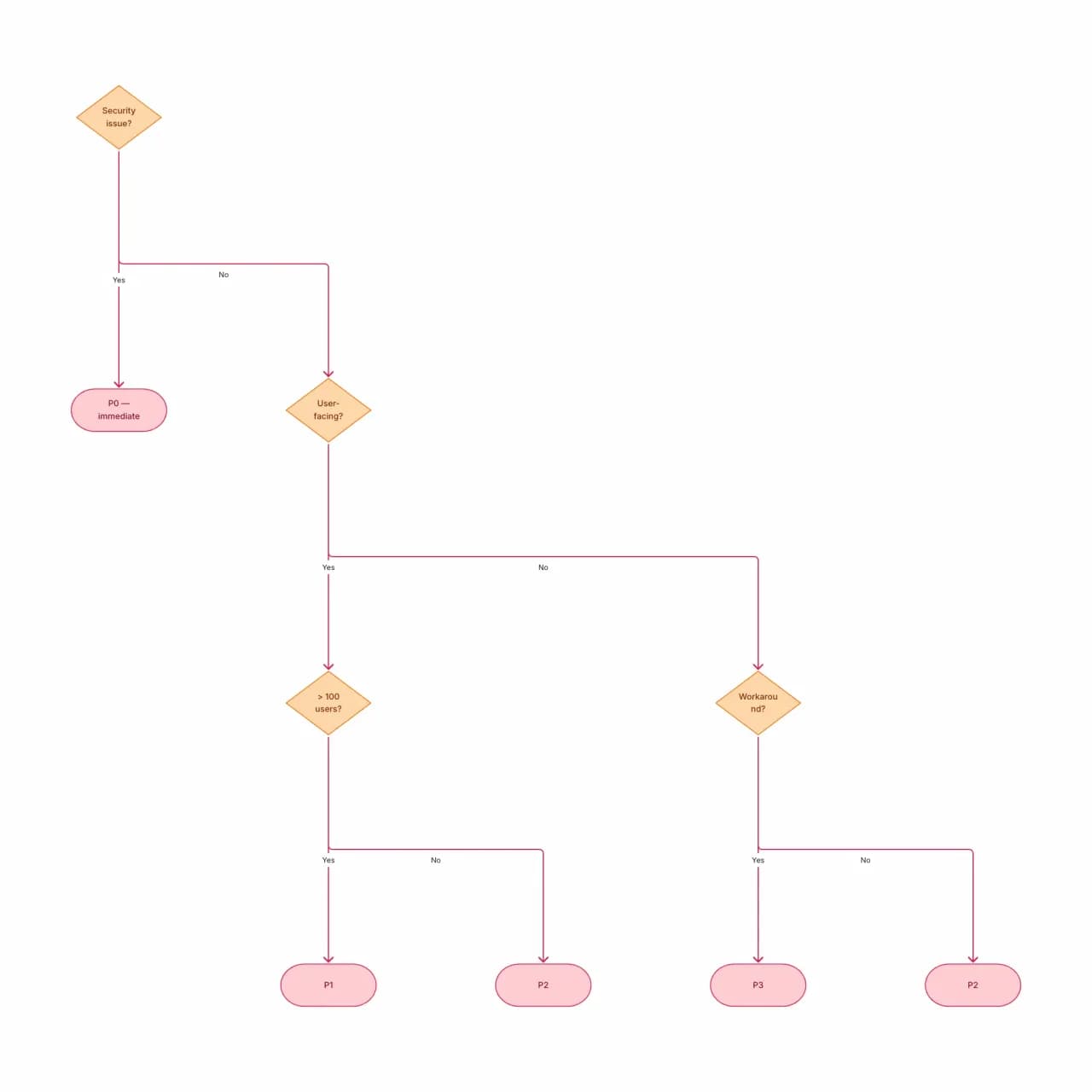
What the AI produces
Decision trees are flowcharts where every node is a decision and every leaf is a final outcome — no looping, no merge points. Useful when you need to communicate "which priority does this bug get?"
What is a decision tree maker?
Describe the conditions and outcomes of a decision — "if a customer's last login was over 90 days ago and they have no open tickets, mark them at-risk" — and Flowova builds a tree with binary or n-ary branches and labeled leaves. Nested conditions, default cases, and explicit precedence are preserved. Best for human-decision trees (business rules, support triage, classification rubrics); machine-learning decision trees with split criteria and gini values are not the focus here.
Build a Decision Tree Step by Step
Describe Your Decision Logic
Describe the decisions and outcomes. The format that works best: a series of "if-then" branches with eventual leaf nodes (final outcomes).
- Plain English conditions and outcomes
- Binary or n-ary branches both work
- Default cases and 'else' fallback supported
AI Creates Your Tree
The AI builds a tree with the decision as the root, branches for each condition, and leaves for the final outcomes.
- Nested conditions become tree depth
- Branch labels match your wording verbatim
- Not for ML decision trees with split criteria
Customize and Export
Refine — decision trees often need rebalancing. Drag branches, restyle, and export.
- Refine outcome leaves inline
- Theme for runbook vs. customer-facing context
- Free PNG; SVG and Mermaid are Pro
Decision Tree Maker Features

Binary and N-ary Branches
Yes/No decisions render with two branches. Multi-way decisions ("category? billing/technical/sales") render with N labeled branches from one node.
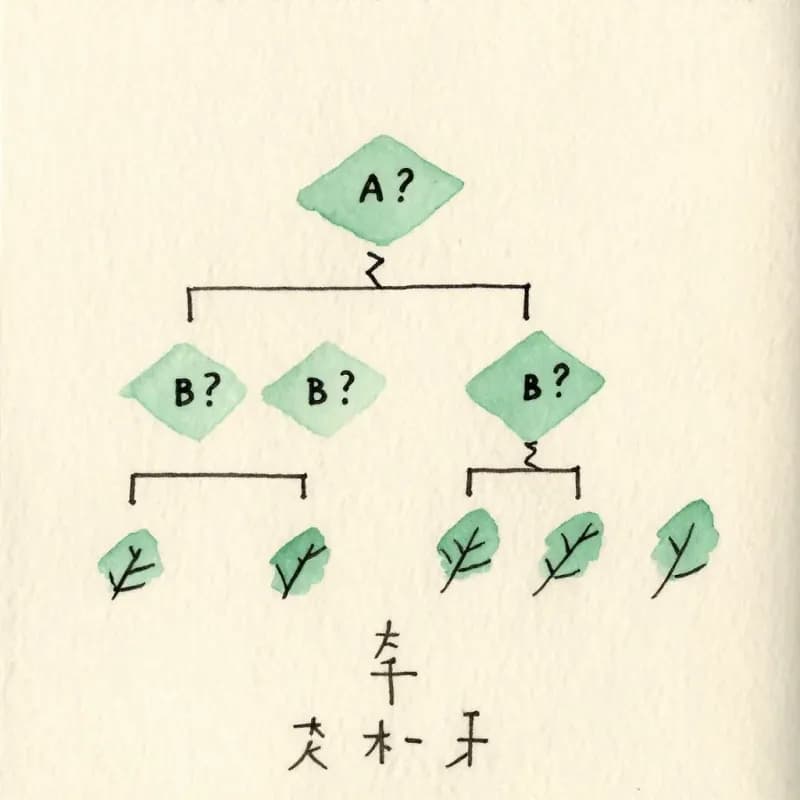
Nested Conditions
"If A then if B then C" generates two-level depth. The tree depth is the natural recursion depth of your description.
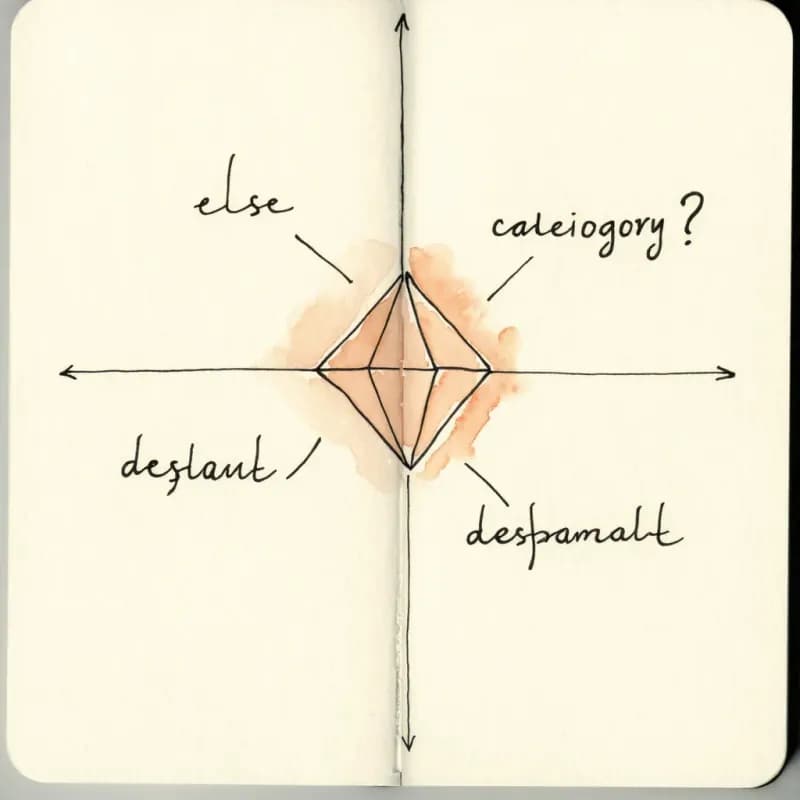
Default and Else Branches
"Otherwise", "else", "default", "fallback" all parse as the catch-all branch from a multi-way decision node.

Leaf Outcomes Distinguished
Terminal outcomes ("Mark as P0", "Add to backlog") render as labeled end nodes with a distinct shape from intermediate decisions.
Business Rules and Triage
Targets human decision logic — customer triage, escalation paths, eligibility rules, troubleshooting trees, classification rubrics.
Not for ML Decision Trees
Decision trees with split criteria, gini values, or leaf class distributions (sklearn / XGBoost output) are not the target — use a model visualization tool.
When to use the decision tree maker
Use this tool for
- Bug or incident triage rules — 'which severity bucket does this go into' — that your on-call rotation needs to learn fast.
- Approval and eligibility policies where every input combination must land at exactly one outcome, with no loops or ambiguity.
- Troubleshooting paths and diagnostic flows — the kind on a printed lab card or a customer-support runbook.
- Decision documentation in playbooks where the reviewer just wants to know which leaf the answer ends up at.
Use a different tool for
- Flows that loop back or merge — decision trees are by definition acyclic. Use the Flowchart Maker for those.
- Sequential steps between decisions — same reason, a flowchart is the right shape.
- ML classification or regression trees from scikit-learn, XGBoost, or LightGBM — those have splits with thresholds and Gini scores; use the library's own graphviz or `plot_tree` export.
- Decisions tightly coupled to if-else code — If-Else to Flowchart accepts the code form directly.
Decision Tree Maker FAQ
Related guides
Decision Tree vs Flowchart: What's the Difference and When to Use Each
Understand the key differences between decision trees and flowcharts. Learn when to use each diagram type with practical examples for business, software, and data analysis.
Flowchart Best Practices: 10 Rules for Clear, Effective Diagrams
Ten concrete rules for designing flowcharts that are easy to read, technically accurate, and actually useful — with correct and incorrect examples for each.
Ready to Try the AI Flowchart Generator?
Join tens of thousands of professionals who use Flowova to visualize their ideas. Start creating flowcharts with AI in seconds.
Get Started Free