Free AI Workflow Diagram Generator
Transform your workflow descriptions into professional diagrams in seconds. Describe your automation, business process, or system workflow - AI creates the visual diagram.
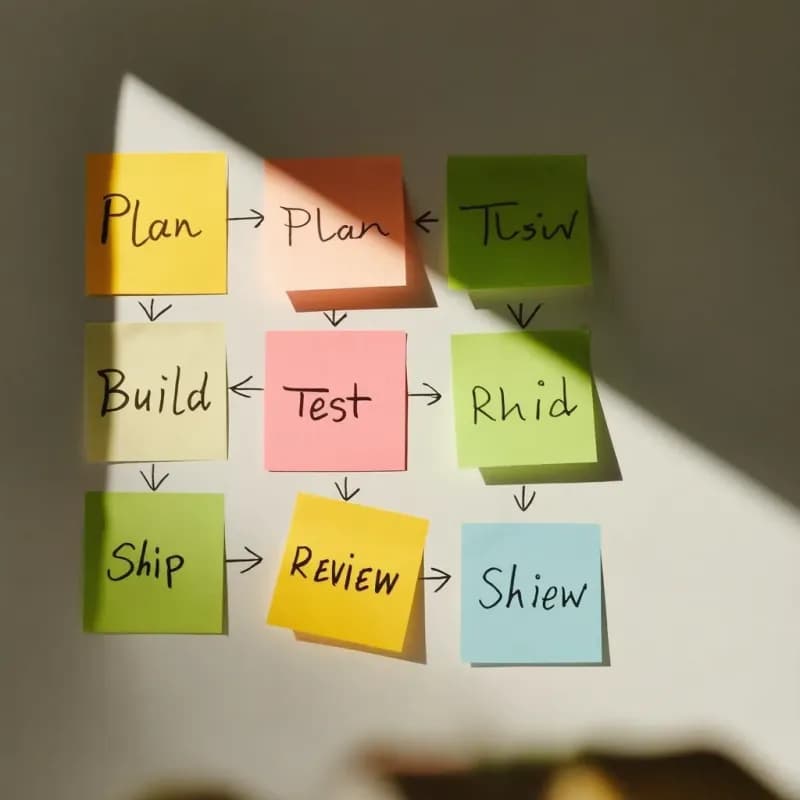
An automation workflow visualized
Zapier-style trigger-action chain.
Input

What the AI produces
Workflow-to-flowchart emphasizes triggers and actions over generic "steps" — closer to how automation tools (Zapier, n8n, Make) think about flows.
What is a workflow-to-flowchart generator?
Describe an automation the way you would explain it to a teammate — "when a Salesforce lead comes in, create a HubSpot contact, send a Mailchimp welcome, and if the score is over 80 also ping #sales" — and Flowova produces a diagram with the trigger as the start, each action as a step, and branching logic as decisions. It fits Zapier-style descriptions, n8n flow specs, manual handoff processes, and CI/CD pipelines. The output is a diagram, not executable code — useful for design reviews and docs, not for running the automation itself.
Map Your Workflow as a Flowchart
Describe Your Workflow
Describe the workflow — typically with triggers (what starts it), actions (what happens), and outcomes (what completes it). Works for human workflows, automation workflows (Zapier/n8n style), or hybrid.
- Zapier and n8n-style descriptions parse directly
- Triggers, actions, conditions all recognized
- Manual handoff processes supported too
AI Creates Your Diagram
The AI maps triggers to start events, actions to process steps, decision points to diamonds, and outcomes to end events.
- Trigger becomes the start node
- Parallel actions render side-by-side
- Output is documentation — not runnable code
Customize and Export
Refine for your specific use case — automation workflows benefit from technical-style diagrams; human workflows benefit from process-map style.
- Swap themes for review vs. final
- Public read-only links for stakeholder review
- Free PNG; SVG and Mermaid are Pro
Workflow to Flowchart Features

Trigger-Action Recognition
"When a Salesforce lead comes in…" parses the trigger as the start node. "Create HubSpot contact, then send Mailchimp email" become sequential actions.

Conditional Branching
"If lead score > 80, ping #sales" generates a decision diamond with a true-branch action. Multi-condition logic (and / or) is preserved.
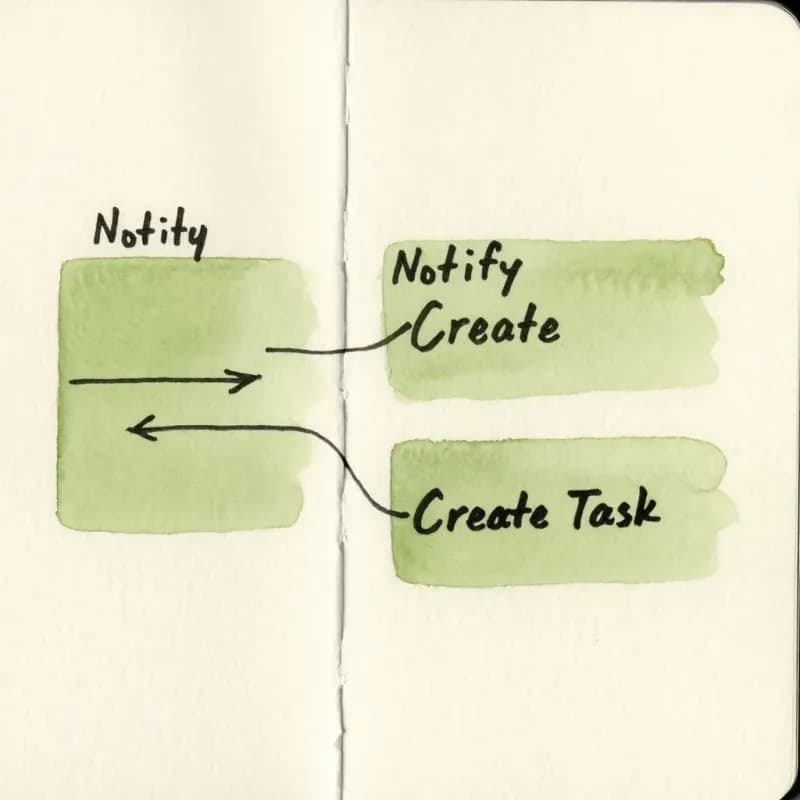
Parallel Action Layout
Actions described as concurrent ("simultaneously notify sales AND create task") render side-by-side, not sequentially.

Zapier / n8n Style Inputs
Native parsing for Zapier-style descriptions ("New Email in Gmail → Append Row to Sheet → Slack Notification") and n8n / Make.com flow specs.

CI/CD Pipeline Format
Pipeline descriptions ("on push to main, run tests, deploy to staging, if green deploy to prod") produce stage-gated flow diagrams.

Documentation Only
The output is a diagram for design review and docs — not an executable workflow. Use the dedicated platform (Zapier/n8n) to actually run the automation.
When to use workflow-to-flowchart
Use this tool for
- Documenting a Zapier, n8n, or Make automation for your team's onboarding wiki — capture triggers and actions before the original author leaves.
- A visual reference for a CI/CD pipeline that lives across .yml files in three different repos.
- Marketing automation flows — drip campaigns, lead nurturing, abandoned-cart sequences — that stakeholders need to review without opening the automation tool's UI.
- Internal workflow audits: see the full automation chain on one page to catch dead branches and missing fallbacks.
Use a different tool for
- Cross-team manual processes with role handoffs — Swimlane Diagram Maker draws who's accountable at each step natively.
- Audit deliverables requiring strict BPMN notation — BPMN Diagram Generator places the formal gateway and event symbols.
- User-facing UI flows — User Flow Generator's screen-and-action convention is sharper than a generic workflow diagram.
- The automation needs to actually run after diagramming — this tool produces documentation, not deployable code; build the live workflow in Zapier, n8n, or Make.
Workflow to Flowchart FAQ
Related guides
Process Mapping: A Practical Guide to Documenting Any Workflow (2026)
Learn how to create effective process maps for your organization. Covers types of process maps, step-by-step methodology, common frameworks (SIPOC, value stream), and best practices.
Swimlane Diagram Guide: What It Is, When to Use One, and How to Make It
Learn what a swimlane diagram is, when to use one, and how to create effective cross-functional flowcharts. Includes examples for business, software, and HR workflows.
SOP Flowchart Guide: How to Turn Procedures into Clear Process Diagrams
Learn how to convert SOPs into flowcharts with steps, decisions, owners, exceptions, and review points. Includes examples and an AI SOP-to-flowchart workflow.
Ready to Try the AI Flowchart Generator?
Join tens of thousands of professionals who use Flowova to visualize their ideas. Start creating flowcharts with AI in seconds.
Get Started Free