Creador gratuito de mapas de procesos con IA
Describe tu proceso de negocio en lenguaje natural y obtén un mapa de procesos profesional con roles, puertas de decisión y rutas paralelas. Construido para equipos de operaciones, calidad y cumplimiento.
Un proceso de compras, mapeado
El tipo de mapa que los auditores realmente piden.
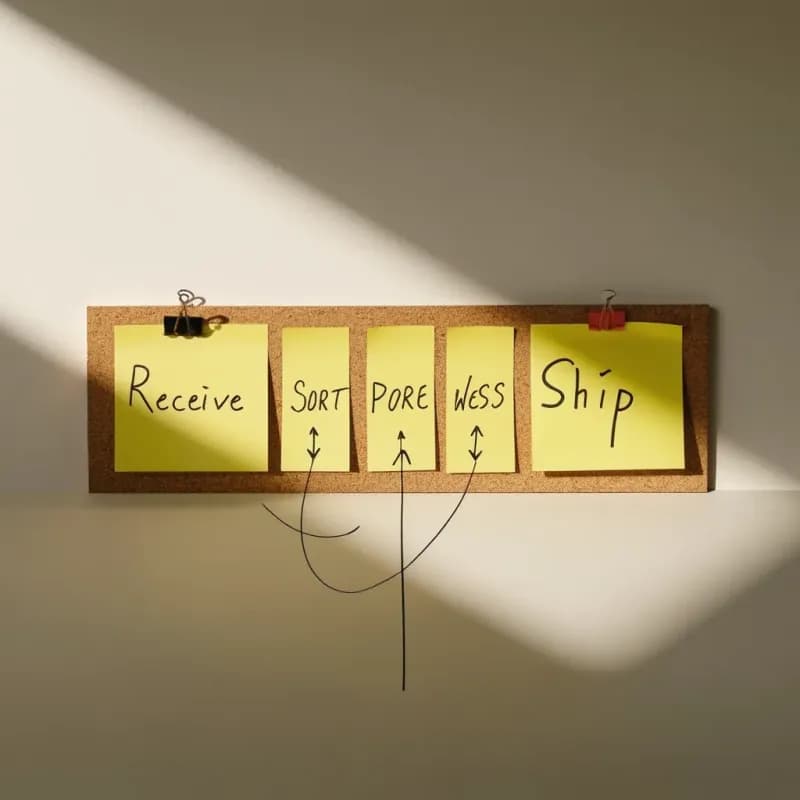
Entrada
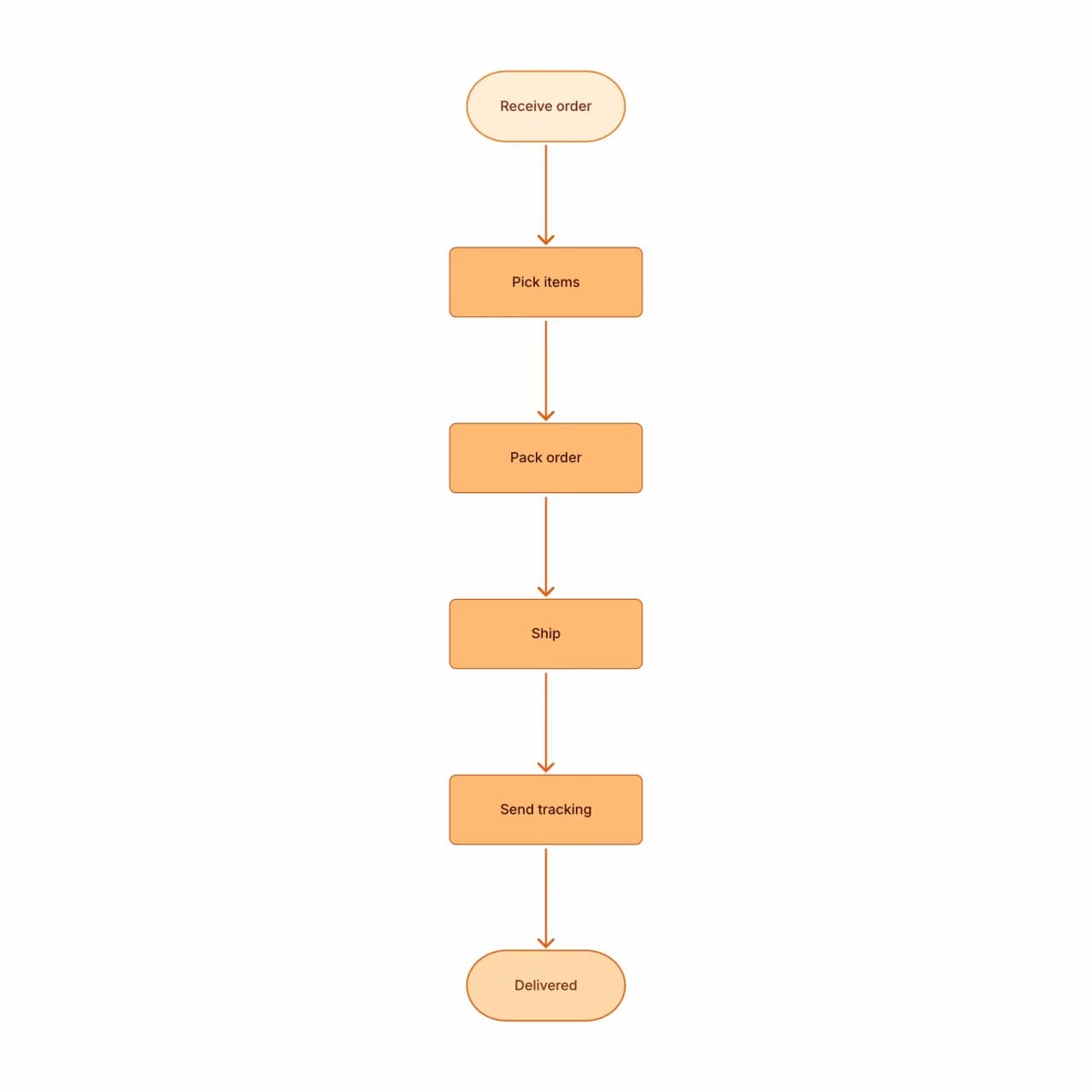
Lo que produce la IA
La aprobación de doble umbral (corte de $10k) es una de las formas más comunes en mapas de compras y se genera correctamente desde el umbral en lenguaje natural.
¿Qué es un mapa de procesos (y en qué se diferencia de un diagrama de flujo)?
Un mapa de procesos es una vista de mayor elevación que un único diagrama de flujo: es el diagrama que los equipos de operaciones usan para documentar flujos de trabajo como-es y por-ser para Six Sigma, mejora lean, preparación de auditoría y onboarding de nuevos empleados. El creador de mapas de procesos de Flowova acepta descripciones que incluyen roles, traspasos, puertas de aprobación, rutas de excepción y notas de SLA, y produce un mapa estructurado dimensionado para una audiencia operativa. Tres o más roles activan bandas de carriles automáticas; por debajo de ese umbral la salida se mantiene como un mapa de una sola columna para que el diagrama aún quepa en una diapositiva.
Crea un mapa de procesos desde cero
Describe tu proceso de negocio
Describe el proceso de extremo a extremo: entradas, actividades, puntos de decisión, salidas. La IA maneja descripciones estilo SIPOC ("Supplier-Input-Process-Output-Customer") y narrativa estándar.
- Describe con roles, traspasos, puertas, excepciones
- Inglés sencillo: sin sintaxis Six Sigma requerida
- Hasta 10.000 caracteres por prompt
La IA genera tu mapa de procesos
Flowova mapea cada actividad a una caja de proceso, rombos de decisión para ramas y símbolos de E/S de almacenes en los límites. Las actividades se agrupan si mencionas subprocesos.
- Puertas de decisión distinguidas de pasos de proceso
- Rutas paralelas dispuestas lado a lado
- Enrutamiento de excepción renderizado con aristas distintas
Refina y comparte
Ajusta el nivel de detalle (colapsa subprocesos, expande actividades), aplica un esquema de color Lean/Six Sigma si es útil, y exporta. Salida común: documentación SOP, entregables de auditoría, material de formación.
- Tema para contexto SIPOC, swimlane o value-stream
- PNG (gratis), SVG/Mermaid (Pro) para carpetas de auditoría
- Enlaces públicos de solo lectura para revisiones de mejora continua
Funciones del creador de mapas de procesos
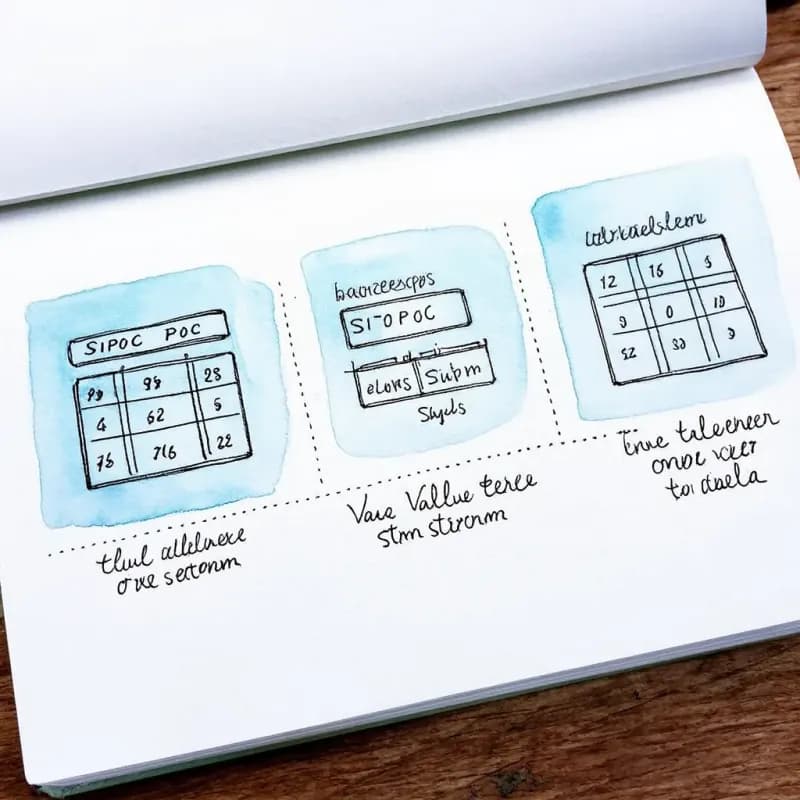
SIPOC / Value-Stream / Swimlane
Tres estilos primarios de mapa de procesos soportados: especifica en tu prompt ("SIPOC", "value-stream map", "swimlane") para la convención de diseño correspondiente.
Roles y traspasos
"Atención al cliente enruta a cumplimiento" genera una flecha de traspaso explícita entre roles o departamentos nombrados: requerido para claridad de proceso interfuncional.
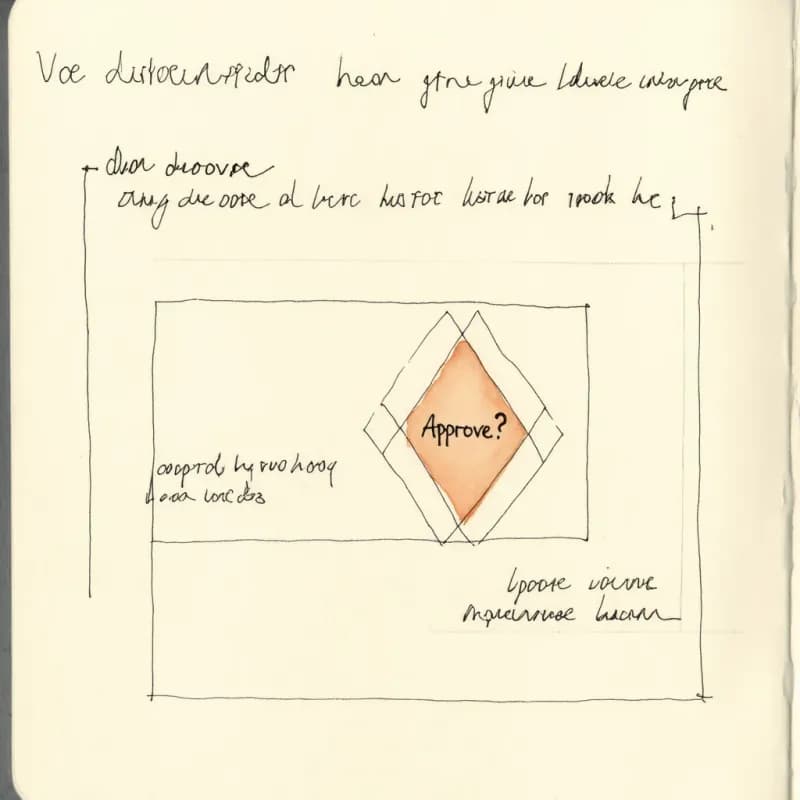
Puertas de aprobación
Los pasos de aprobación se renderizan con rombos de doble borde para distinguirlos de las decisiones de proceso, coincidiendo con las convenciones de mapeo Six Sigma y Lean.
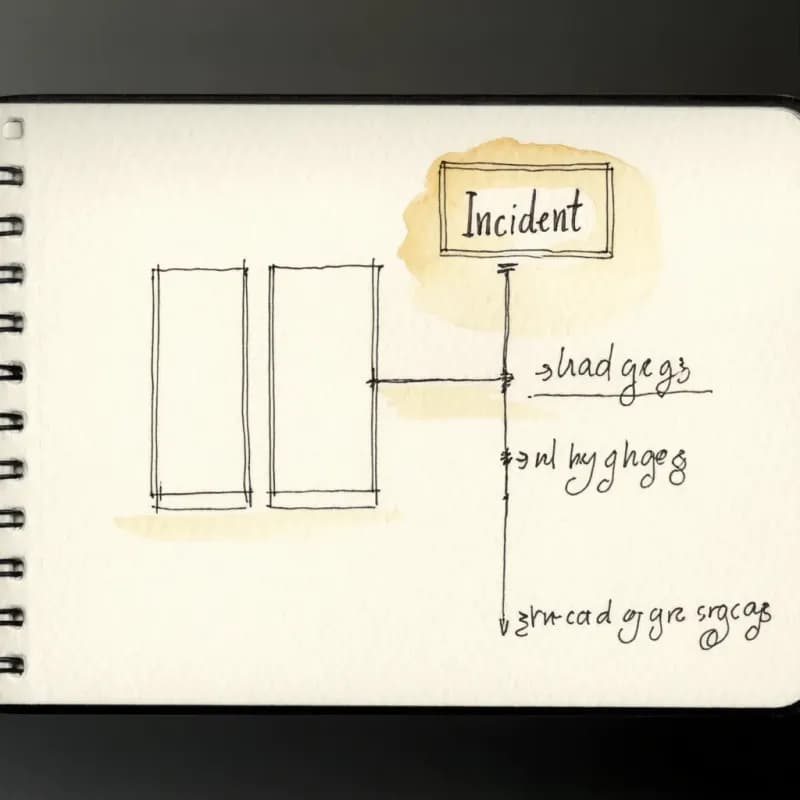
Rutas de excepción
"Si hay error, enrutar a respuesta a incidentes" genera una arista de ruta de excepción distinta (a menudo discontinua) para que los flujos de desviación estén visualmente separados de las rutas felices.
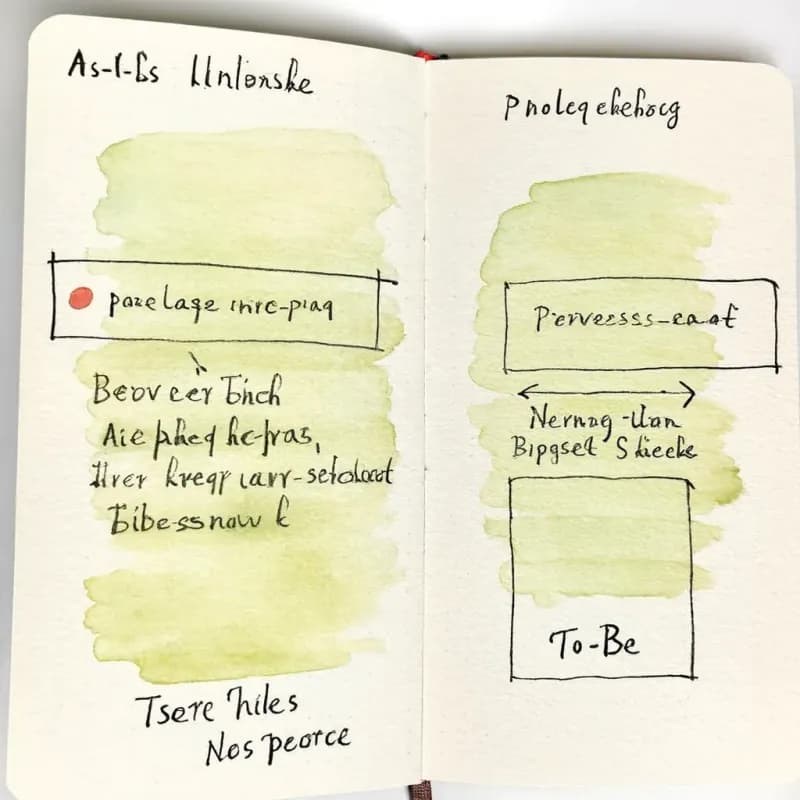
Par como-es / por-ser
Genera primero el mapa como-es, luego pide "muestra la versión por-ser con el cuello de botella X eliminado": flujo de mejora Lean común soportado.
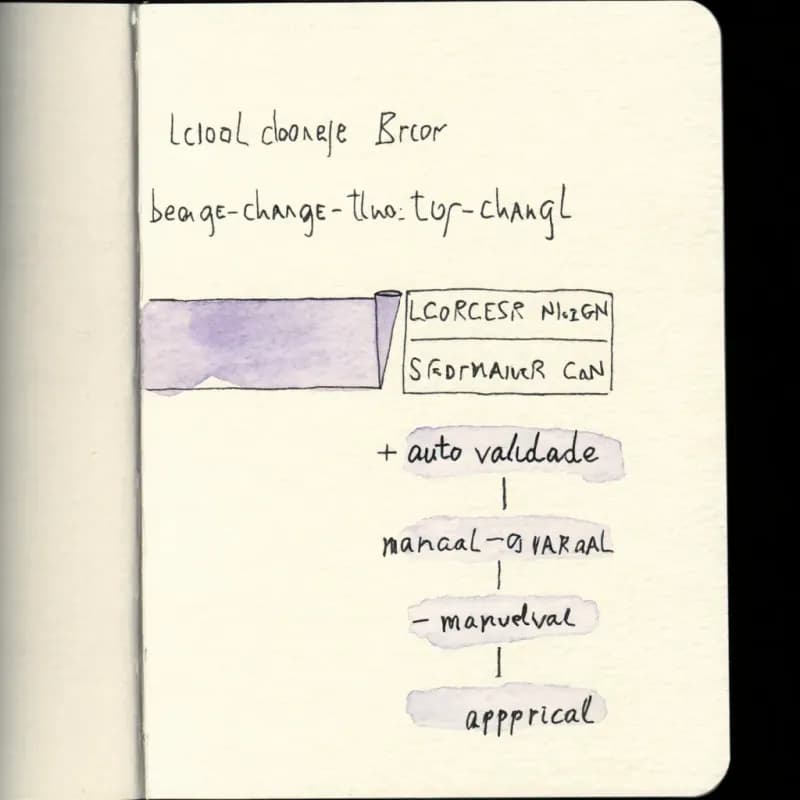
Trazabilidad de auditoría de mejora continua
Cada generación puede incluir un registro de cambios textual ("eliminada aprobación manual, añadida autovalidación") para documentación kaizen / mejora continua.
Cuándo usar un mapa de procesos
Usa esta herramienta para
- Documentar un proceso de negocio como-es o por-ser para un entregable de proyecto Lean Six Sigma Green/Black Belt.
- Documentación de calidad ISO 9001 donde el mapa de procesos se sitúa junto al SOP en tu QMS.
- Documentos de onboarding para nuevos miembros del equipo que se unen a un proceso multipasos establecido.
- Comunicar un proceso al liderazgo para conseguir buy-in: las versiones visuales se leen, los SOPs solo de texto no.
Usa otra herramienta para
- Traspasos interequipo como historia principal: el Creador de diagramas de carriles muestra la responsabilidad explícitamente.
- Cumplimiento BPMN estricto: el Generador de diagramas BPMN usa la notación formal que los auditores esperan.
- Movimiento de datos a través de sistemas: el Creador de diagramas de flujo de datos es la forma correcta para esa pregunta.
- Mapeo de cadena de valor con símbolos de ráfaga kaizen y triángulo de proveedor: la biblioteca VSM de Lucidchart o la plantilla VSM de Miro está más cerca de esas convenciones.
Preguntas frecuentes del creador de mapas de procesos
Más herramientas gratuitas de procesos
Generador de diagramas de flujo de trabajo
Crea diagramas de flujo de trabajo con IA
Creador de diagramas de carriles
Crea diagramas de carriles con IA
Generador de diagramas BPMN
Crea diagramas BPMN con IA
SOP a diagrama de flujo
Convierte SOPs en diagramas de flujo con IA
Creador de diagramas de flujo
Crea diagramas de flujo en línea con IA
Guías relacionadas
Mapeo de procesos: Guía práctica para documentar cualquier flujo de trabajo (2026)
Aprenda a crear mapas de procesos efectivos para su organización. Cubre tipos de mapas de procesos, metodología paso a paso, marcos comunes (SIPOC, flujo de valor) y mejores prácticas.
Guía de diagramas de carriles (swimlane): qué es, cuándo usarlo y cómo hacerlo
Aprenda qué es un diagrama de carriles, cuándo usar uno y cómo crear diagramas de flujo interfuncionales efectivos. Incluye ejemplos para negocios, software y flujos de trabajo de HR.
Mejores prácticas para diagramas de flujo: 10 reglas para diagramas claros y efectivos
Diez reglas concretas para diseñar diagramas de flujo fáciles de leer, técnicamente precisos y realmente útiles, con ejemplos correctos e incorrectos para cada una.
¿Listo para probar el generador de diagramas de flujo con IA?
Únete a decenas de miles de profesionales que usan Flowova para visualizar sus ideas. Empieza a crear diagramas de flujo con IA en segundos.
Empieza gratis