Free SOP to Flowchart Converter
Transform standard operating procedures into clear, visual flowcharts. Paste your SOP text - AI creates a professional process flow diagram instantly.
An incident response SOP, visualized
The classic SOP-to-flowchart use case.
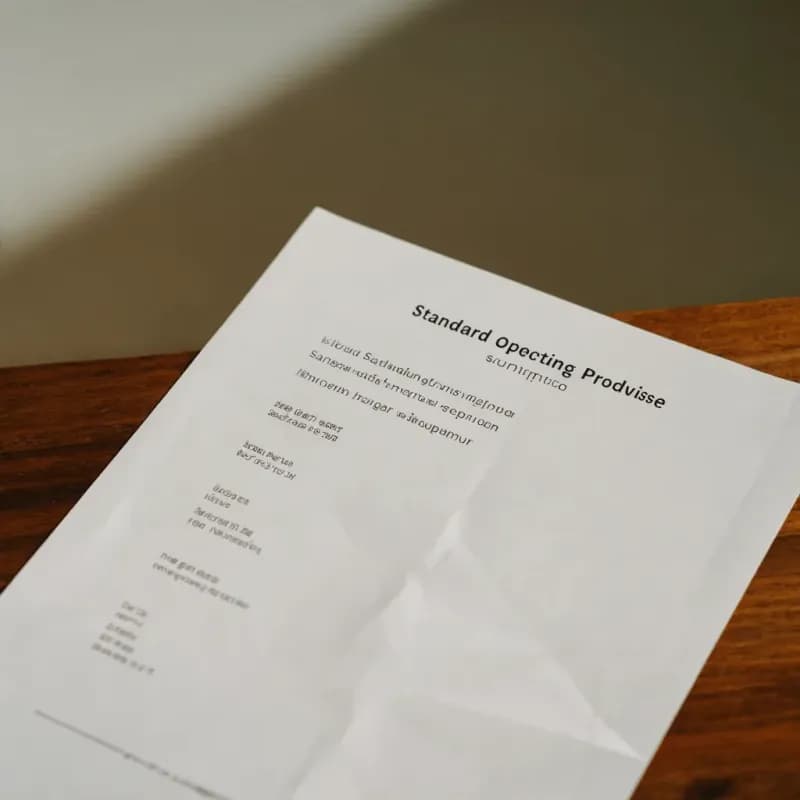
Input
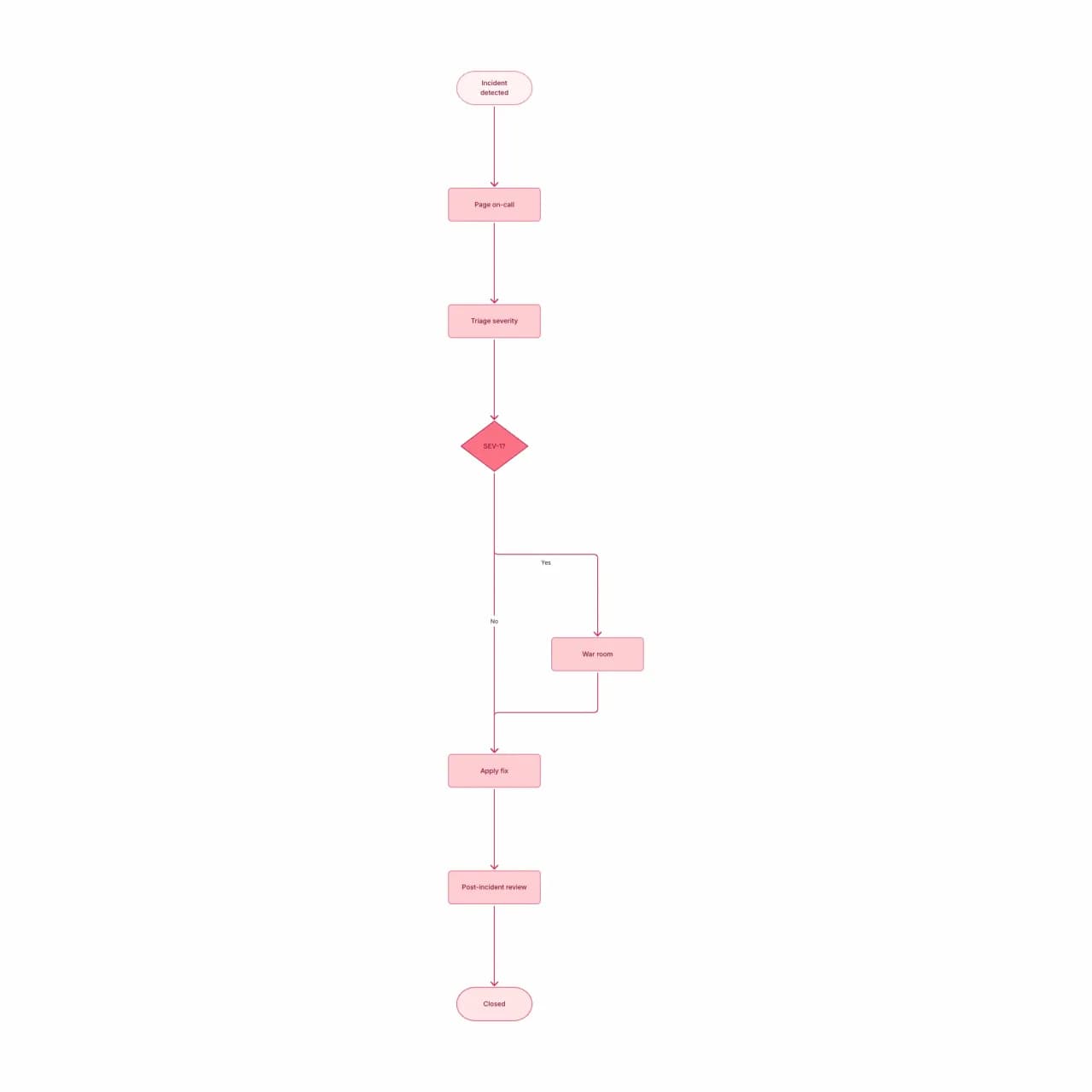
What the AI produces
SOPs typically have explicit SLAs (5 min, 48h) — these become note annotations on the relevant steps. Auditors love this exact format.
What is SOP-to-flowchart conversion?
Paste a Standard Operating Procedure — onboarding, incident response, manufacturing checklists, compliance steps — and Flowova maps it to a flowchart with branches at each "if" and an explicit terminal node at each "end" / "escalate" / "close". SLA notes ("within 4 business hours") stay attached to the relevant step, which matters for audit-ready visualizations. Best for SOPs up to about 30 steps; longer procedures read better when split into a sequence of sub-flows.
Turn Your SOP into a Visual Flowchart
Paste Your SOP
Describe your SOP step by step. Best results with numbered steps and explicit decision criteria.
- Paste any SOP — manufacturing, IR, compliance, HR
- Numbered steps and decision language both parse
- SLA notes stay attached to their steps
AI Creates the Flowchart
The AI generates an SOP-style flowchart with sequential steps, decision diamonds for compliance gates, and clear start/end markers.
- Approval gates become decision diamonds
- Escalation paths get explicit terminal nodes
- SOPs over 30 steps read better as sub-flows
Customize and Share
Refine for your audit needs — many SOPs require swim-lanes for role assignment, sub-process boxes for referenced procedures, and clear acceptance criteria.
- Theme for audit-ready presentation
- PNG (free) or SVG (Pro) for binders
- Public read-only links for training rollouts
SOP to Flowchart Features
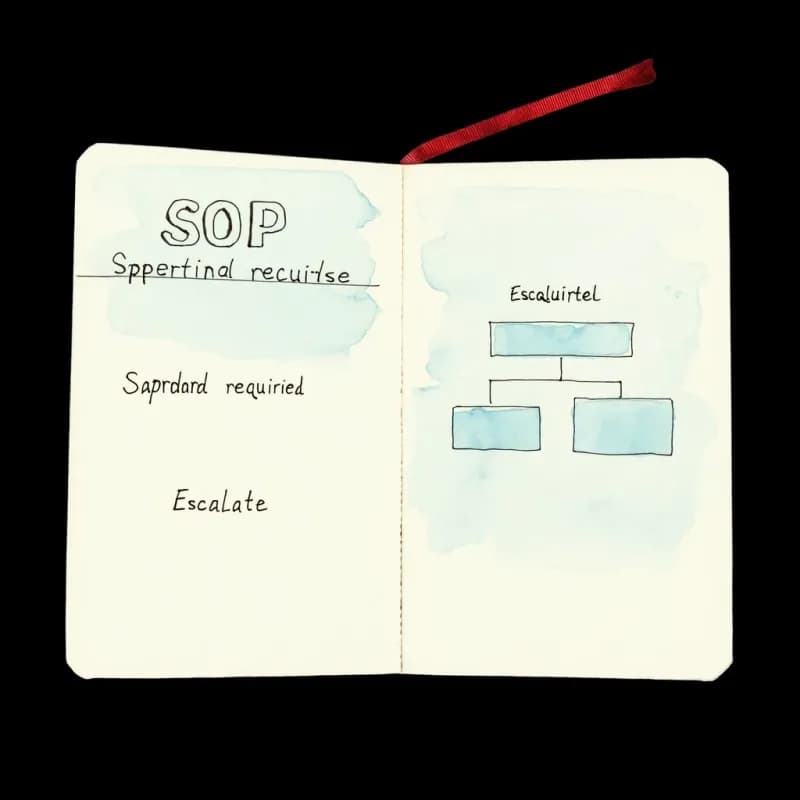
SOP-Specific Vocabulary
"Approval required", "escalate to manager", "compliance check", "SLA notice", "exception path" all parse to appropriate flowchart constructs.
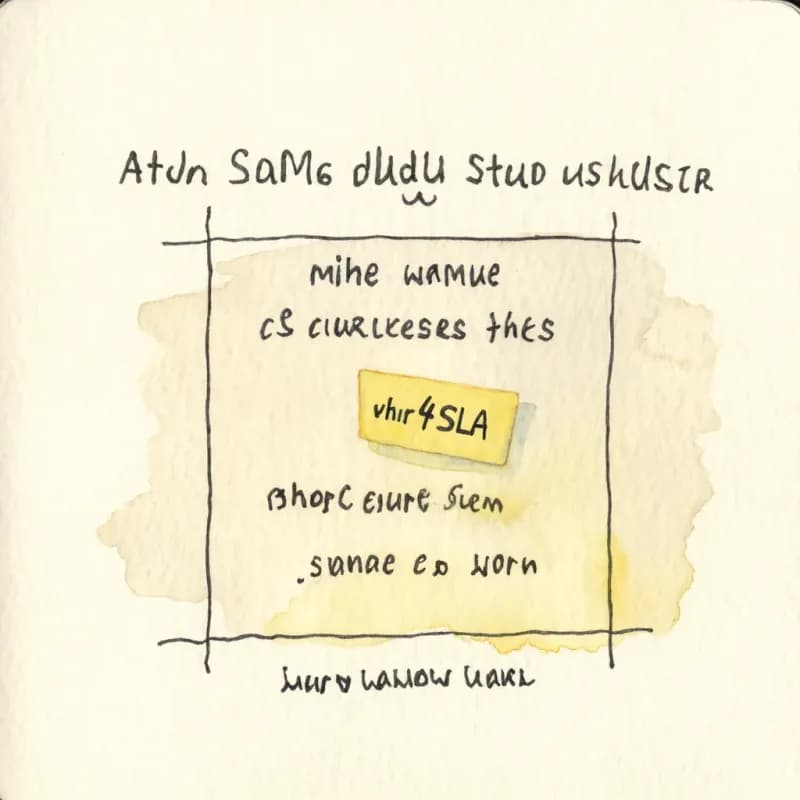
SLA Annotations Preserved
"Acknowledge within 4 business hours" stays attached to the relevant step — required for audit-ready SOP visualizations and ISO/SOC documentation.
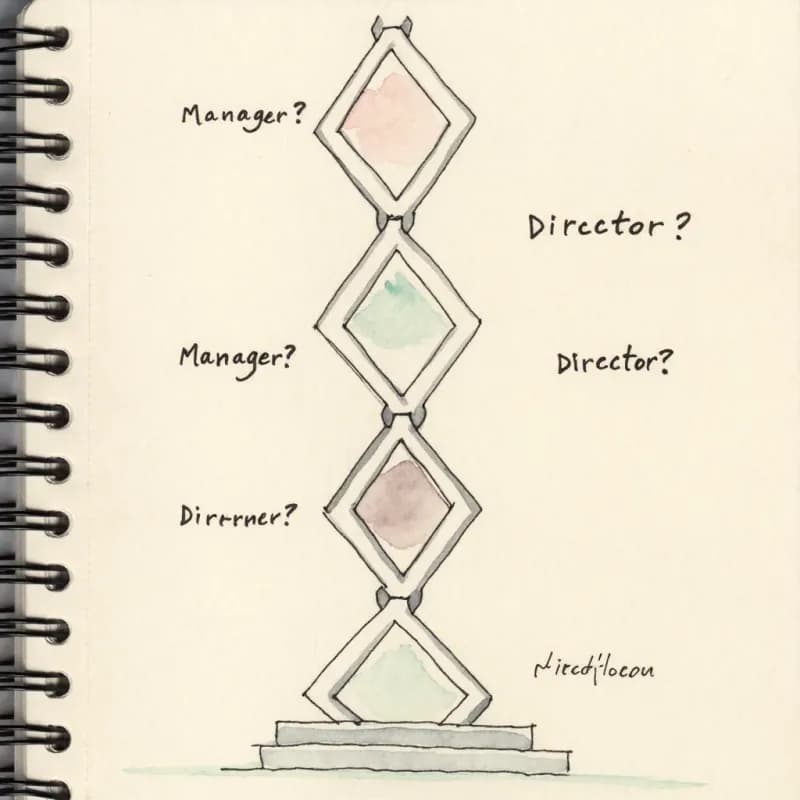
Approval Gates
"Manager approves, then director signs off" generates a serial chain of approval diamonds with the right escalation order preserved.
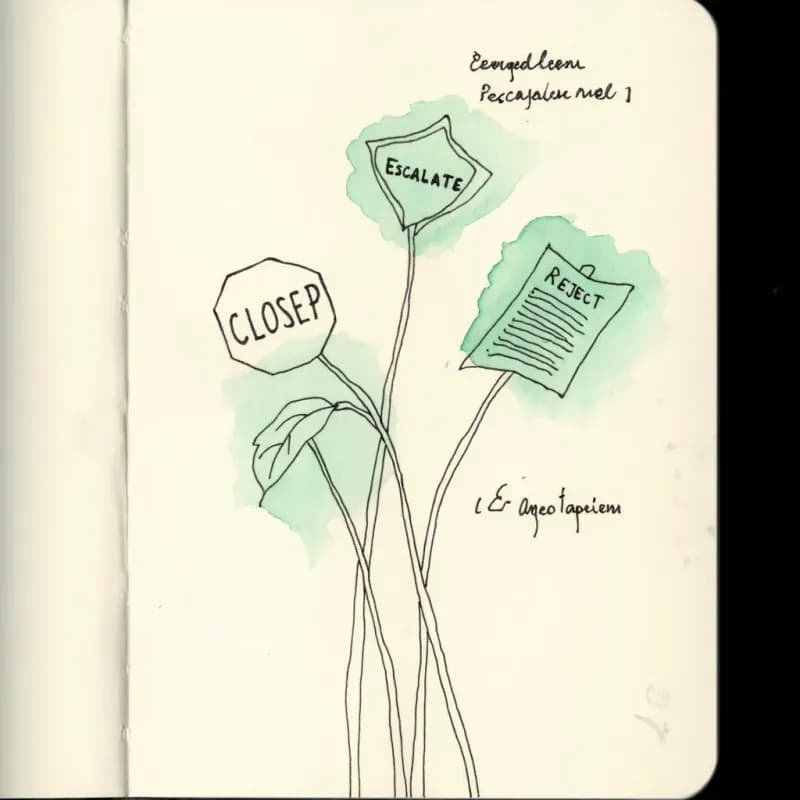
Terminal Outcomes
"Escalate to security", "close ticket", "send rejection notice" render as distinct end nodes — each escalation path has an explicit termination point.
Audit-Ready Theme
A neutral grayscale theme suitable for compliance binders, ISO documentation, and SOC 2 evidence collection. Avoids brand colors that distract auditors.
Splits for Long SOPs
SOPs over 30 steps benefit from being split into sub-flows — Flowova suggests natural split points in the AI explanation log after generation.
When to use sop-to-flowchart
Use this tool for
- SOPs distributed to a regulated team (healthcare, finance, manufacturing) where every employee needs a printable visual reference.
- Audit-deliverable diagrams for ISO 9001, SOC 2, or your internal QMS — the visual is what the auditor scans first.
- Onboarding material referencing existing SOPs — the new hire sees the procedure picture before reading the prose.
- Process improvement workshops — diagram the as-is SOP, mark the wait states, then redraw the to-be version.
Use a different tool for
- Cross-team SOPs where handoffs between roles are the story — Swimlane Diagram Maker draws lanes natively.
- BPMN-strict audit deliverables that require formal gateway and event symbols — BPMN Diagram Generator places them correctly.
- Pure decision logic ('which severity tier?') — Decision Tree Maker is sharper for branching without sequence.
- Quality-management metadata (revision history, approver signatures, effective dates) — those belong in your QMS (MasterControl, Greenlight Guru, Qualio), not in the diagram.
SOP to Flowchart FAQ
Related guides
SOP Flowchart Guide: How to Turn Procedures into Clear Process Diagrams
Learn how to convert SOPs into flowcharts with steps, decisions, owners, exceptions, and review points. Includes examples and an AI SOP-to-flowchart workflow.
Process Mapping: A Practical Guide to Documenting Any Workflow (2026)
Learn how to create effective process maps for your organization. Covers types of process maps, step-by-step methodology, common frameworks (SIPOC, value stream), and best practices.
Ready to Try the AI Flowchart Generator?
Join tens of thousands of professionals who use Flowova to visualize their ideas. Start creating flowcharts with AI in seconds.
Get Started Free