Free AI Swimlane Diagram Maker
Transform process descriptions into professional swimlane diagrams instantly. Describe your workflow with roles and responsibilities - AI creates the cross-functional flowchart.
A real cross-team incident response, swim-laned
Three teams, six handoffs, one diagram.

Input
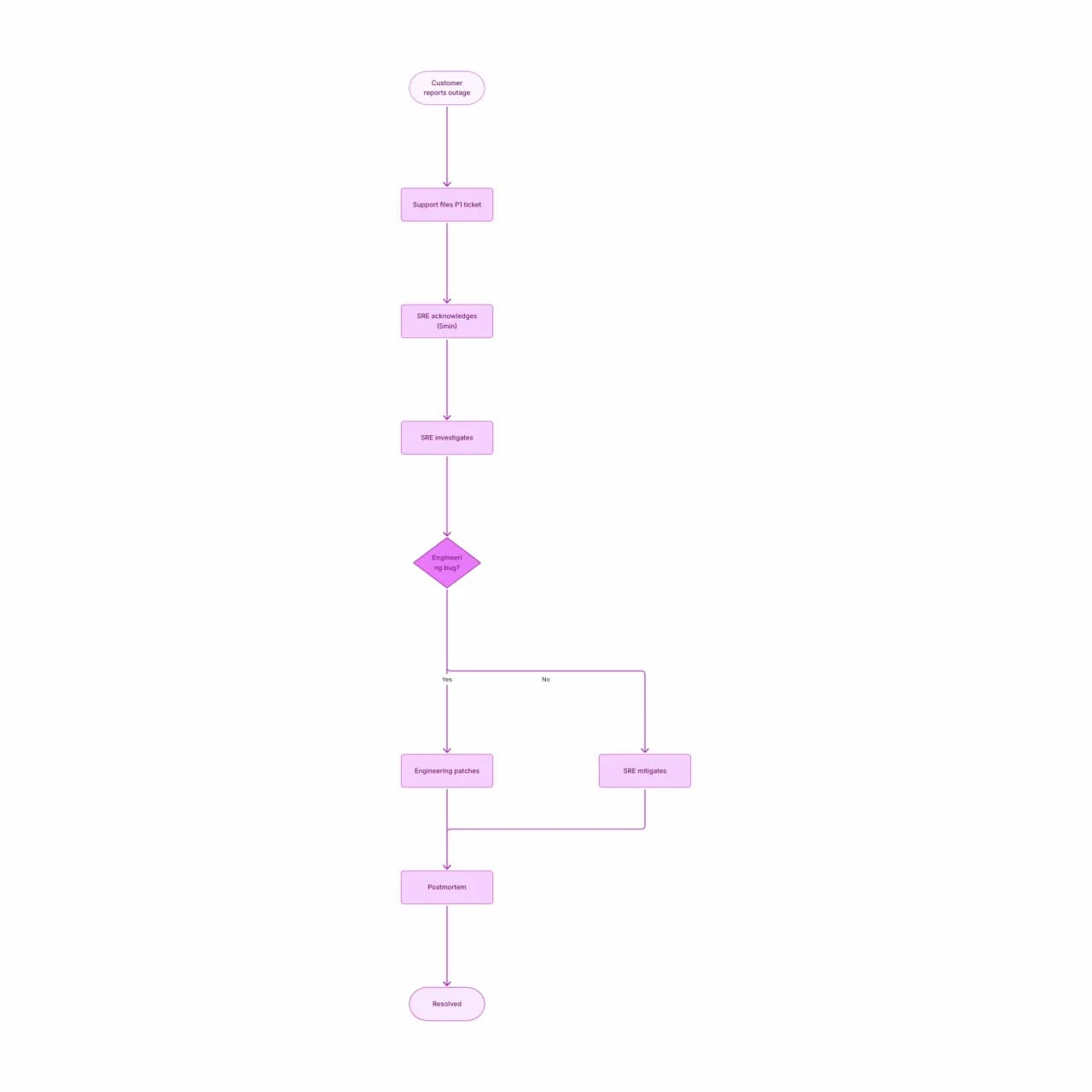
What the AI produces
Swim-lanes make accountability visible: at any moment in the diagram, exactly one lane has the action. Compare this to a flat flowchart where ownership is invisible.
What is a swimlane diagram maker?
Describe a process that crosses multiple roles or departments — "customer reports an issue, support files a ticket, SRE acknowledges within 5 minutes, engineering ships a fix" — and Flowova lays out a swimlane (cross-functional) diagram with each role as a horizontal lane and each action in the right lane. Handoffs become arrows that cross lanes. Useful for RACI clarifications, audit preparation, and onboarding new hires to who-does-what across teams.
How to Create a Swimlane Diagram
Describe the Process
Describe the process and the roles (people, teams, or systems) involved. The AI uses role mentions ("manager approves," "customer submits") to assign each step to a lane.
- Roles, departments, or teams as lanes
- Describe handoffs by role ('SRE hands off to engineering')
- SLA and timing notes preserved per step
AI Creates Your Swimlane
Flowova creates horizontal or vertical swim-lanes (one per role), places each step in its owner's lane, and draws cross-lane arrows for handoffs. The longest-running role gets the largest lane.
- Each action placed in the right lane automatically
- Handoffs become arrows that cross lanes
- Up to 6 lanes reads cleanly; more become crowded
Customize and Export
Reorder lanes by dragging headers, recolor lanes to highlight critical paths, and export. Swimlane diagrams export especially well to SVG for use in process-improvement reports.
- Rename lanes inline
- Theme for RACI vs. audit context
- Free PNG; SVG (Pro) for vector quality
Swimlane Diagram Maker Features
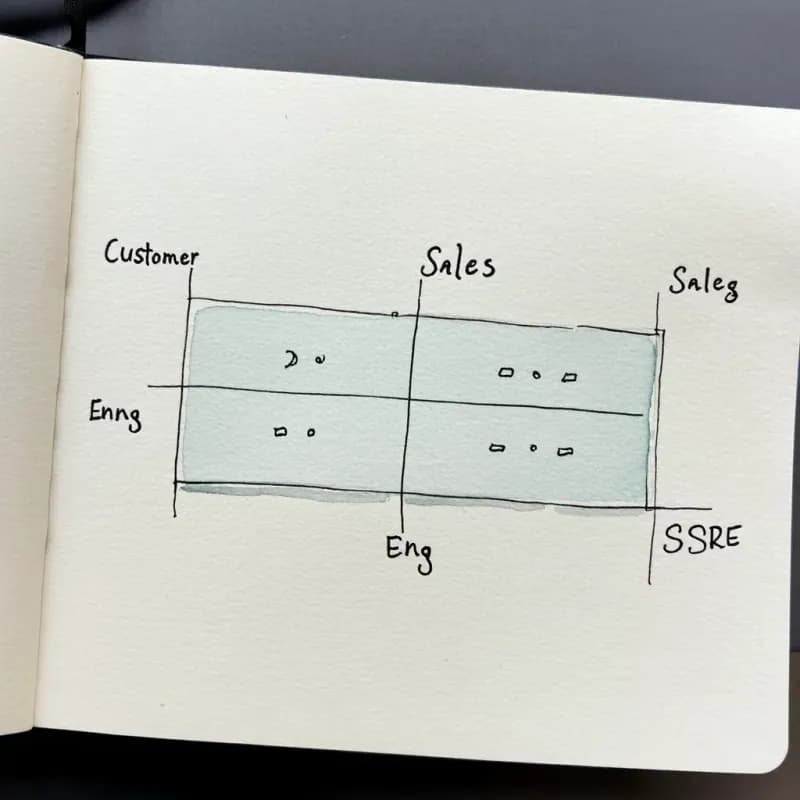
Role-Based Lane Detection
Mentioned roles ("Customer", "Support", "SRE", "Engineering") each become a horizontal lane in order of first mention.

Cross-Lane Handoff Arrows
Handoffs explicitly cross lane boundaries — "Support files ticket, SRE acknowledges" produces a Support→SRE crossing arrow.
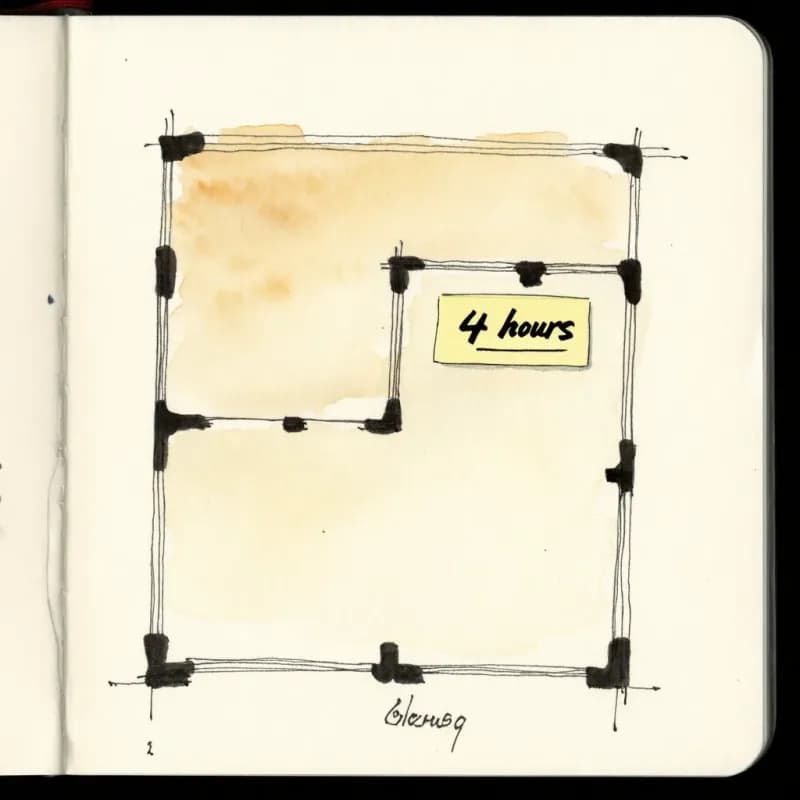
SLA and Timing Notes
"Acknowledge within 5 minutes" stays attached to that step in the right lane. Critical for incident response and audit-ready SOP visualizations.
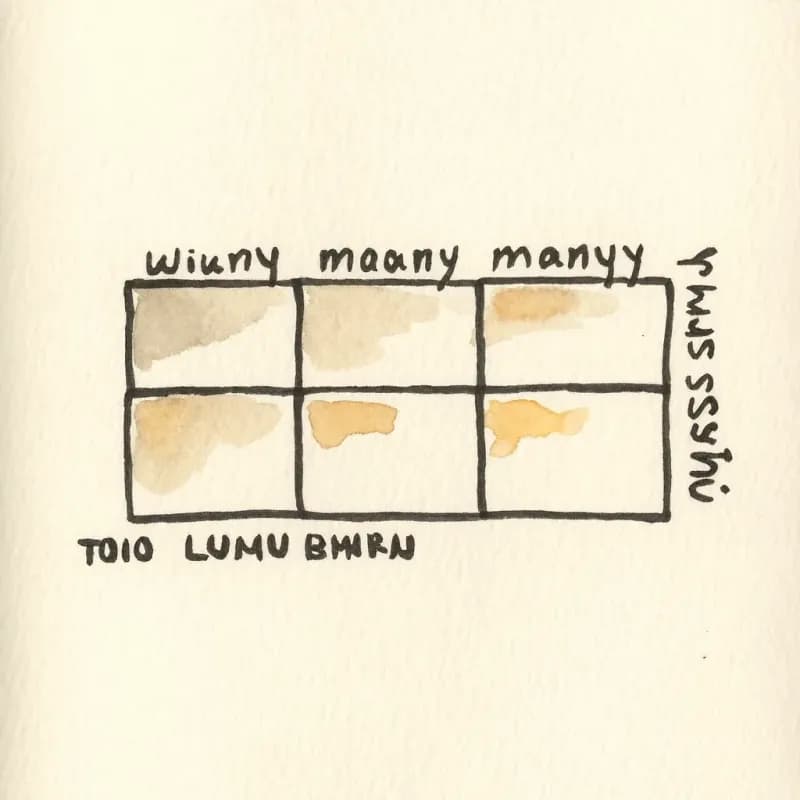
Up to 6 Lanes Readable
Over 6 lanes the diagram becomes hard to read on one screen — split into two related diagrams (one per phase) for larger cross-functional flows.
RACI Visualization
When the description tags actions ("responsible: support, accountable: SRE manager, consulted: security"), RACI annotations render as labels on the action.

Vertical Layout Option
Wide processes (many steps, few lanes) read better in horizontal layout — vertical layout (lanes as columns) available for short multi-team flows.
When to use swim-lane diagrams
Use this tool for
- Cross-team processes where the story is 'who does what next' — making accountability visible at every step.
- Process-improvement workshops where you want the team to see where work sits idle between handoffs.
- Onboarding docs that explain a multi-team workflow (sales → onboarding → support) in one diagram.
- Compliance documentation that needs role separation and segregation of duties visible to an auditor.
Use a different tool for
- Single-role processes — a plain flowchart is more compact when there are no handoffs.
- Strict BPMN deliverables required by an auditor — BPMN Diagram Generator places the formal gateway and event symbols.
- API call sequences across services — Sequence Diagram Maker's lifelines are sharper than swim-lanes for that.
- Real-time collaborative process design with multiple editors — Lucidchart and Miro are built for synchronous multi-cursor work.
Swimlane Diagram FAQ
Related guides
Swimlane Diagram Guide: What It Is, When to Use One, and How to Make It
Learn what a swimlane diagram is, when to use one, and how to create effective cross-functional flowcharts. Includes examples for business, software, and HR workflows.
SOP Flowchart Guide: How to Turn Procedures into Clear Process Diagrams
Learn how to convert SOPs into flowcharts with steps, decisions, owners, exceptions, and review points. Includes examples and an AI SOP-to-flowchart workflow.
Process Mapping: A Practical Guide to Documenting Any Workflow (2026)
Learn how to create effective process maps for your organization. Covers types of process maps, step-by-step methodology, common frameworks (SIPOC, value stream), and best practices.
Ready to Try the AI Flowchart Generator?
Join tens of thousands of professionals who use Flowova to visualize their ideas. Start creating flowcharts with AI in seconds.
Get Started Free