Free AI BPMN Diagram Generator
Transform business process descriptions into professional BPMN diagrams instantly. Describe your workflow - AI creates a diagram with standard BPMN notation.
An expense-approval BPMN process
With gateways and a swim-lane.
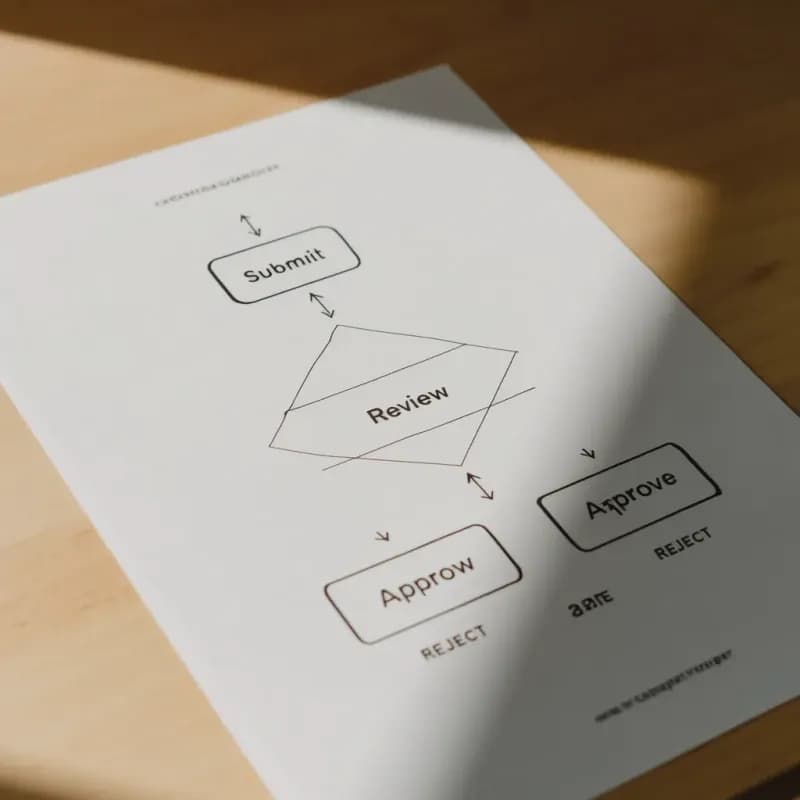
Input
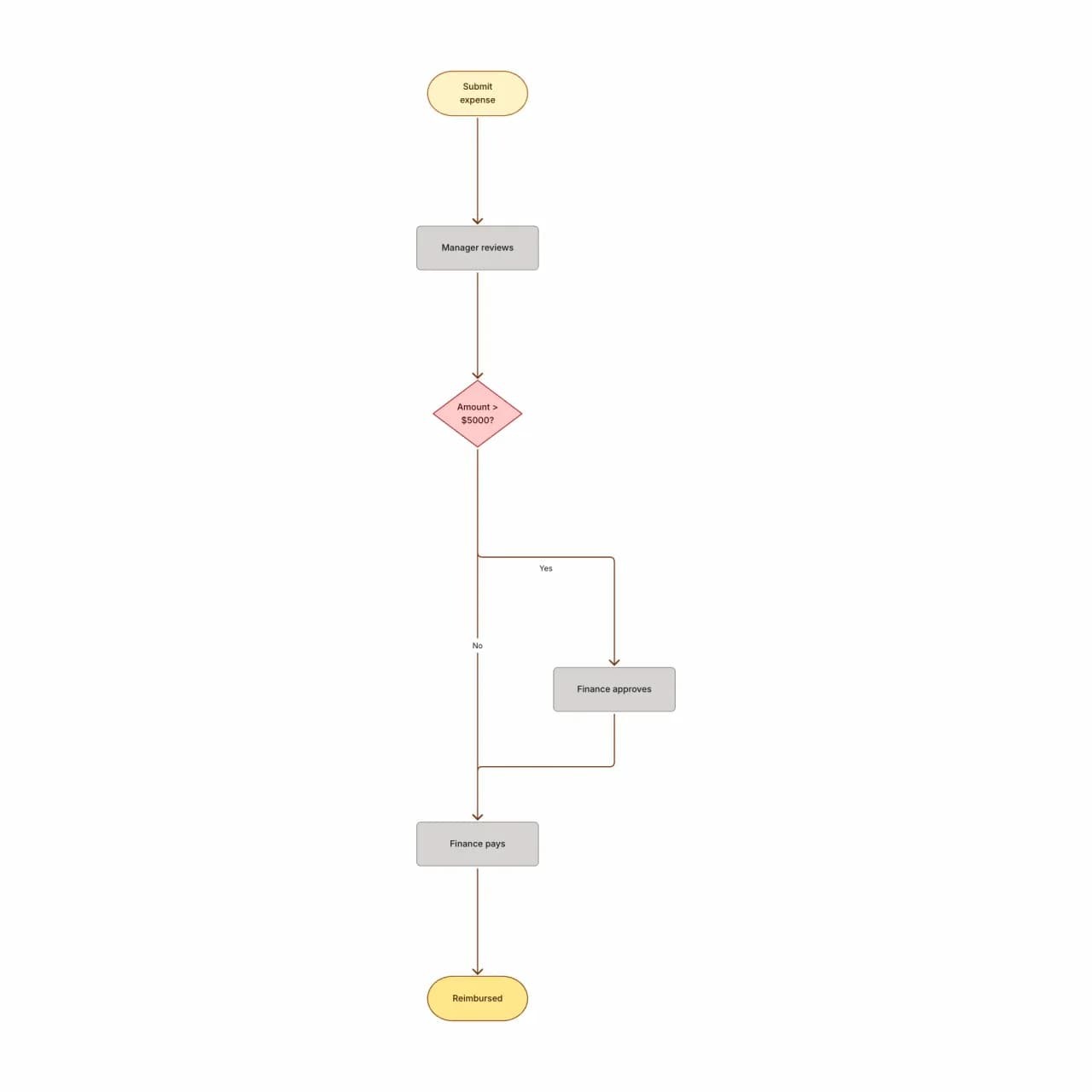
What the AI produces
BPMN's exclusive gateway (X marker) explicitly indicates "only one path taken" — this is the auditor-friendly distinction vs an unmarked diamond that ambiguously could mean parallel.
What is a BPMN diagram generator?
Describe a business process — actors, tasks, gateways, events — and Flowova produces a BPMN-style diagram with the standard symbol set: rounded-rectangle tasks, diamond gateways (exclusive, parallel, inclusive), circle events (start, intermediate, end), and pools/lanes. Suitable for process documentation, audit-prep diagrams, and design reviews before encoding a workflow in a BPM engine. For execution-ready BPMN XML (Camunda, Activiti), pair this with a strict BPMN authoring tool — Flowova produces accurate diagrams, not engine-runnable XML.
Generate a BPMN Diagram Instantly
Describe the Business Process
Describe the business process with BPMN concepts: start/end events, tasks (activities), gateways (decisions, parallel splits, joins), pools and lanes for participants, and message flows between pools.
- Actors, tasks, gateways, events all describable
- Pools and lanes inferred from role mentions
- Up to 10,000 characters per prompt
AI Creates BPMN Diagram
The AI generates BPMN 2.0–style notation: rounded rectangles for tasks, diamond gateways with different markers (X for exclusive, + for parallel), circles for events, swim-lanes in pools.
- Exclusive (X), parallel (+), inclusive (O) gateways
- Start, intermediate, end events distinguished
- For runnable BPMN XML, pair with Camunda or Activiti
Customize and Export
Refine, ensure strict BPMN compliance if needed, and export. BPMN diagrams are standard in regulatory audits and process-engineering deliverables.
- Edit task names and gateway logic inline
- Free PNG; SVG (Pro) for vector quality
- Theme for process documentation or training
BPMN Diagram Generator Features
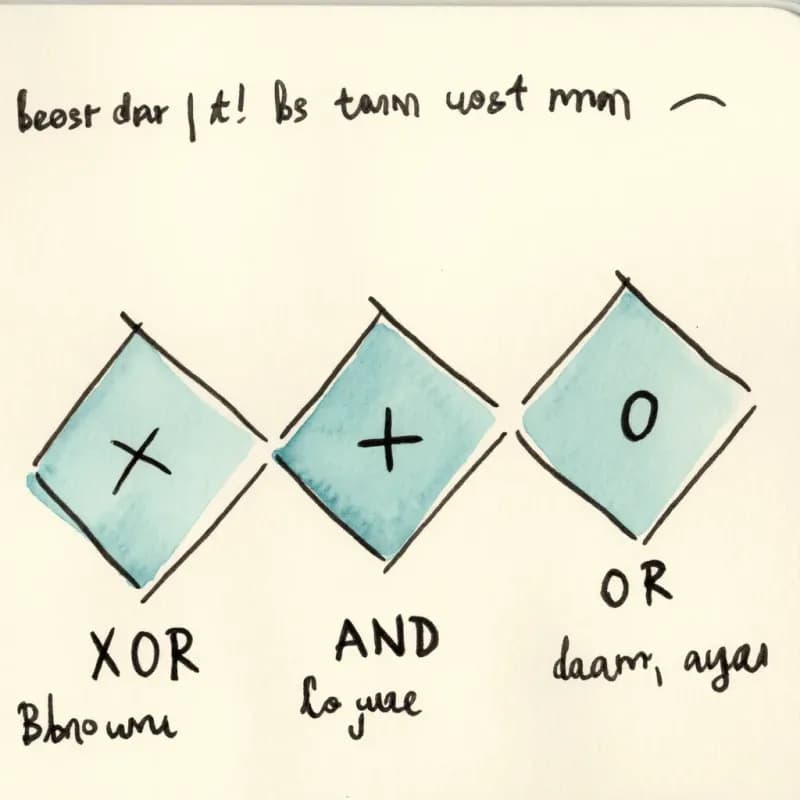
Three Gateway Types
Exclusive (X), parallel (+), and inclusive (O) gateways generated from natural-language conditions. Default is exclusive; specify "parallel" or "or" for the others.
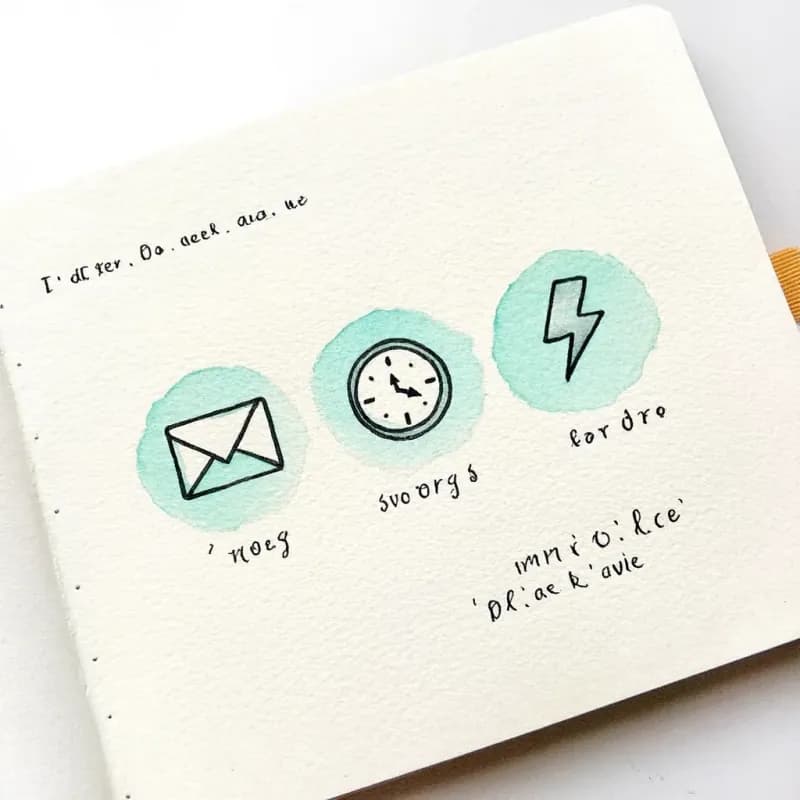
Three Event Types
Start, intermediate, and end events distinguished by position and context. Timer events (clock icon) and message events (envelope icon) inferred from descriptions.
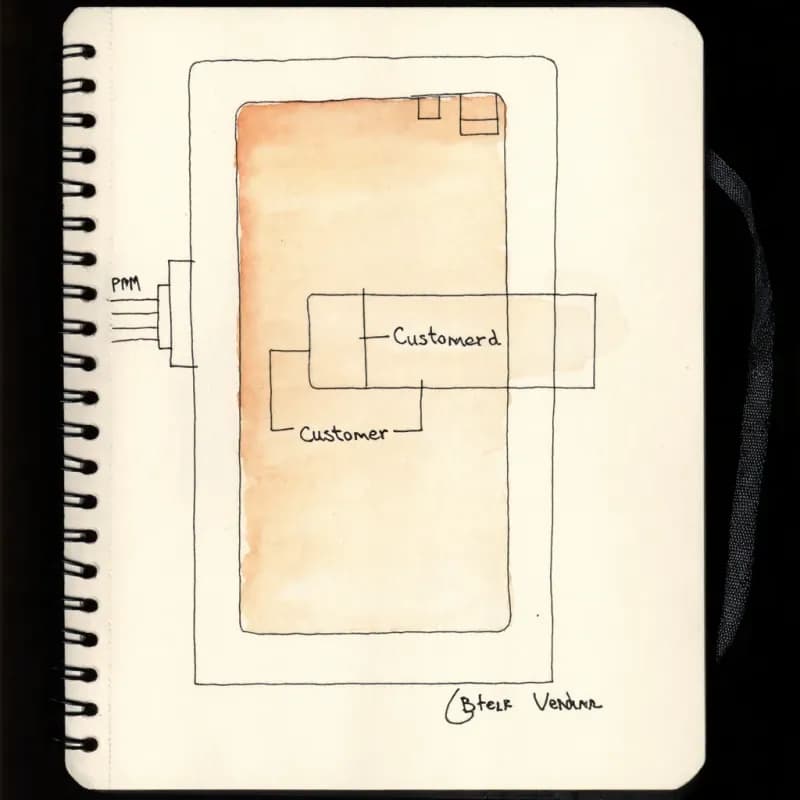
Pool and Lane Detection
Mentioned organizations ("Acme Corp", "Vendor X") become pools; mentioned roles within them ("Employee", "Manager") become lanes inside the pool.
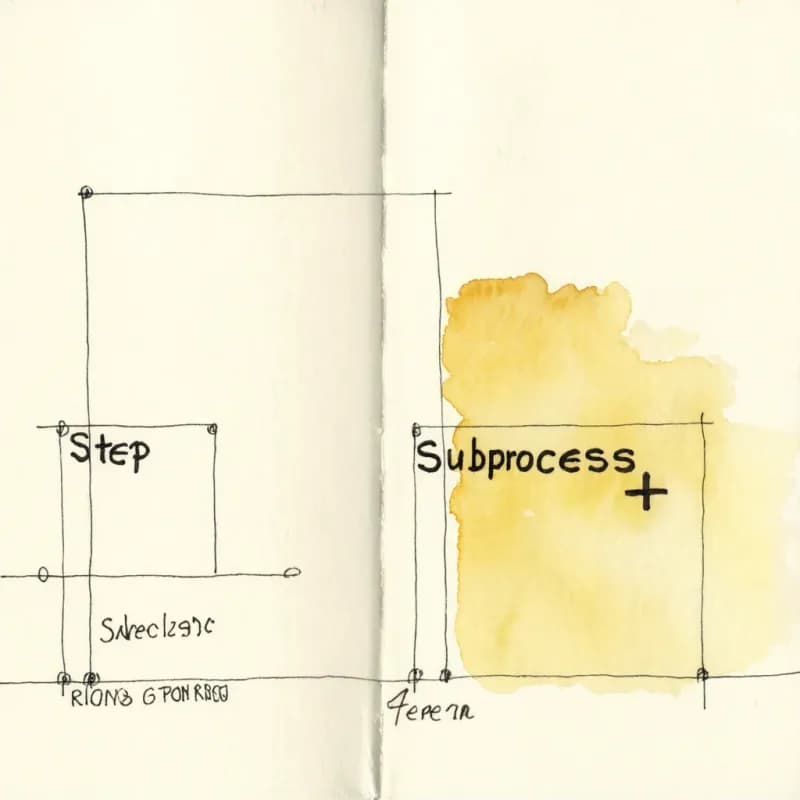
Sub-Process Compaction
Sub-flows mentioned as a unit ("invoice approval sub-process") render as collapsed sub-process boxes (with a + indicator) — keeps the main flow readable.
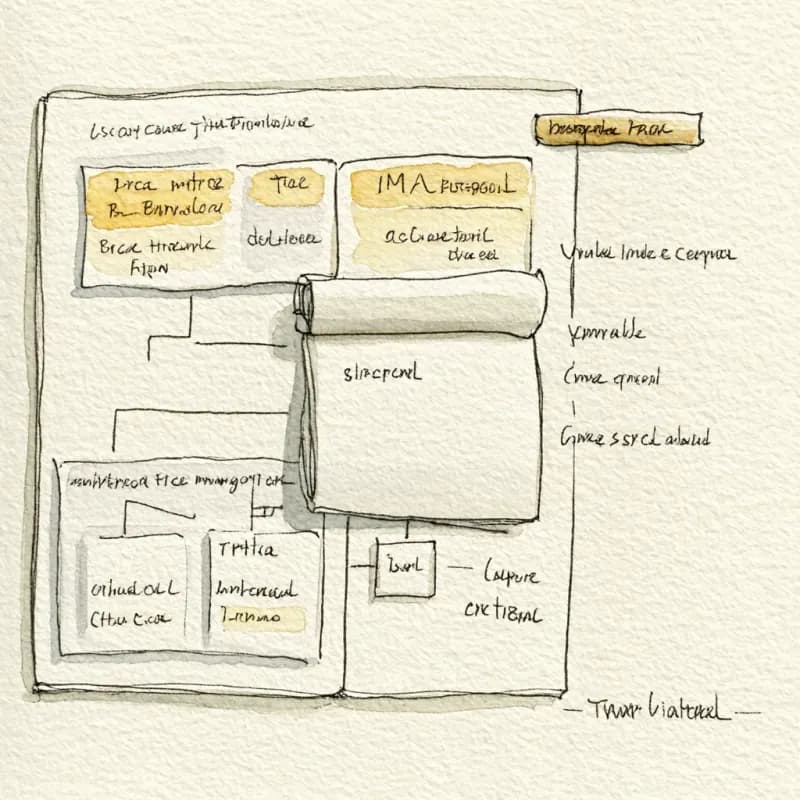
Diagram, Not Engine XML
The output is an accurate BPMN-style visual diagram, not engine-runnable BPMN 2.0 XML. For Camunda / Activiti deployment, pair with a strict BPMN authoring tool.
Audit-Ready Theme
A specific BPMN-leaning theme (neutral grays, professional border weights) suits audit binder and compliance documentation contexts.
When to use BPMN diagrams
Use this tool for
- Regulatory or audit deliverables that require formal BPMN 2.0 notation — gateways, events, pools, message flows.
- Process documentation that will be implemented in a BPM engine (Camunda, Bonita, Activiti) — design here, encode there.
- Cross-organizational processes spanning multiple pools — your company and an external supplier or partner.
- Formal process-engineering reviews where reviewers expect specific gateway markers (X for exclusive, + for parallel, O for inclusive).
Use a different tool for
- Quick internal documentation where the audience doesn't know BPMN — Swimlane Diagram Maker reads faster without the formal notation overhead.
- Executable BPMN 2.0 XML for engine import — generate the design here, then rebuild in Camunda Modeler or bpmn.io to emit valid engine-runnable XML.
- Technical control flow inside one application — a plain flowchart or sequence diagram is shorter and more familiar to engineers.
- Data architecture and storage — ER Diagram Generator or Data Flow Diagram Maker is the right diagram type.
BPMN Diagram Generator FAQ
Related guides
BPMN Diagram Guide: BPMN 2.0 Notation, Examples, and How to Make One
Learn BPMN 2.0 notation, core elements, and BPMN examples for business process diagrams. Covers events, gateways, pools, lanes, and how to generate a BPMN diagram online.
Swimlane Diagram Guide: What It Is, When to Use One, and How to Make It
Learn what a swimlane diagram is, when to use one, and how to create effective cross-functional flowcharts. Includes examples for business, software, and HR workflows.
Process Mapping: A Practical Guide to Documenting Any Workflow (2026)
Learn how to create effective process maps for your organization. Covers types of process maps, step-by-step methodology, common frameworks (SIPOC, value stream), and best practices.
Ready to Try the AI Flowchart Generator?
Join tens of thousands of professionals who use Flowova to visualize their ideas. Start creating flowcharts with AI in seconds.
Get Started Free