Free Document to Flowchart Converter
Transform Word documents, text files, and other documents into clear visual flowcharts instantly. Extract and visualize processes from any document.
Drop your document here
or click to browse (up to 10MB)
A 3-page SOP as a flowchart
The most common document-to-flowchart use case.
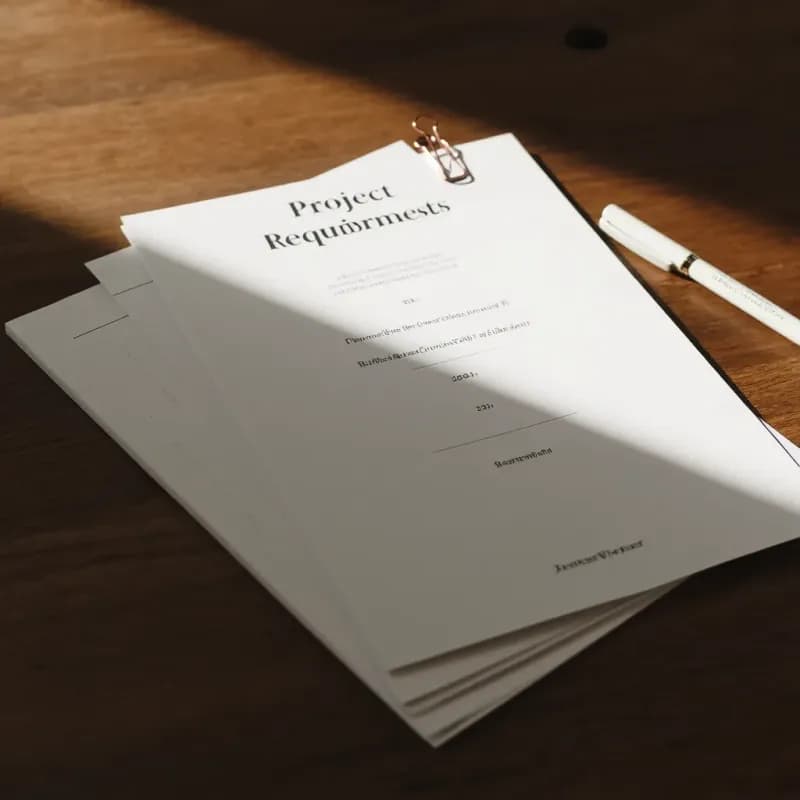
Input (excerpt from a .docx SOP)
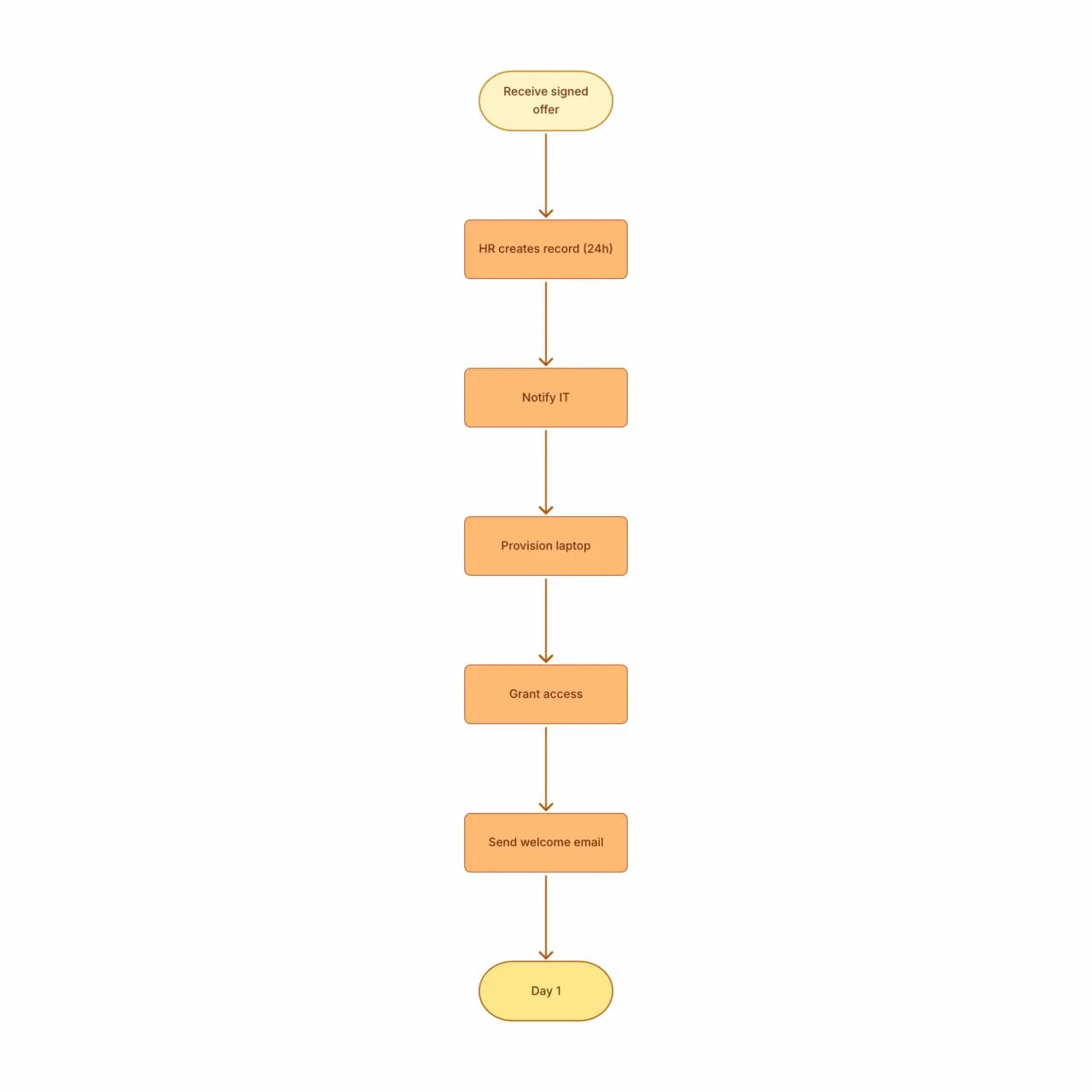
What the AI produces
Documents are messier than direct text input because the AI must filter out background, prerequisites, and explanations. Expect to delete 1-3 nodes that came from non-procedural paragraphs.
What is document-to-flowchart conversion?
Upload .docx, .doc, .txt, .rtf, or .md files describing a workflow, and Flowova reads the document, identifies the procedural sections, and produces a flowchart with proper branching. It pays attention to numbered/bulleted lists and conditional language ("if approved", "unless", "otherwise"), which is where most procedural documents encode their flow. Headers, footnotes, and revision marks are stripped automatically; inline tables are parsed as procedural sequences only when their column structure reads as step-by-step instructions. Files up to 10MB are accepted.
Transform a Document into a Flowchart
Upload Your Document
Upload a Word doc, plain text, or RTF file (max 10MB). The AI extracts the text content and ignores formatting elements that don't affect flow (headers, footers, page numbers).
- .doc, .docx, .txt, .rtf, .md accepted
- Up to 10MB on free, 30MB on Pro
- Headings and numbered lists guide extraction
AI Extracts Process
Flowova analyzes the document text — looking for procedural language (steps, decisions, conditions) — and constructs a flowchart from the implied flow.
- Conditional language ('if', 'unless') becomes diamonds
- Section headings can scope sub-flows
- Inline tables become procedural sequences only when their column structure reads as step-by-step
Edit and Export
Edit the result; documents often need more cleanup than direct text input because the AI has to infer which paragraphs describe procedure vs background context. Apply a theme and export.
- Re-arrange nodes by dragging
- Theme to match your brand or template
- Free PNG; SVG and Mermaid are Pro
Document to Flowchart Features
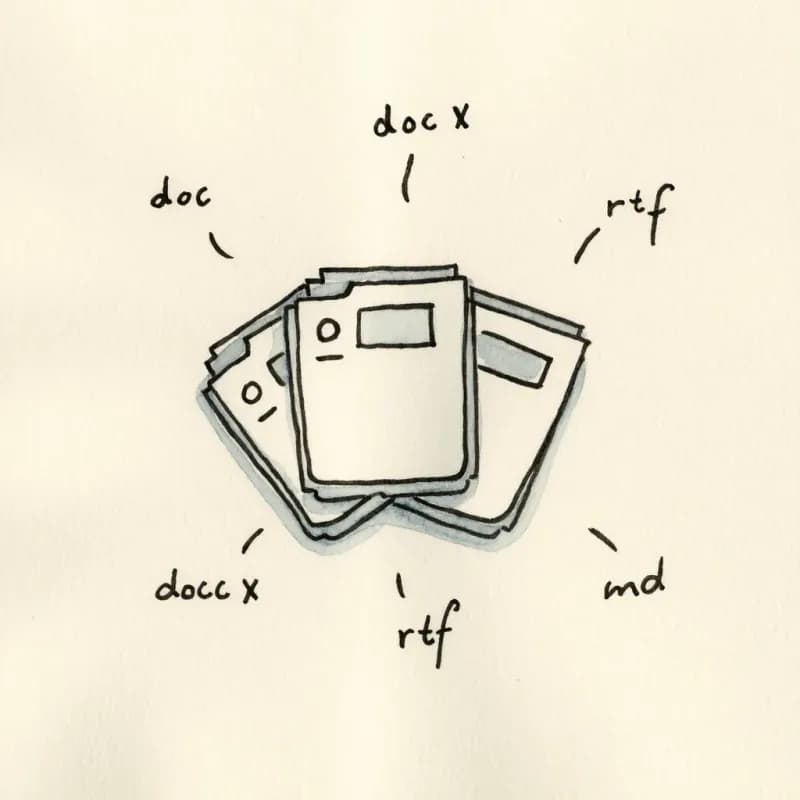
Five Document Formats
.doc, .docx, .txt, .rtf, .md — same upload path. Up to 10MB on free, 30MB on Pro. Headings and numbered lists guide extraction.
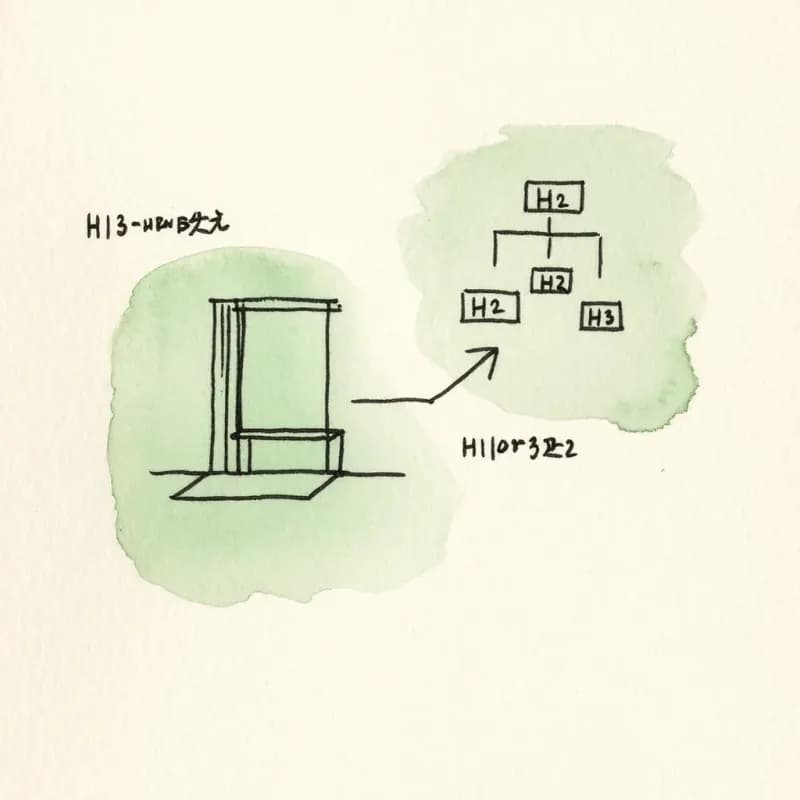
Outline-Aware Parsing
H1/H2/H3 hierarchy can scope sub-flows. A heading "Authentication" with numbered steps below generates a self-contained sub-flowchart.

Conditional Language Detection
"If approved", "unless rejected", "when over threshold" all become decision diamonds with appropriate Yes/No labeling.
Numbered List → Linear Flow
A numbered procedure ("1. Submit form, 2. Verify email, 3. Welcome tour") becomes a connected linear flow with each item as a process node.

Inline Table Read as Text
Tables in Word/RTF are flattened to text before processing: each row becomes a sequential line, and header rows turn into context that helps disambiguate branching language. Column-as-branch logic ("if approved, next step is X") is lost in the flattening — multi-column step lists read as plain prose.
Preserves Document Title
The document title becomes the flowchart title in the meta panel, useful when the SOP filename is the only context the reader has.
When to use document-to-flowchart
Use this tool for
- SOPs, runbooks, and how-to docs that live in Word or RTF and need a visual companion for the next team review.
- Legacy procedure documents that were written as paragraphs years ago and have never had a diagram form.
- Producing visual training material from text-heavy training docs handed down across cohorts.
- Auditing whether an SOP actually makes sense — the diagram often exposes gaps the prose version has been hiding.
Use a different tool for
- .doc / .docx specifically — Word-to-Flowchart's parser is tuned for the .docx structure (styles, lists, numbering) and produces cleaner output.
- PDF documents — PDF-to-Flowchart uses a dedicated text-extraction path optimized for PDFs.
- Excel or CSV step lists — Excel-to-Flowchart understands column headers as branching logic.
- Markdown files (Notion exports, GitHub READMEs) — Markdown-to-Flowchart preserves heading and list semantics that plain-text reading discards.
Document to Flowchart FAQ
Related guides
How to Make a Flowchart in Word: Step-by-Step Guide (+ Faster Alternative)
Learn how to create flowcharts in Microsoft Word using SmartArt and shapes. Complete tutorial with formatting tips, limitations to know, and a faster AI alternative.
How to Make a Flowchart: A Complete Beginner Guide for 2026
Learn how to create effective flowcharts from scratch. This step-by-step guide covers flowchart basics, symbol meanings, design tips, and the best tools to use in 2026.
Ready to Try the AI Flowchart Generator?
Join tens of thousands of professionals who use Flowova to visualize their ideas. Start creating flowcharts with AI in seconds.
Get Started Free