Free Markdown to Flowchart Converter
Transform Markdown documents into clear, professional flowcharts. Paste your Markdown content - AI extracts the process and creates the visual flow.
A deployment runbook in Markdown
README-style content to a visual flowchart.
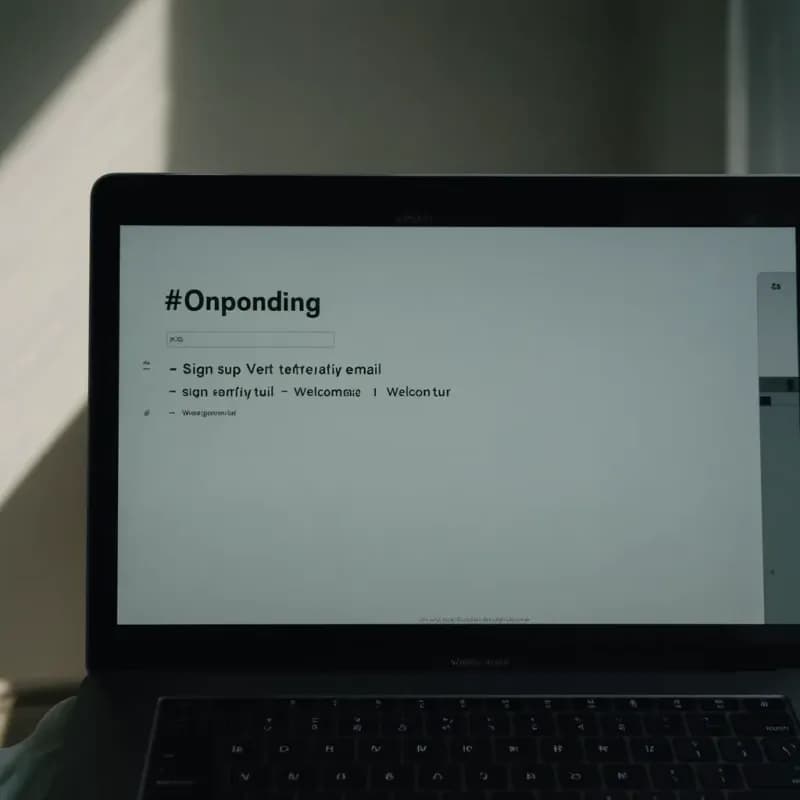
Input (Markdown)
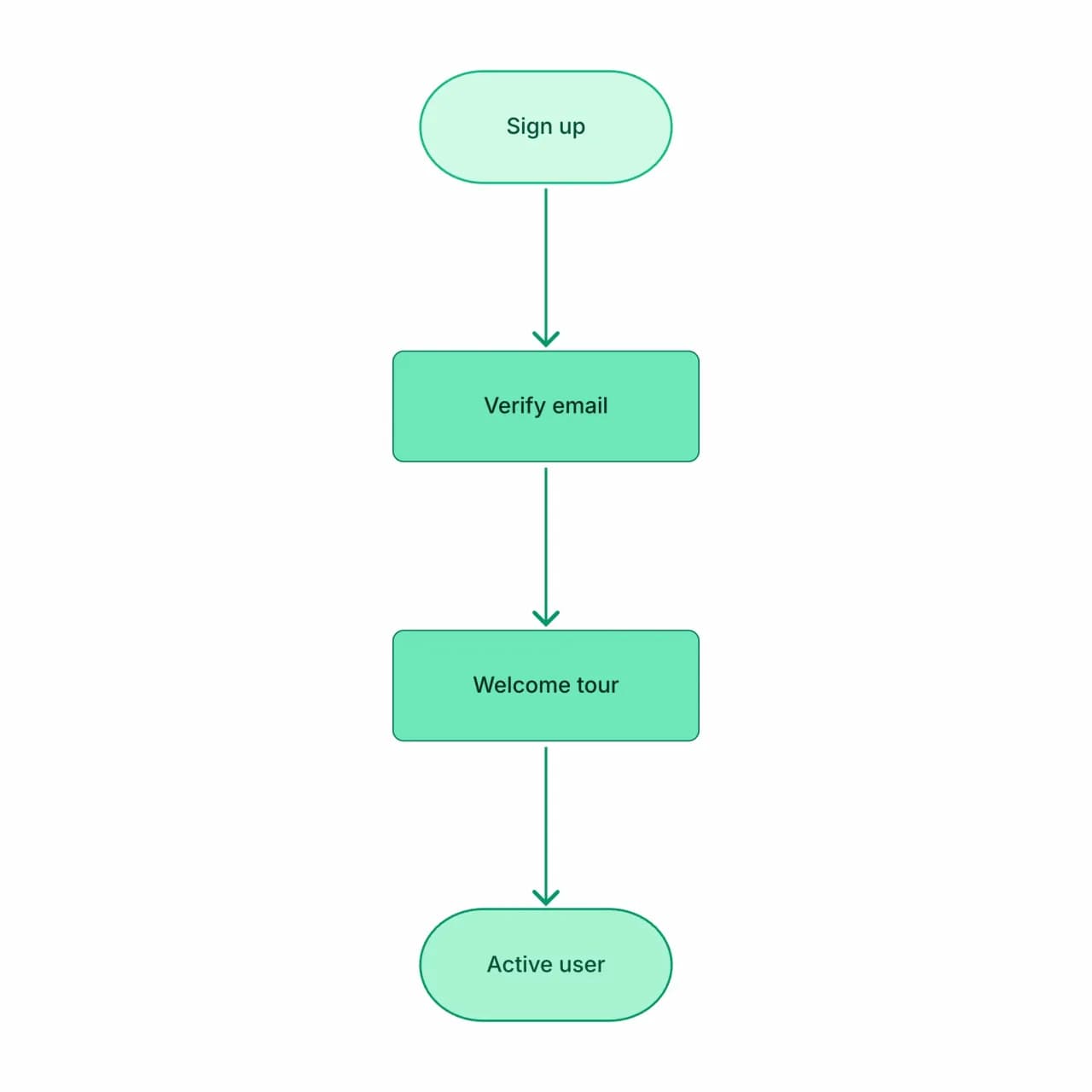
What the AI produces
The "if failures" sub-bullets correctly become decision branches with loop-back to the previous step — a structure that's painful to draw manually but standard for deployment flows.
What is Markdown-to-flowchart conversion?
Paste a Markdown document — a README, a runbook, meeting notes, an RFC — and Flowova reads the structure (headings, ordered lists, fenced code, blockquotes) to extract the underlying process. Numbered lists become sequential steps; nested lists become branches; headings can scope a sub-flow. If your document already contains a Mermaid code block, that block is treated as the source of truth — Flowova renders the Mermaid directly rather than re-inferring from prose.
Convert Markdown to a Flowchart
Paste Your Markdown
Paste Markdown — ordered lists, unordered lists, or headings. The AI interprets list hierarchy and numbered sequences as flow.
- READMEs, runbooks, RFCs, meeting notes
- Numbered and bulleted lists become process steps
- Existing Mermaid code blocks are used as-is
AI Extracts the Flow
Numbered lists become sequential steps; nested lists become sub-steps or sub-flows. Headings act as section dividers. Code blocks and inline code are preserved as labels but not parsed.
- Headings can scope sub-flows
- Conditional language ('if', 'unless') becomes diamonds
- Code fences ignored unless they contain Mermaid
Export and Share
Edit to merge or split nodes if the AI's interpretation differs from your intent. Particularly useful for converting GitHub README sections or runbook docs to visual diagrams.
- Free Mermaid export — round-trip back to your README
- Edit visually without losing source compatibility
- Free PNG; SVG is Pro for vector quality
Markdown to Flowchart Features
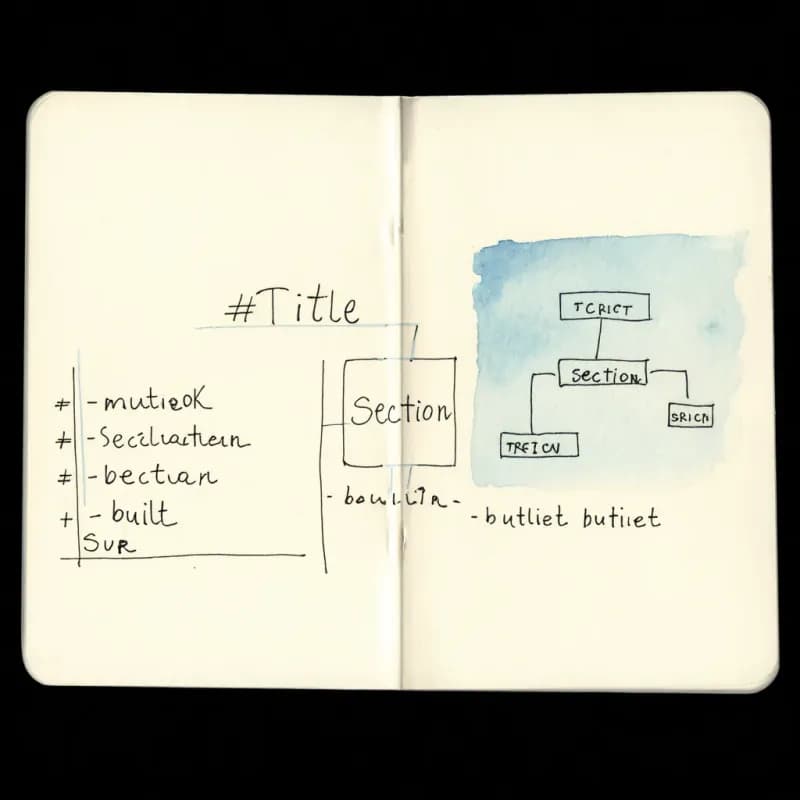
Structure-Aware Parsing
Reads heading hierarchy, ordered/unordered lists, code fences, blockquotes, and links — the structure of your markdown maps to the structure of the diagram.
Existing Mermaid Code Blocks
If your markdown already contains a ```mermaid``` block, that block is rendered directly — Flowova doesn't re-infer from prose when a source of truth exists.
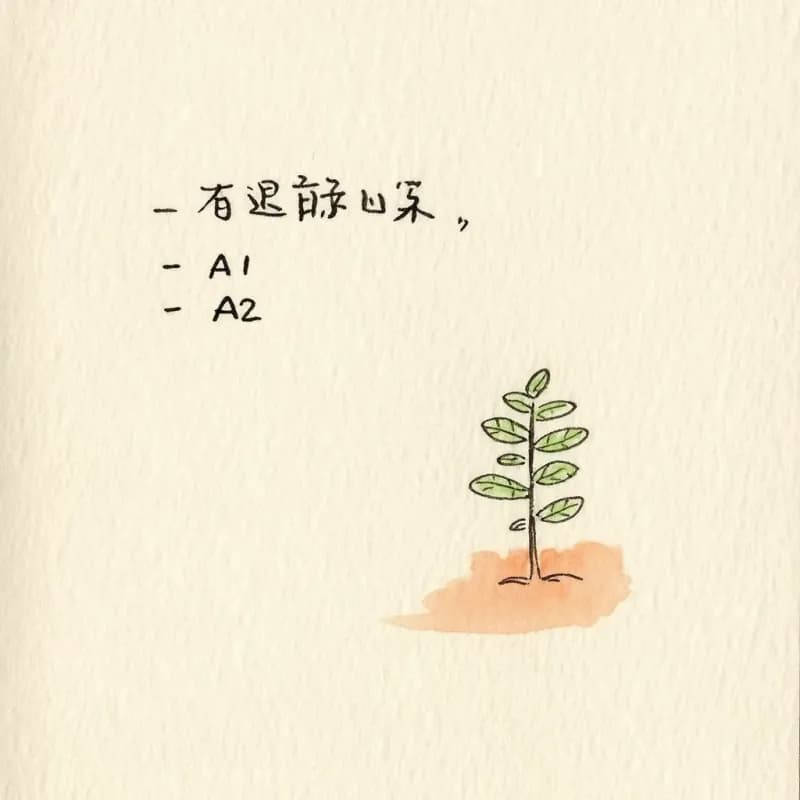
Nested Lists → Branches
A bullet list with sub-bullets generates a tree-like branching structure. Three levels of nesting render cleanly; deeper nesting may need flattening.
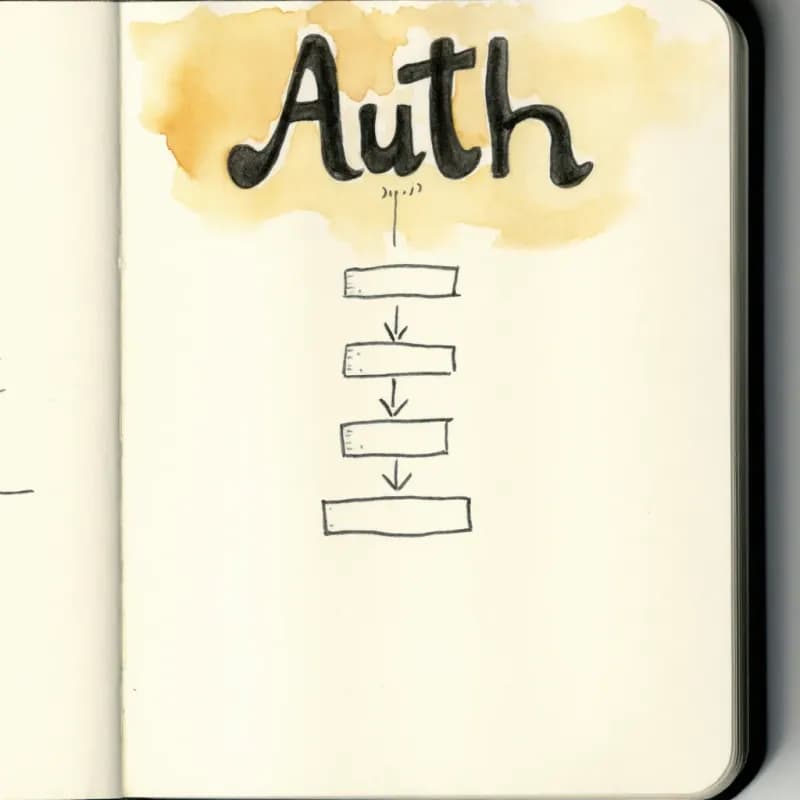
Heading-Scoped Sub-Flows
A `## Section` followed by a numbered list generates a sub-flow scoped to that section. Useful for runbooks where each section is a sub-procedure.
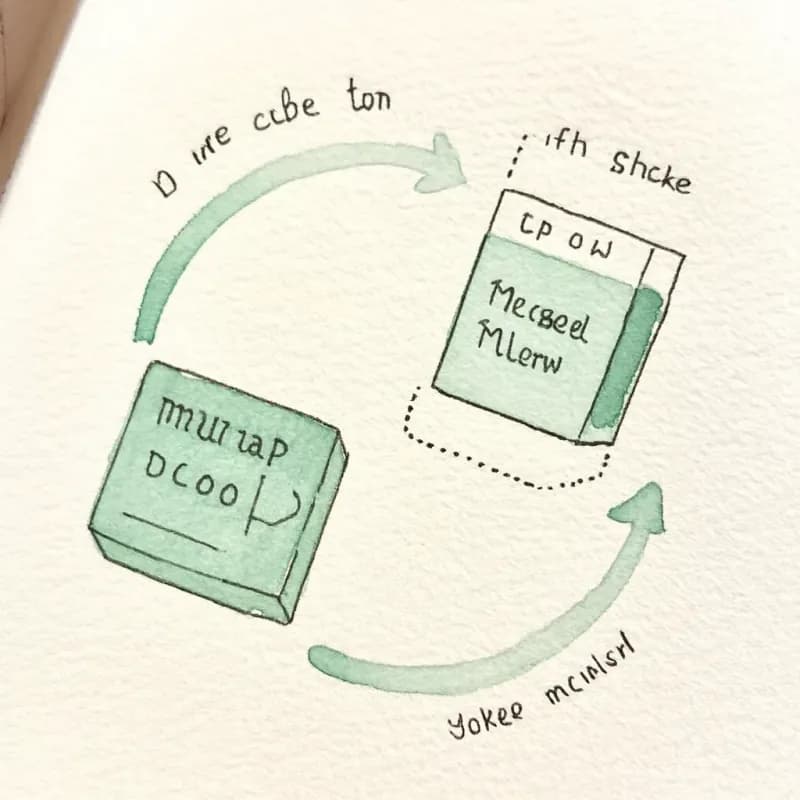
Round-Trip via Mermaid
Export the resulting diagram as Mermaid (free), paste back into your README inside ```mermaid``` fences. Future renders stay in sync with the markdown source.
Skip Code Fences Other Than Mermaid
Code fences for `python`, `bash`, `json` are skipped — they're reference material, not procedure descriptions. Only `mermaid` fences are treated as source.
When to use markdown-to-flowchart
Use this tool for
- GitHub READMEs that document a deploy process step-by-step — turn the numbered list into a visual companion for the repo.
- Notion or Obsidian pages with structured procedures — export to .md, paste here, get a diagram for the same page.
- GitLab runbooks where the headings and lists already encode the structure — the parser maps them to sections cleanly.
- Documentation review — the diagram surfaces logical gaps that prose has been hiding for years.
Use a different tool for
- Mermaid code blocks inside the Markdown — extract just the Mermaid and use Mermaid-to-Flowchart for those.
- Free-form prose without lists or headings — Text-to-Flowchart handles unstructured paragraphs more naturally.
- Word, PDF, or PowerPoint documents — use the matching file-input tool; pasting the raw extracted text drops semantic structure.
- Multi-page wikis where the diagram needs to follow links between pages — flatten the relevant pages first, or build the visual map in Whimsical or Excalidraw.
Markdown to Flowchart FAQ
Related guides
Mermaid to Flowchart: Convert Mermaid Code to Visual, Editable Diagrams
Convert Mermaid diagram syntax to visual, editable flowcharts. Learn when text-based diagrams fall short and how to get the best of both worlds.
How to Make a Flowchart: A Complete Beginner Guide for 2026
Learn how to create effective flowcharts from scratch. This step-by-step guide covers flowchart basics, symbol meanings, design tips, and the best tools to use in 2026.
Ready to Try the AI Flowchart Generator?
Join tens of thousands of professionals who use Flowova to visualize their ideas. Start creating flowcharts with AI in seconds.
Get Started Free