Conversor gratuito de código a diagrama de flujo
Transforma cualquier código de programación en un diagrama de flujo claro y visual en segundos. Compatible con Python, JavaScript, Java, C++ y más.
Una función real a un diagrama real
Entradas de función, condicionales y un bucle: todo convertido.
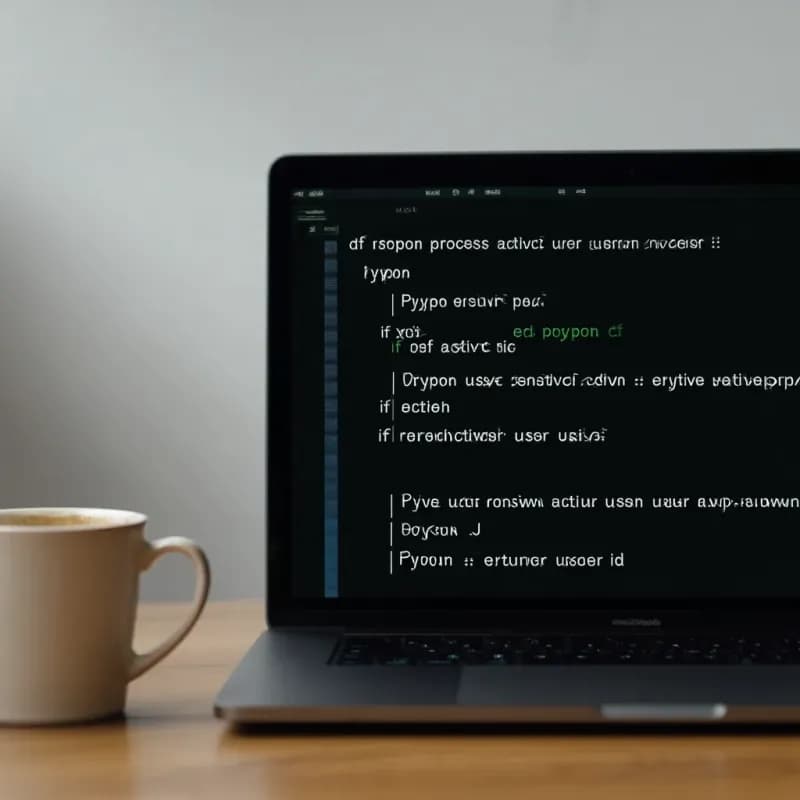
Entrada (JavaScript)
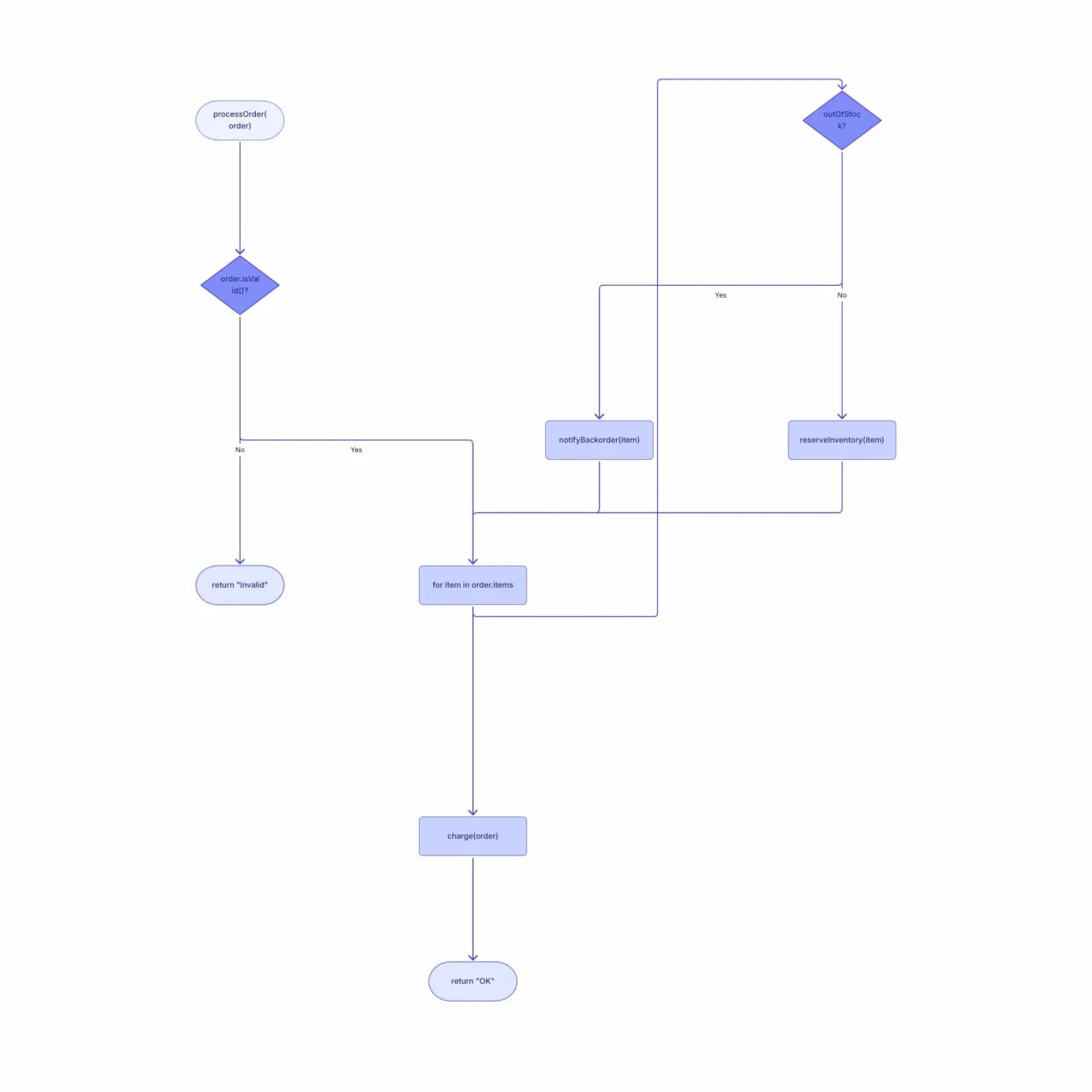
Lo que produce la IA
La IA conserva el retorno temprano ("return Invalid"), el continue dentro del bucle y la arista de retorno natural del bucle. Estas son exactamente las estructuras que hacen complicados los conversores código-a-diagrama, y donde la mayoría de las herramientas producen diagramas rotos.
¿Qué hace realmente código-a-diagrama?
Pega una función en Python, JavaScript, TypeScript, Java, Go, C, C++, C# o Rust, y Flowova mapea el flujo de control —ramas, bucles, retornos tempranos y switch/match— en un diagrama de flujo con diamantes de decisión y rutas etiquetadas. Traza bien una función a la vez; los grafos de llamadas entre múltiples funciones y la visualización de todo el código base no son su objetivo. Útil para explicar lógica complicada en una descripción de PR, guiar a un compañero por código desconocido o generar material didáctico a partir de código real.
Transforma código en un diagrama de flujo
Pega tu código
Pega código fuente. Compatibles: JavaScript, TypeScript, Python, Java, C/C++, Go, Ruby, PHP, Rust, Swift, Kotlin, C#. La IA también gestiona pseudocódigo que se parezca a código. Máx. 20.000 caracteres por generación.
- Python, JS/TS, Java, Go, C/C++, C#, Rust, Ruby, PHP, Swift, Kotlin
- Una función por generación funciona mejor
- Hasta 20.000 caracteres por pegado
La IA analiza el flujo de lógica
Flowova parsea el flujo de control: entrada de función, ramas if/else, bucles (for, while, do-while), switch/case, try/catch, retornos tempranos, llamadas recursivas. Cada estructura de control se convierte en una construcción de diagrama de flujo (diamantes de decisión, aristas de retorno para bucles).
- if/else, for, while, do-while, switch, try/catch gestionados
- Los retornos tempranos se convierten en nodos terminales explícitos
- La recursión se muestra como una arista hacia sí misma, no desplegada
Exporta tu diagrama gratis
El diagrama de salida es editable: arrastra nodos, renómbralos para claridad (p. ej., reemplaza nombres de variables crípticos por descripciones en inglés) y exporta. Uso común: pegarlo en documentos de revisión de código o wikis de incorporación para explicar "qué hace esta función".
- Renombra variables crípticas en las etiquetas de nodos antes de compartir
- Inclúyelo en descripciones de PR o wikis de incorporación
- PNG gratis; SVG y Mermaid son Pro
Funciones de Código a diagrama de flujo
12 lenguajes de programación
Python, JavaScript, TypeScript, Java, Go, C, C++, C#, Rust, Ruby, PHP, Swift, Kotlin. La IA también gestiona sintaxis tipo pseudocódigo que se parezca a código.
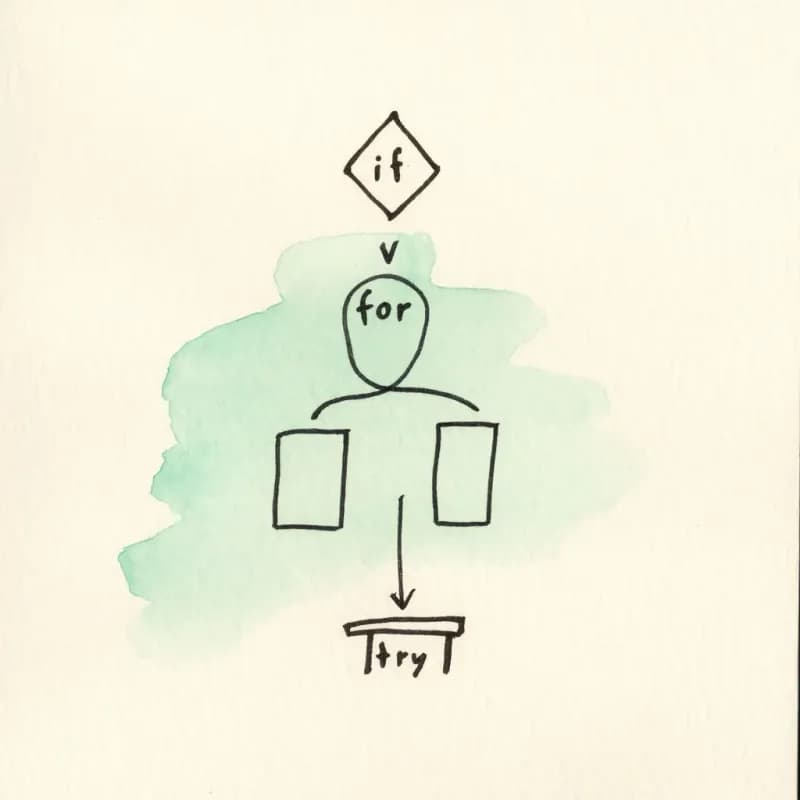
Cobertura de flujo de control
if/else/elif, for, while, do-while, switch/match, try/catch/finally, retornos tempranos, break, continue. Cada uno se mapea a su construcción estándar de diagrama de flujo.
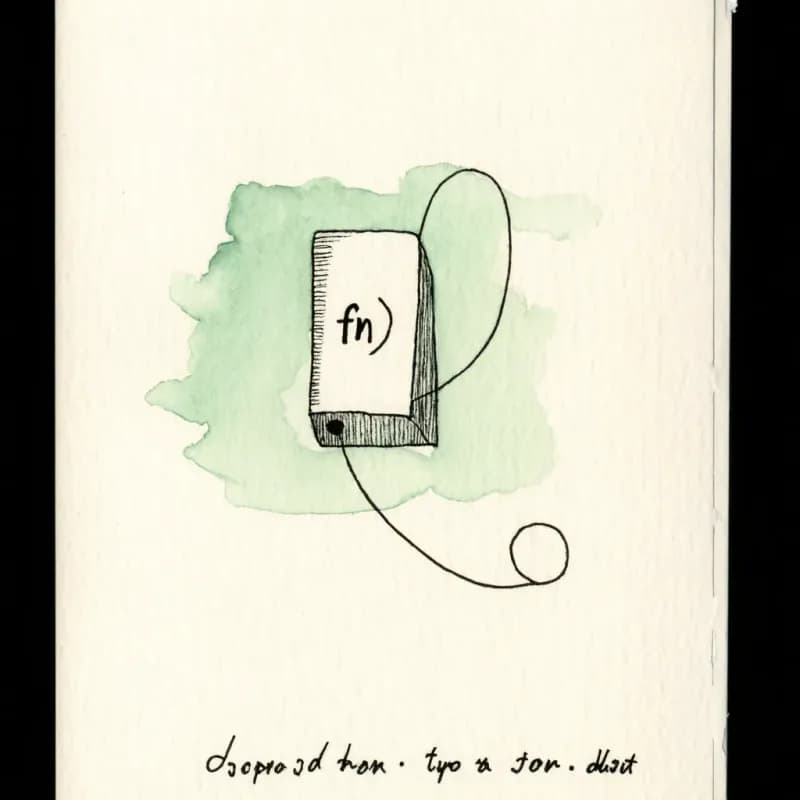
Recursión como arista hacia sí misma
Las llamadas recursivas se renderizan como una arista etiquetada hacia sí misma de vuelta a la entrada de la función, no desplegada: mantiene el diagrama legible para algoritmos recursivos.
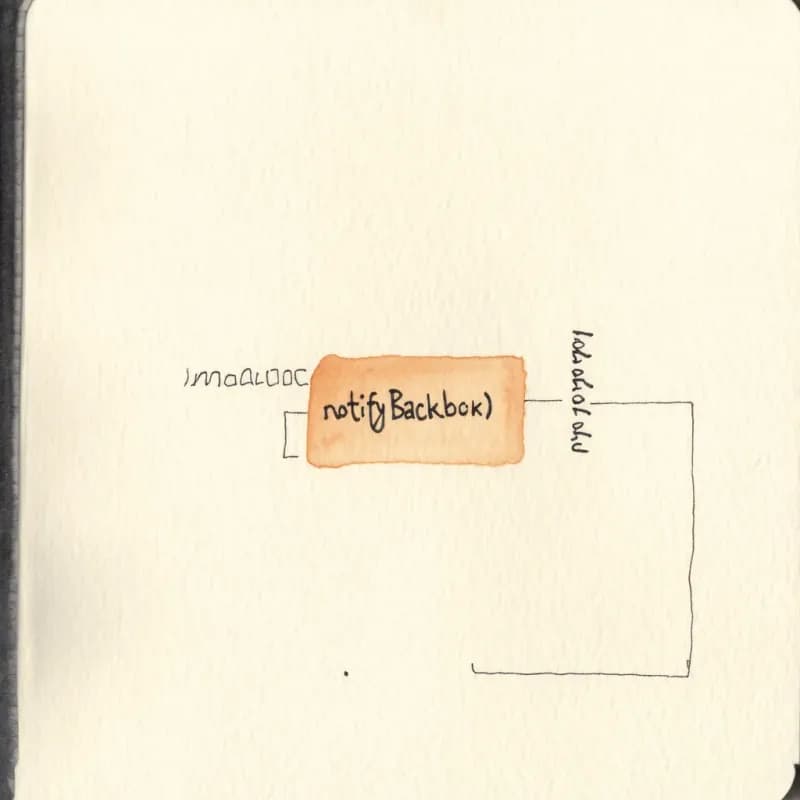
Llamadas externas preservadas como nodos
`notifyBackorder(item)` se convierte en un rectángulo etiquetado. El diagrama no se expande hacia esa función a menos que también la pegues: por diseño, para mantener una función por diagrama.

Etiquetas de condición literales
Los diamantes de decisión llevan el texto de la condición tal como está escrito en tu código (`user.age >= 18 && user.verified`). Útil para responder a "¿qué comprueba esta rama?" en las PRs.
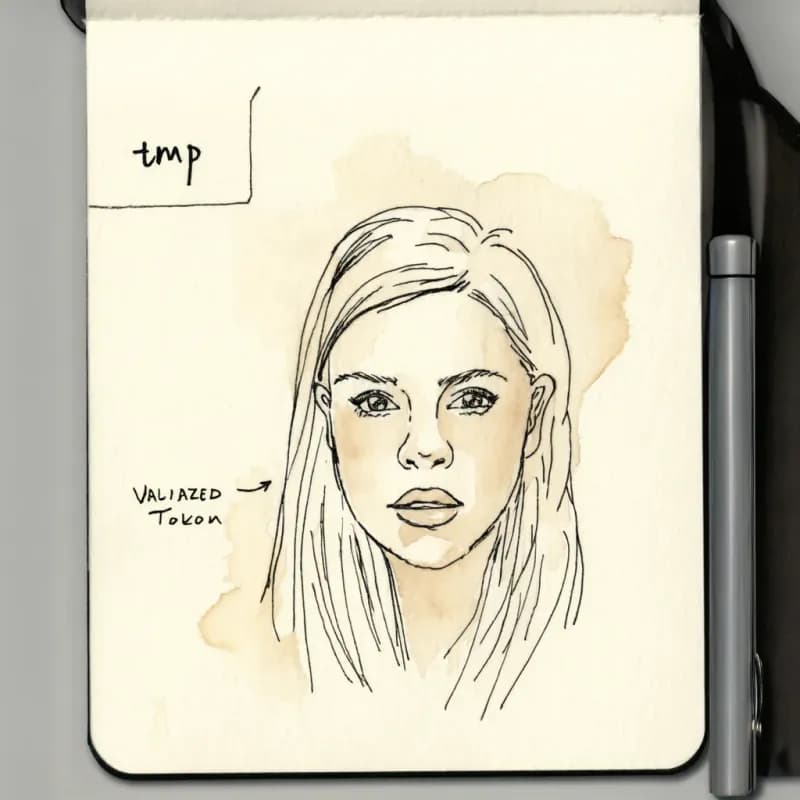
Renombra para compartir
Los nombres de variables crípticos (`u`, `tmp`, `flag`) se pueden renombrar en línea a etiquetas legibles antes de compartir con revisores no técnicos.
Cuándo usar código-a-diagrama
Usa esta herramienta para
- Revisiones de código: explica una función no trivial visualmente en lugar de en 200 líneas de comentarios.
- Documentos de incorporación: muestra cómo funciona una ruta crítica sin obligar a los nuevos ingenieros a leer cada línea.
- Planificación de refactor: ve la estructura del flujo de control antes de decidir qué extraer en helpers.
- Enseñar algoritmos o preparar entrevistas: pega una función de libro de texto y obtén su diagrama en segundos.
Usa otra herramienta para
- Arquitectura de todo el código base: esta herramienta funciona a nivel de función. Para grafos de llamadas de todo el proyecto usa un visor específico como SourceTrail o la jerarquía de llamadas de tu IDE.
- Pseudocódigo que aún no has implementado: el parser de Pseudocódigo-a-diagrama tolera mejor la sintaxis informal.
- Diagramas de interacción entre servicios: el creador de diagramas de secuencia captura el orden de mensajes entre servicios, lo que el flujo de control dentro de una función no muestra.
- Ingeniería inversa de esquemas de base de datos a partir de archivos de migración: pega las sentencias CREATE TABLE en el generador de diagramas ER.
Preguntas frecuentes de Código a diagrama de flujo
Más herramientas gratuitas para desarrolladores
Pseudocódigo a diagrama de flujo
Convierte pseudocódigo en diagramas visuales
If-else a diagrama de flujo
Visualiza lógica if-else como diagramas de flujo
Mermaid a diagrama de flujo
Convierte código Mermaid en diagramas visuales
Creador de diagramas de secuencia
Crea diagramas de secuencia con IA
Generador de diagramas ER
Crea diagramas ER con IA
Guías relacionadas
Mermaid a diagrama de flujo: Convierte código Mermaid en diagramas visuales y editables
Convierte la sintaxis de diagramas de Mermaid en diagramas de flujo visuales y editables. Aprenda cuándo los diagramas basados en texto se quedan cortos y cómo obtener lo mejor de ambos mundos.
Guía de diagramas de secuencia: qué es, notación UML y cómo crear uno en línea
Aprenda qué es un diagrama de secuencia, cómo funciona la notación UML y cuándo usar uno para el diseño de API, microservicios y flujos de autenticación. Incluye una opción de diagrama de secuencia con IA.
Chuleta de símbolos de diagrama de flujo: significados, formas y ejemplos
Una guía visual rápida de los símbolos de diagrama de flujo y sus significados: inicio/fin, proceso, decisión, entrada/salida, conectores, documentos, almacenes de datos y errores comunes.
¿Listo para probar el generador de diagramas de flujo con IA?
Únete a decenas de miles de profesionales que usan Flowova para visualizar sus ideas. Empieza a crear diagramas de flujo con IA en segundos.
Empieza gratis