Free Pseudocode to Flowchart Converter
Transform your algorithm pseudocode into clear, professional flowcharts instantly. Perfect for learning, teaching, and documentation.
A textbook algorithm to a flowchart
Binary search, the standard pseudocode example.
Input
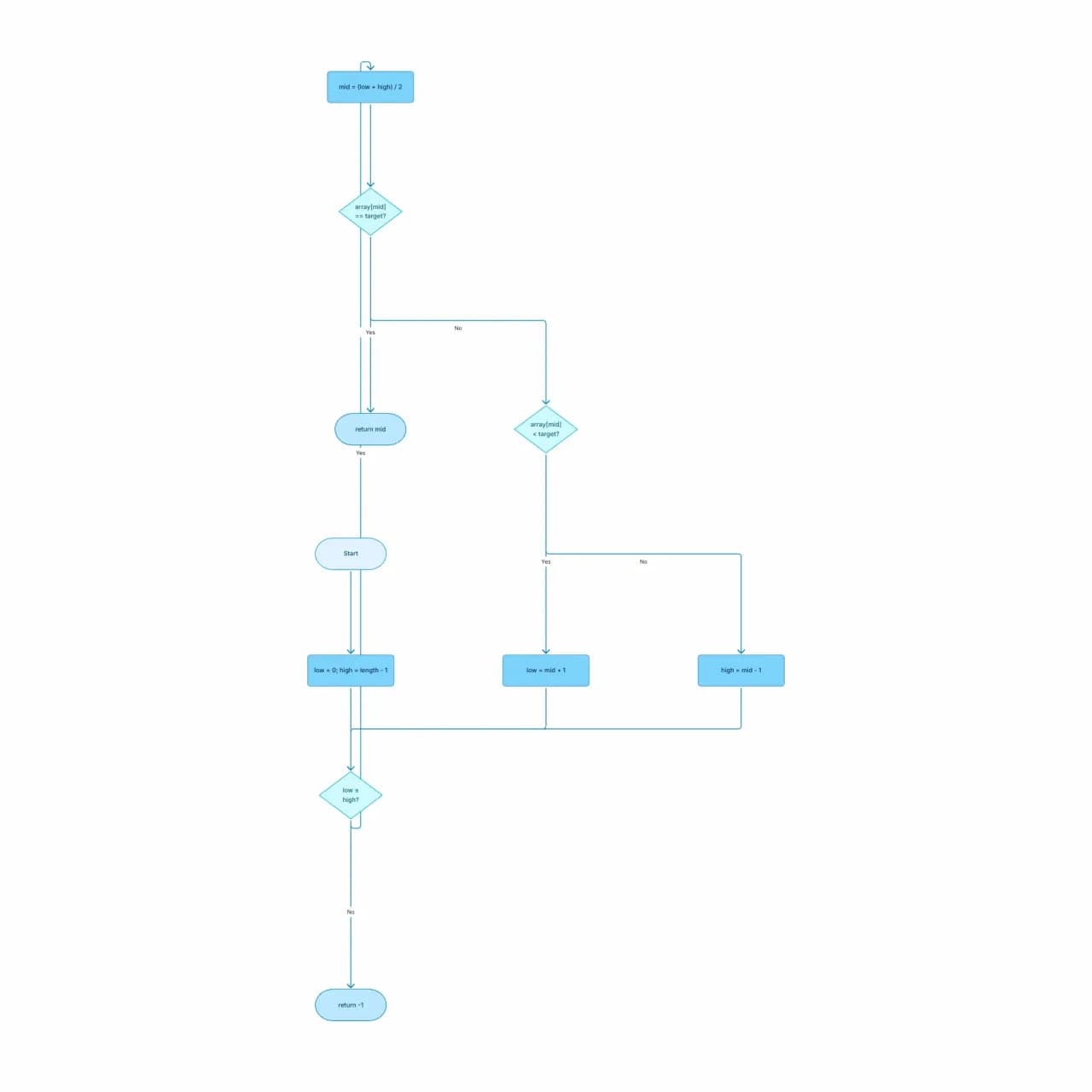
What the AI produces
Textbook pseudocode → textbook flowchart in one step. Perfect for teaching, interview prep, or refactoring legacy algorithm documentation.
What is pseudocode-to-flowchart?
Write your algorithm in any pseudocode style — IF/THEN/ELSE, WHILE/DO, BEGIN/END, indentation-based, or a casual mix — and Flowova maps it to standard flowchart symbols: rectangles for processes, diamonds for decisions, parallelograms for I/O, ovals for start/end. The output uses canonical NIST flowchart shapes, which is what most CS coursework expects. Best for algorithms up to about 30 steps; longer ones read better when split into sub-flows.
Convert Pseudocode to a Flowchart
Write Your Pseudocode
Paste pseudocode — BEGIN/END blocks, IF/THEN/ELSE, WHILE/REPEAT/FOR loops, function definitions, variable assignments. The AI handles multiple pseudocode dialects (Knuth-style, modern indentation-based, etc.).
- BEGIN/END, IF/THEN/ELSE, WHILE/DO syntaxes
- Indentation- or keyword-based — either works
- Up to 10,000 characters per paste
AI Creates Flowchart
The control structures become flowchart constructs (decision diamonds for IF, back-edges for loops, separate flows for function calls). Variable assignments become process boxes.
- Canonical NIST shapes (most CS coursework expects these)
- Parallelograms for I/O, diamonds for decisions
- Algorithms above ~30 steps read better split
Export Free
Refine — pseudocode is often more abstract than real code, so the diagram is a good place to add concrete examples or annotations.
- Edit labels to match your textbook conventions
- Print-ready resolution for assignments
- Free PNG; SVG is Pro for vector quality
Pseudocode to Flowchart Features
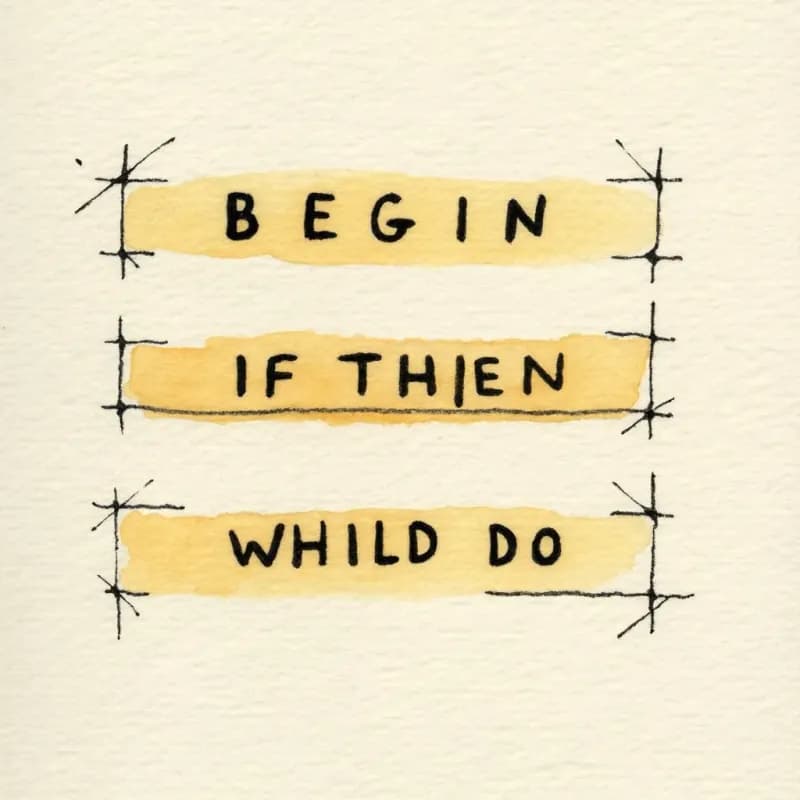
Style-Agnostic Parsing
BEGIN/END, IF/THEN/ELSE, WHILE/DO/ENDWHILE, structured English, indentation-based — the AI handles any common pseudocode style without configuration.
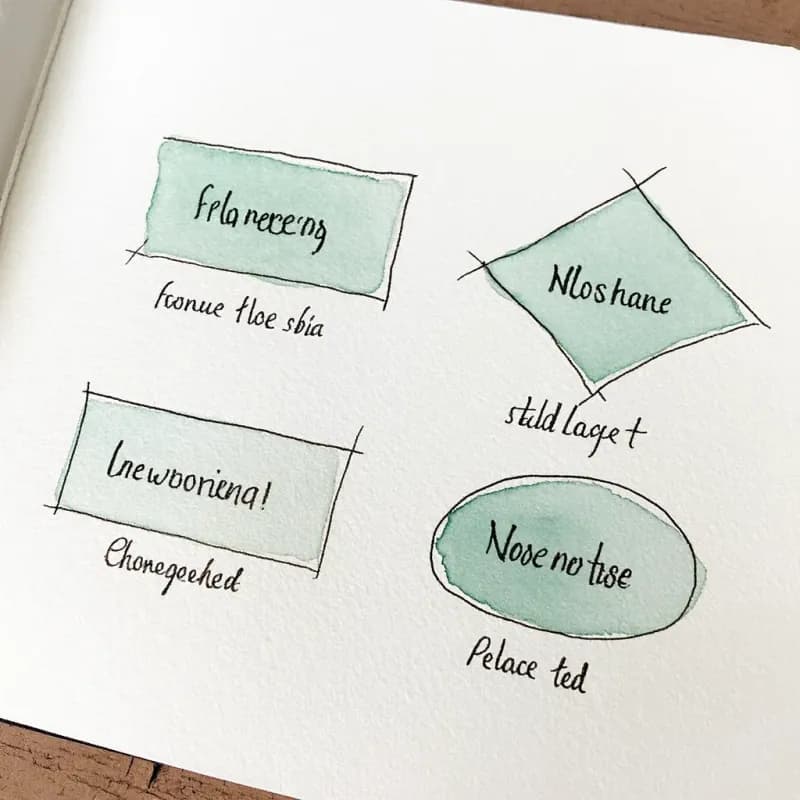
NIST Standard Shapes
Rectangles for processes, diamonds for decisions, parallelograms for I/O, ovals for start/end. Matches the conventions in most CS textbooks and coursework rubrics.
Algorithm-Specific Patterns
Binary search, merge sort, BFS/DFS, dynamic programming, and other classic patterns generate diagrams that match standard textbook presentations.
Print-Ready Resolution
PNG export at 2x pixel ratio reads cleanly in printed assignments and projector slides. SVG (Pro) for crisp at any zoom level on PDFs.
Big-O Annotations
When your pseudocode includes complexity comments ("// O(n log n)"), they survive the conversion as inline notes on the relevant step.
Split Long Algorithms
Algorithms over ~30 steps benefit from being split into sub-routines — Flowova suggests natural split points in the generation log.
When to use pseudocode-to-flowchart
Use this tool for
- Teaching algorithms — turn textbook pseudocode (BEGIN/END, IF/THEN/ELSE) into a visual aid for the lecture or handout.
- Interview prep — visualize binary search, BFS, or quicksort before implementing in a real language.
- Algorithm design: sketch in pseudocode, get the flowchart, share with reviewers before committing to syntax.
- Documenting internal algorithms in a tech doc where the actual implementation would be too dense to scan.
Use a different tool for
- Real source code that compiles — Code-to-Flowchart's language-aware parser is more faithful to return statements, exceptions, and early exits.
- Plain-English descriptions without keyword markers — Text-to-Flowchart handles unstructured prose more naturally.
- ML decision trees or scikit-learn output — use the library's own `plot_tree` or graphviz export.
- Mathematical proofs and theorem chains — those need a math-aware notation tool like LaTeX with TikZ, not a flowchart.
Pseudocode to Flowchart FAQ
Related guides
How to Make a Flowchart: A Complete Beginner Guide for 2026
Learn how to create effective flowcharts from scratch. This step-by-step guide covers flowchart basics, symbol meanings, design tips, and the best tools to use in 2026.
Flowchart Symbols Cheat Sheet: Meanings, Shapes, and Examples
A quick visual guide to flowchart symbols and meanings: start/end, process, decision, input/output, connectors, documents, data stores, and common mistakes.
Ready to Try the AI Flowchart Generator?
Join tens of thousands of professionals who use Flowova to visualize their ideas. Start creating flowcharts with AI in seconds.
Get Started Free