Free If-Else to Flowchart Converter
Visualize conditional logic as clear flowcharts. Enter your if-else statements, nested conditions, or switch cases - AI creates the decision flow diagram.
Nested if-else to flowchart
The most common "convert this messy logic" use case.
Input
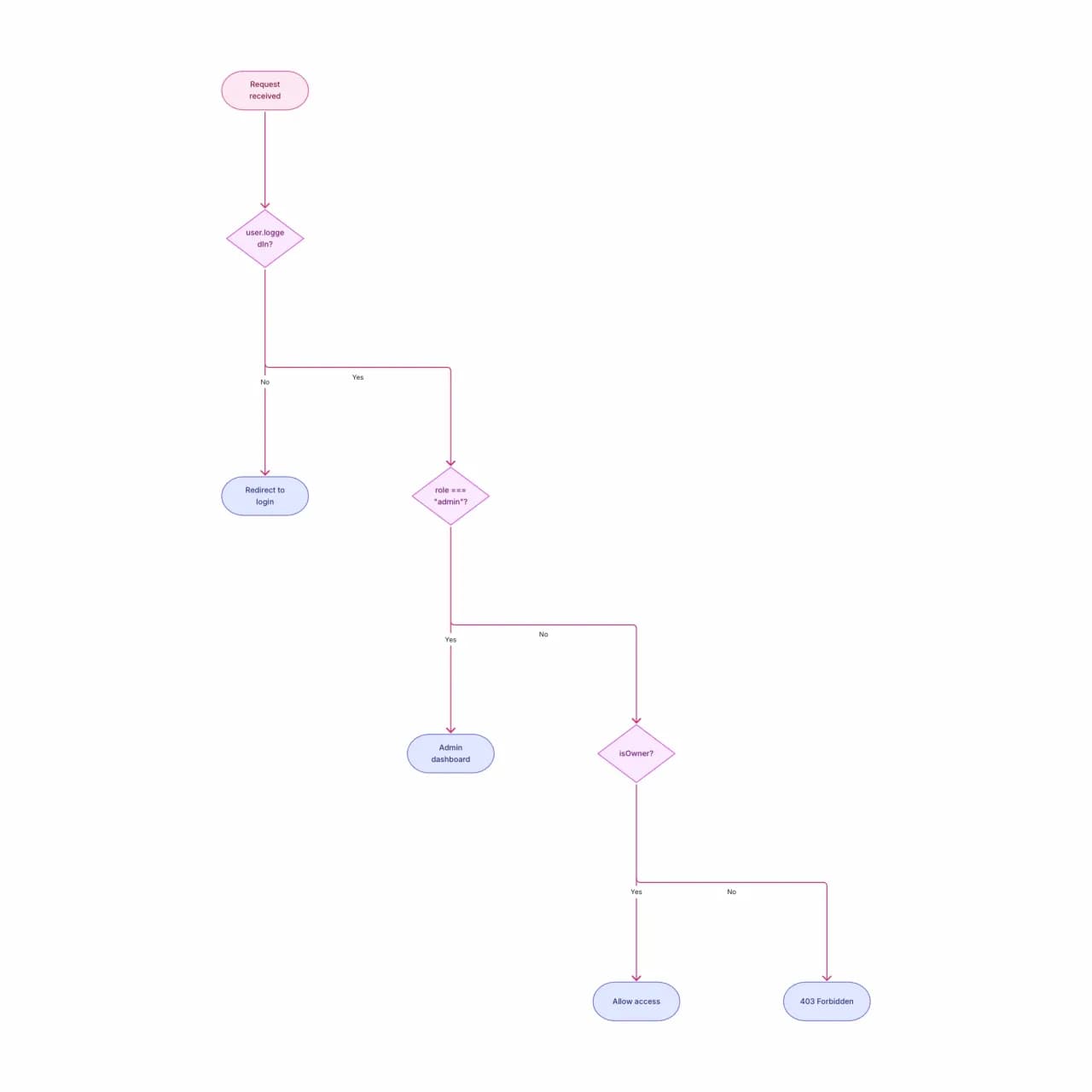
What the AI produces
Nested if-else gets confusing in 10+ lines of code. Visualizing it makes the branching structure obvious — and often exposes missing cases.
What is if-else-to-flowchart conversion?
Paste conditional logic — if/else blocks, nested ternaries, switch/case, pattern matches — and Flowova turns the branching structure into decision diamonds with explicit Yes/No (or matched-case) labels. It accepts any of the common syntaxes: C/Java/JavaScript/Go braces, Python indentation, Ruby/Rust expressions. Each diamond's text is the condition verbatim from your code, so the visual stays faithful to the source. Helpful for code review, teaching control flow, and auditing business logic encoded in code.
Convert If-Else Logic to a Flowchart
Enter Your Conditions
Paste if-else logic in pseudocode or near-code form. Indentation indicates nesting. Multiple else-if levels are handled.
- C/Java/JS braces, Python indentation, Ruby/Rust expressions
- Nested conditions and switch/case supported
- Ternaries flattened into decision diamonds
AI Maps the Logic
Each "if" becomes a decision diamond; "else" forms the alternative branch; "elif"/"else if" becomes a chain of decisions.
- Condition text shown verbatim on each diamond
- Yes/No labels follow your original semantics
- Matched-case arms become distinct branches
Study and Export
Refine and export. Particularly useful for converting embedded business rules into reviewable visual form.
- Drop into code reviews to explain branchy logic
- Theme for teaching material vs. team docs
- Free PNG; SVG is Pro for vector quality
If-Else to Flowchart Features
Five Syntax Families
C/Java/JS/TS braces, Python indentation, Ruby/Rust expressions, Swift/Kotlin guards, Go simple-if. Same tool, syntax-aware parsing.

Switch / Match / Case
C-style switch, Python match, Rust match, Java switch-expression all parse — each matched-case arm becomes a distinct branch from the gateway diamond.
Nested Conditional Depth
Nested ifs render as tree depth in the diagram. Up to 5 levels of nesting reads cleanly; deeper code is a signal to refactor before visualizing.
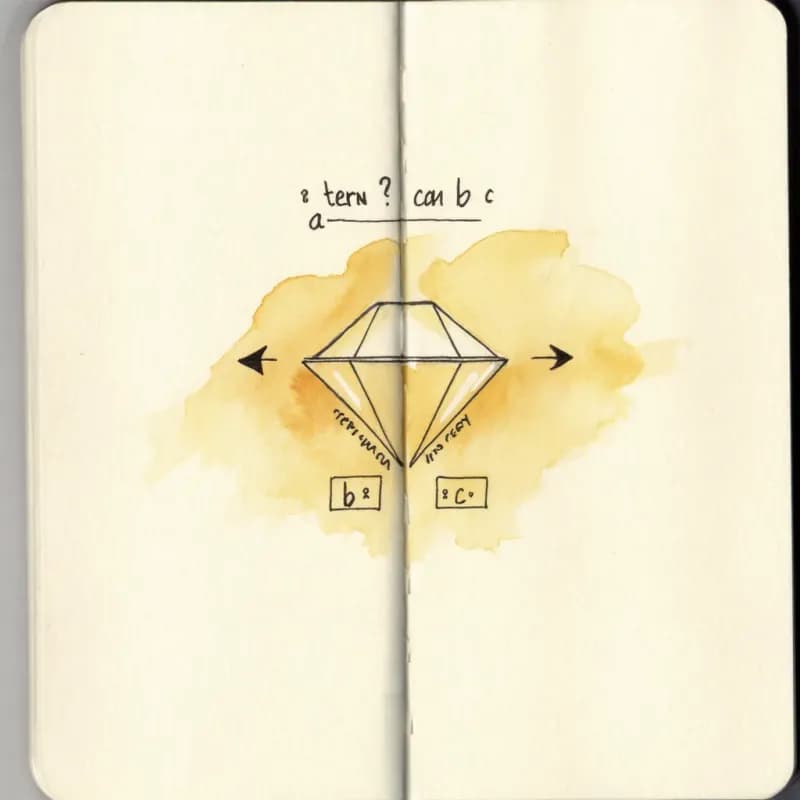
Ternary Flattening
`x = a ? b : c` flattens to a diamond with two branches assigning b or c. Useful for explaining dense conditional expressions in code reviews.
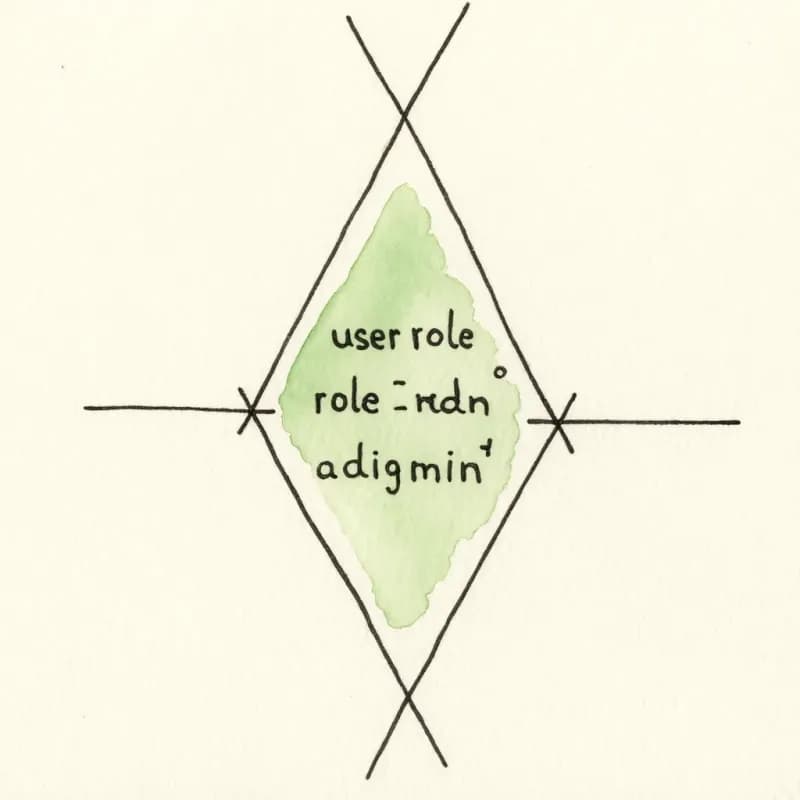
Verbatim Condition Labels
Each diamond carries the condition text as written (`user.role === "admin" && !user.banned`) — the visual stays faithful to the source.
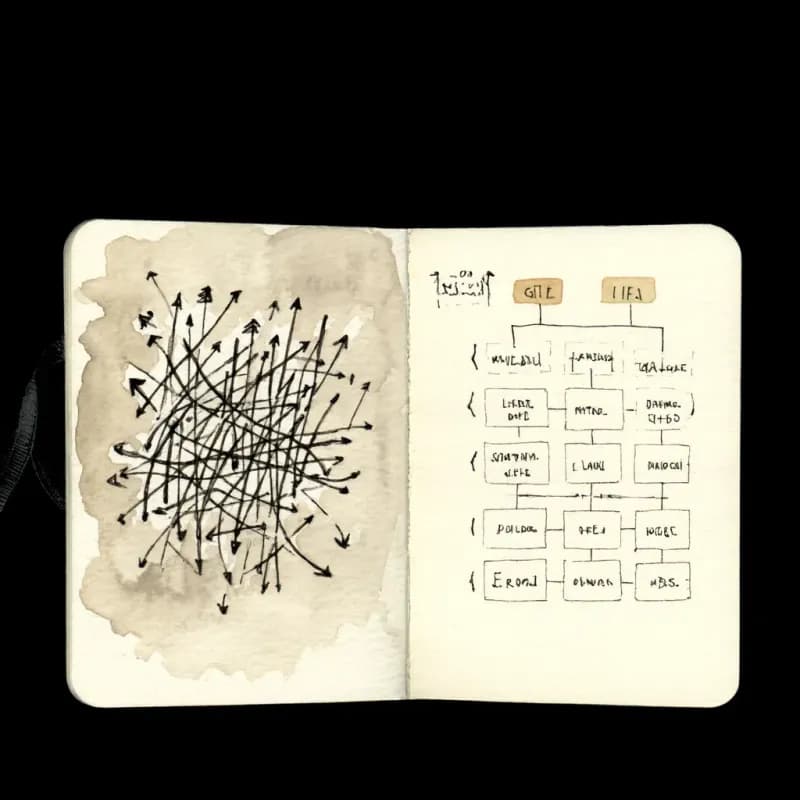
Goto / longjmp Cleanup
Goto, longjmp, and exception-based control flow (catch-and-rethrow chains) convert, but often need manual cleanup. Standard structured control flow is the sweet spot.
When to use if-else-to-flowchart
Use this tool for
- Business rules embedded in code — turn that 80-line nested if-else into a visual for the next code review.
- Code review prep — paste a conditional block before the meeting and walk reviewers through the branches visually.
- Teaching conditional logic in a programming class — the diagram makes nesting depth and 'did we cover that case?' obvious.
- Routing logic extraction — pull the if-else routing tree from middleware or a config file and review it on its own.
Use a different tool for
- Natural-language decisions ('if it's a security issue, escalate to P0') — Decision Tree Maker handles informal phrasing better.
- Real source code with loops, throws, async/await, or early returns — Code-to-Flowchart's language-aware parser is more faithful.
- Whole algorithms with state and iteration — Pseudocode-to-Flowchart accepts the broader pseudocode structure.
- Switch tables with hundreds of cases — a flowchart becomes unreadable; a lookup table or rule engine (Drools, JSON Logic) is the right answer.
If-Else to Flowchart FAQ
Related guides
Decision Tree vs Flowchart: What's the Difference and When to Use Each
Understand the key differences between decision trees and flowcharts. Learn when to use each diagram type with practical examples for business, software, and data analysis.
Flowchart Symbols Cheat Sheet: Meanings, Shapes, and Examples
A quick visual guide to flowchart symbols and meanings: start/end, process, decision, input/output, connectors, documents, data stores, and common mistakes.
Ready to Try the AI Flowchart Generator?
Join tens of thousands of professionals who use Flowova to visualize their ideas. Start creating flowcharts with AI in seconds.
Get Started Free