Free Mermaid to Flowchart Converter
Paste your Mermaid code and see it rendered as a beautiful, editable flowchart. Edit visually, then export or copy back to Mermaid.
Mermaid syntax to visual editor
Escape the text-only Mermaid workflow.
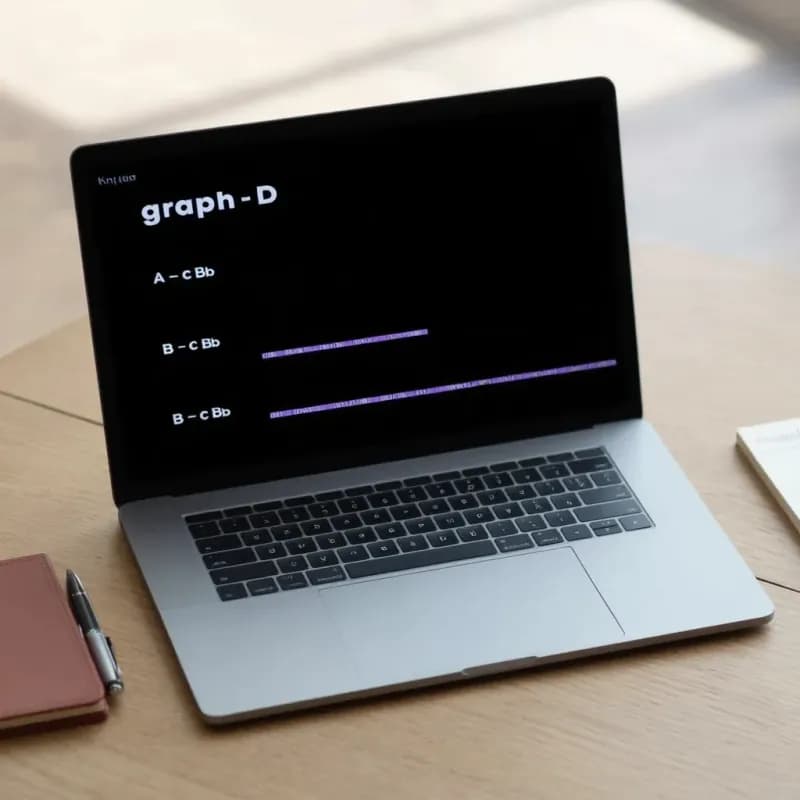
Input (Mermaid)
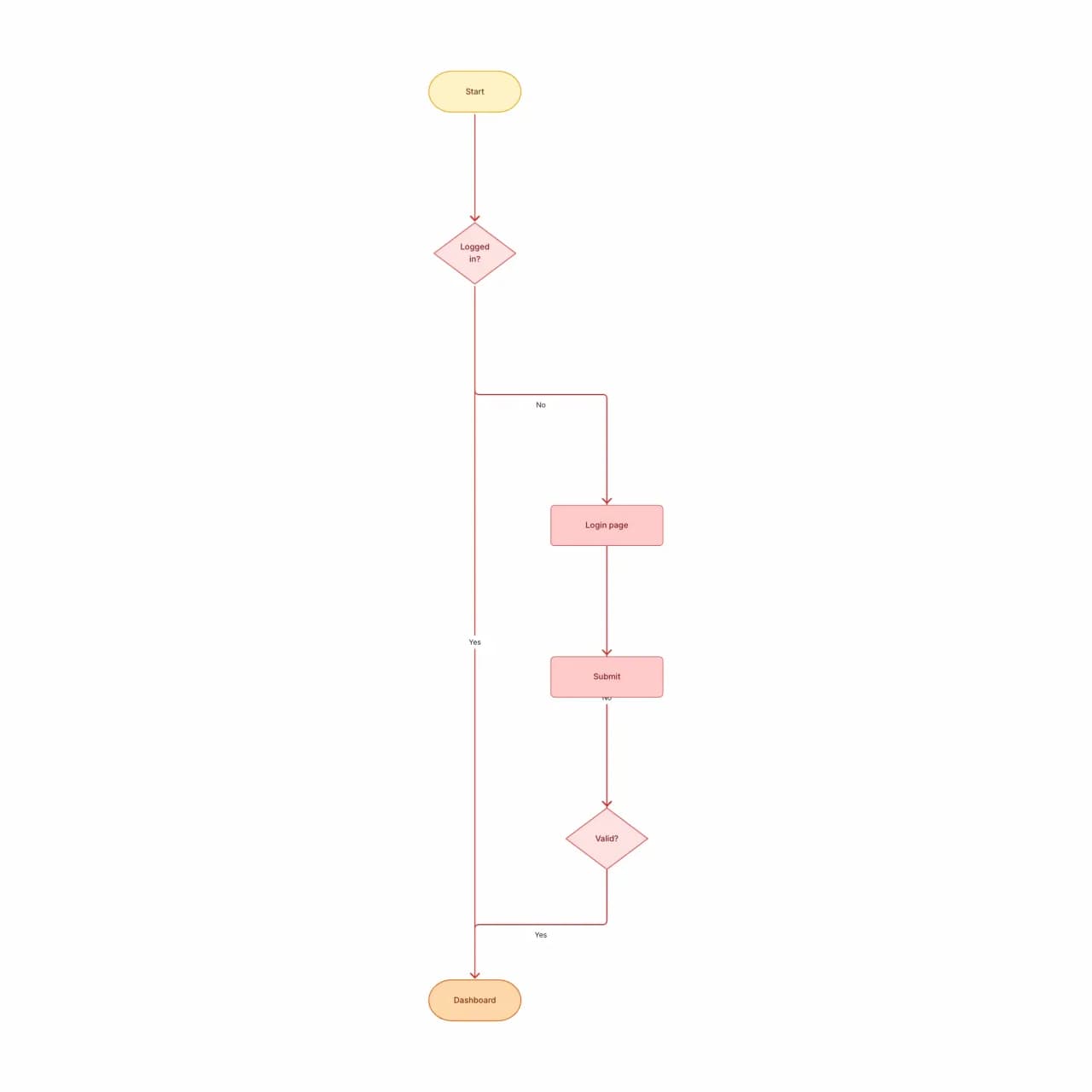
What the AI produces
Mermaid is text-first by design. Converting here gives you a visual editor for non-engineers and a clean export for slide decks — both things text-only Mermaid struggles with.
What is Mermaid-to-flowchart conversion?
Paste Mermaid `flowchart` or `graph` syntax and Flowova renders it as a real diagram you can edit visually, theme, and re-export. Subgraphs, edge labels, and the standard direction modifiers (TD, LR, BT, RL) are preserved. After editing you can copy the diagram back out as canonical Mermaid — the round-trip works for keeping a README in sync with the visual edits. Sequence and class diagrams are not the target here; use sequence-diagram-maker for those.
How to Convert Mermaid Code to a Flowchart
Paste Your Mermaid Code
Paste Mermaid flowchart syntax (graph TD, graph LR, flowchart TD, etc.). All standard Mermaid features supported: subgraphs, styling, link labels, multiple node shapes.
- `flowchart TD/LR/BT/RL` directions supported
- Subgraphs and classDef preserved
- Up to 20,000 characters per paste
See It Rendered Instantly
Flowova parses the Mermaid AST and renders it as a Flowova-native chart with the same structure, then applies a clean theme.
- Edge labels carry over verbatim
- Layout direction matches the Mermaid source
- Sequence and class diagrams not handled here
Edit Visually, Export Free
Edit visually — once converted, you have full drag-and-drop, theme selection, and AI Chat Agent (Pro) for modifications. Re-export as Mermaid if you want to push back to the source.
- Visual edits export back as canonical Mermaid
- Free PNG and Mermaid export; SVG is Pro
- Theme without touching the source code
Mermaid to Flowchart Features
Flowchart Syntax Coverage
`flowchart TD/LR/BT/RL`, `graph` (legacy), node shapes (`A[]`, `B()`, `C{}`, `D{{}}`, `E[/\]`), edge styles (`-->`, `-.->`, `==>`), subgraphs, and classDef.
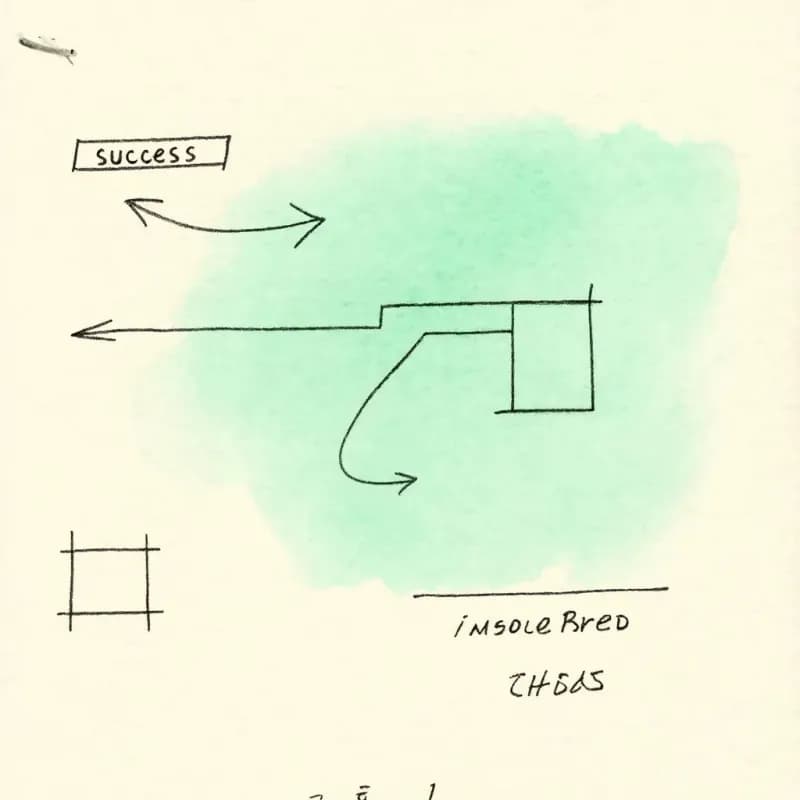
Edge Labels Preserved
`A -- success --> B` keeps the "success" label on the rendered edge. Direction modifiers (TD becomes top-down, LR becomes left-right) match Mermaid intent.
Round-Trip Safe
Edit the diagram visually, export back as canonical Mermaid, and paste into your repo. The output is parseable by Mermaid.js — no manual cleanup needed.
Theme Independent of Source
Apply any of 40+ Flowova themes for the rendered version without modifying the Mermaid code in your repo. Theme is a rendering choice, source stays clean.
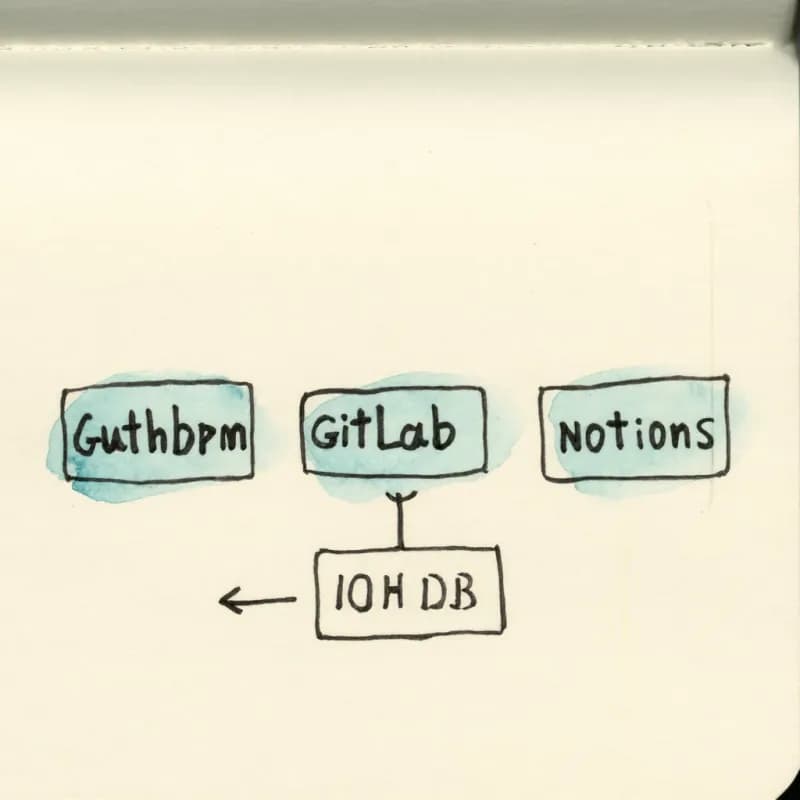
GitHub / GitLab / Notion Ready
Round-tripped Mermaid renders natively in GitHub READMEs, GitLab wikis, Notion blocks, and Obsidian without any plugin or pre-rendering step.
Other Mermaid Types Excluded
Only the `flowchart` and `graph` subsets of Mermaid syntax are parsed here. `sequenceDiagram`, `classDiagram`, `erDiagram`, and `stateDiagram` blocks fall outside the converter's scope because each has a fundamentally different visual model — pasting them returns a clear error rather than a low-fidelity rendering.
When to use mermaid-to-flowchart
Use this tool for
- You wrote a flowchart in Mermaid for GitHub but stakeholders need a presentable visual without learning the syntax.
- Migrating a wiki of Mermaid diagrams into an editor where non-engineers can also make changes.
- Producing slide-ready PNG or SVG of a Mermaid diagram without setting up a local Mermaid CLI or running mermaid.live screenshots.
- Round-tripping: edit visually here, then export Mermaid back into your repo as the canonical source.
Use a different tool for
- Mermaid `sequenceDiagram` blocks — this tool only parses the `flowchart` subset; describe the participants and messages in plain English to Sequence Diagram Maker instead.
- Mermaid `stateDiagram` or `erDiagram` blocks — same rule: describe the states or entities in natural language to State Diagram Maker or ER Diagram Generator.
- Diagrams that already render fine on GitHub and don't need editing — the official mermaid.live editor is faster for read-only previews.
- PlantUML source — PlantUML-to-Flowchart has a parser for that syntax.
Mermaid to Flowchart FAQ
Related guides
Mermaid to Flowchart: Convert Mermaid Code to Visual, Editable Diagrams
Convert Mermaid diagram syntax to visual, editable flowcharts. Learn when text-based diagrams fall short and how to get the best of both worlds.
How to Make a Flowchart: A Complete Beginner Guide for 2026
Learn how to create effective flowcharts from scratch. This step-by-step guide covers flowchart basics, symbol meanings, design tips, and the best tools to use in 2026.
Ready to Try the AI Flowchart Generator?
Join tens of thousands of professionals who use Flowova to visualize their ideas. Start creating flowcharts with AI in seconds.
Get Started Free