Free PDF to Flowchart Converter
Transform PDF documents into clear, visual flowcharts instantly. Extract processes, procedures, and workflows from any PDF file using AI.
Drop your PDF here
or click to browse (up to 10MB)
A scanned policy PDF, converted
OCR + flow extraction in one step.
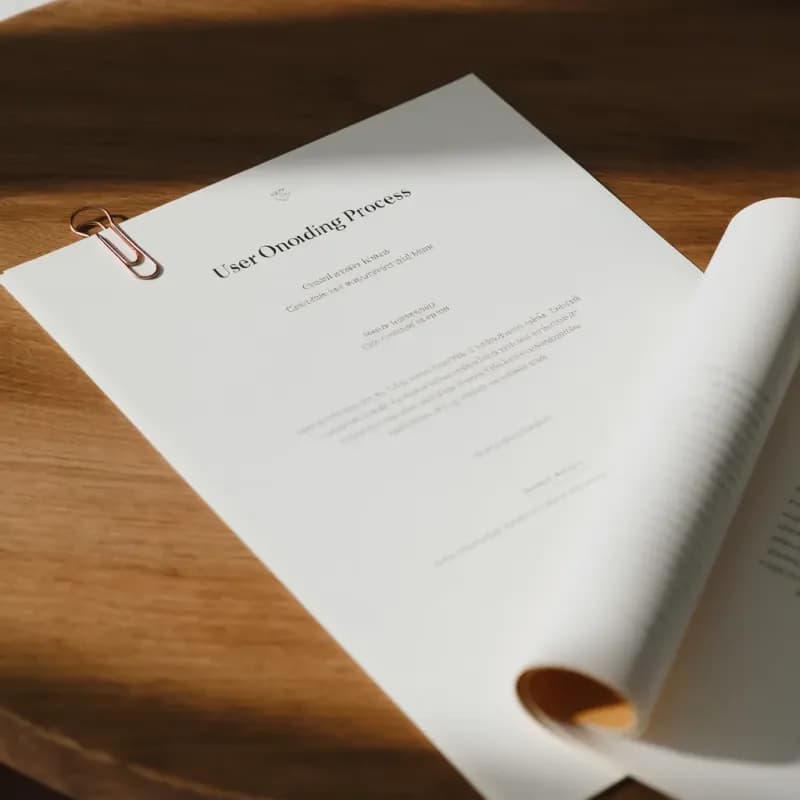
Input (scanned PDF, 2 pages)
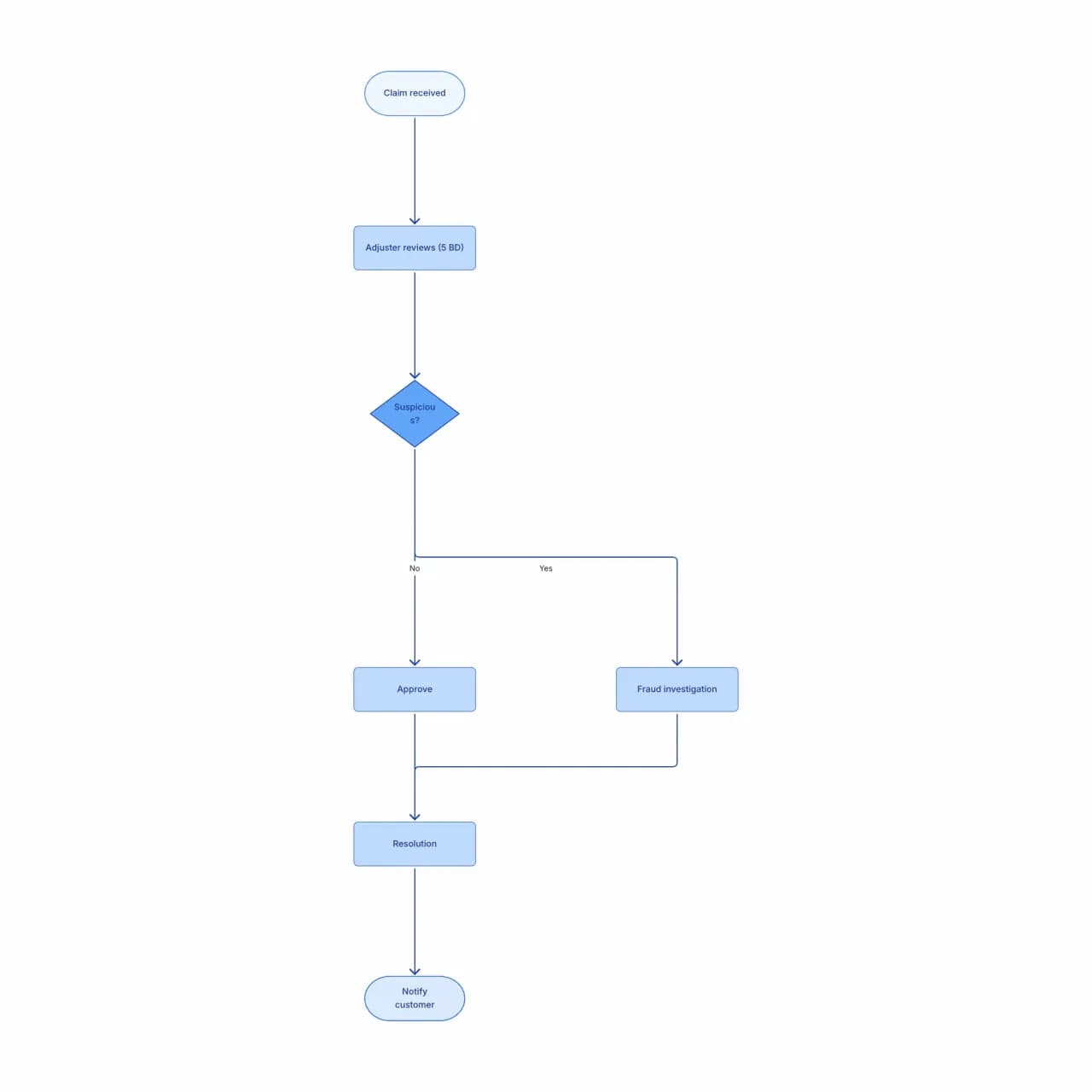
What the AI produces
For scanned PDFs, OCR accuracy depends on scan quality. Modern scans (300+ DPI, straight) reach >95% text accuracy; older or faxed scans may need cleanup.
What is PDF-to-flowchart conversion?
Drop a PDF that describes a process — an SOP, a policy doc, a user manual, a compliance procedure — and Flowova extracts the steps and decision points and rebuilds them as a flowchart. Both digital PDFs and scanned ones work (OCR runs automatically), up to 30MB on Pro / 10MB on free. The AI does best with sequenced or numbered content; PDFs that are primarily slide decks or tables-only often lack enough procedural structure to convert cleanly.
Convert a PDF into a Flowchart
Upload Your PDF
Upload a PDF (max 10MB). The tool handles both text PDFs (with selectable text) and scanned PDFs (OCR is applied). Multi-page documents are processed page by page.
- Text PDFs and scanned PDFs both work
- Up to 10MB on free, 30MB on Pro
- OCR runs automatically when needed
AI Extracts the Process
Flowova extracts the text layer first, identifies procedural language, and constructs a flowchart. When a page has no extractable text (a scanned image or a diagram rendered as image), the multimodal fallback reads it directly — but fidelity is highest when text and diagrams live on separate pages.
- SLA notes ('within 4 hours') stay on the step
- Header/footer text filtered out
- Slide-deck PDFs rarely have enough flow structure
Edit and Export
Review and edit — PDFs often have layout artifacts (column breaks, headers/footers) that produce extraneous nodes. Theme and export.
- Clean up extraneous nodes inline
- Re-export as Mermaid for source-of-truth docs
- Free PNG; SVG and Mermaid are Pro
PDF to Flowchart Features
Text and Scanned PDFs
Digital PDFs (selectable text) and scanned ones both work — OCR runs automatically when needed. Up to 10MB on free, 30MB on Pro, up to 50 pages.
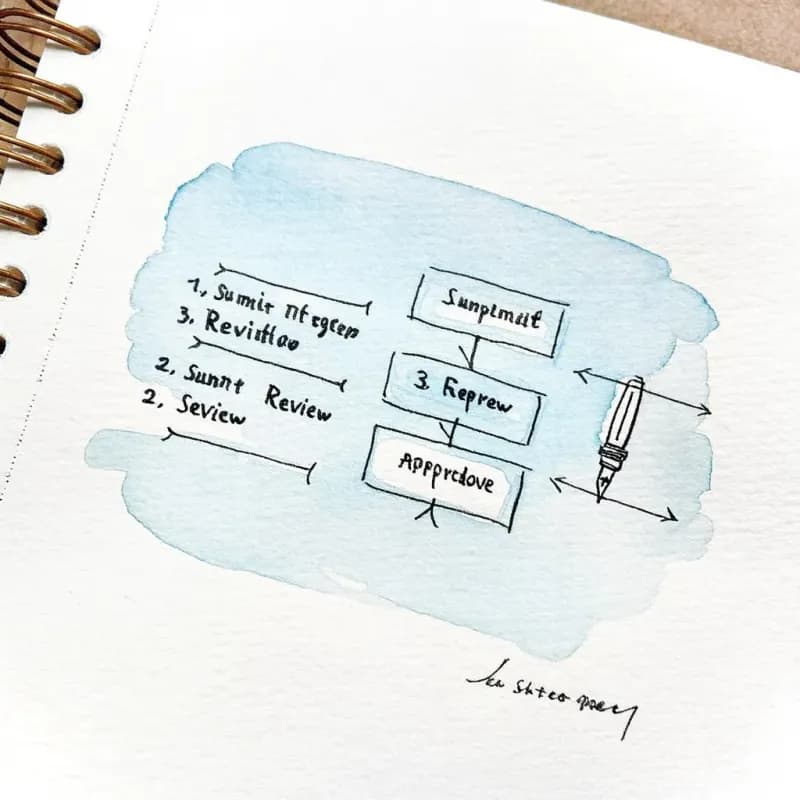
SOP Format Awareness
Numbered procedures, decision tables, "if/then/unless" language, and SLA notes ("within 4 hours") all parse into appropriate flowchart constructs.
Header/Footer Filtering
Page numbers, document titles, confidentiality stamps, and revision metadata are filtered out — not rendered as flowchart nodes.
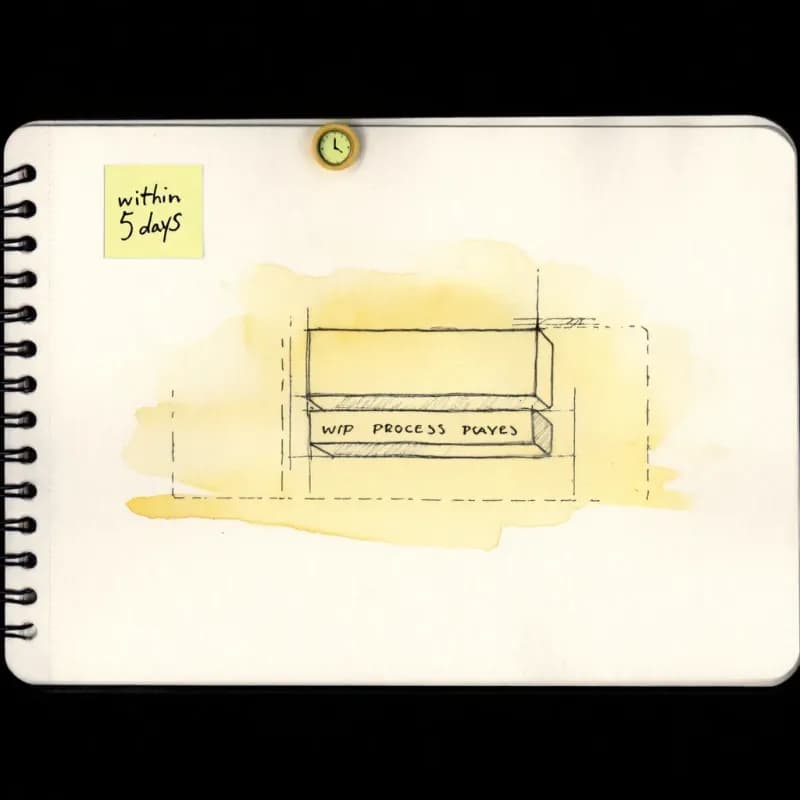
SLA Annotations Preserved
"Adjuster reviews within 5 business days" stays attached to that step as an inline note, which matters for audit-ready visualizations.
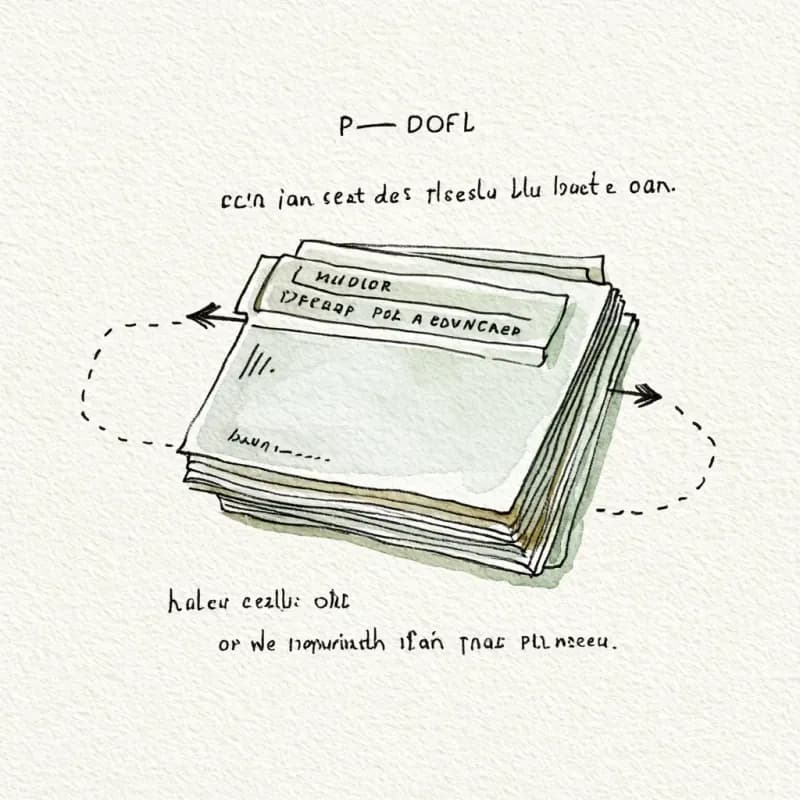
Multi-Page Process Stitching
A process spanning pages 12-15 is stitched into a single connected flowchart, not split by page boundary.
Diagram-Embedded PDFs
PDFs that contain images of existing flowcharts fall back to the multimodal model when text extraction returns nothing useful. Layout fidelity is lower than feeding a single clean diagram image — for image-heavy pages, cropping to one diagram per upload gives the sharpest result.
When to use pdf-to-flowchart
Use this tool for
- The procedure you need to diagram only exists as a policy PDF or a regulatory document — extract the steps without retyping.
- Modernizing legacy onboarding or training material that was distributed as PDF years ago and never got an editable source.
- Vendor documentation, RFCs, and technical specs delivered as PDF — turn them into a visual you can actually edit and share.
- Compliance procedures locked in PDF — pull the workflow out so it can become part of your team's living docs.
Use a different tool for
- PDFs that are mostly images of pre-existing diagrams — Image-to-Flowchart handles diagram reconstruction more cleanly.
- Word documents — Word-to-Flowchart skips the PDF-text-extraction step entirely.
- PDFs encrypted with a password — decrypt in Preview or Adobe Acrobat first; this tool does not attempt to unlock files.
- Charts, graphs, or photo-heavy PDFs that aren't really procedural — a flowchart isn't the right output shape; try a data-visualization tool like Datawrapper or Flourish.
PDF to Flowchart FAQ
Related guides
How to Make a Flowchart: A Complete Beginner Guide for 2026
Learn how to create effective flowcharts from scratch. This step-by-step guide covers flowchart basics, symbol meanings, design tips, and the best tools to use in 2026.
Process Mapping: A Practical Guide to Documenting Any Workflow (2026)
Learn how to create effective process maps for your organization. Covers types of process maps, step-by-step methodology, common frameworks (SIPOC, value stream), and best practices.
Ready to Try the AI Flowchart Generator?
Join tens of thousands of professionals who use Flowova to visualize their ideas. Start creating flowcharts with AI in seconds.
Get Started Free