Free Text to Flowchart Generator
Transform any text description into a professional flowchart in seconds. Powered by AI, no design skills required.
A rambling paragraph to a clean flowchart
The AI handles informal writing — no special syntax needed.
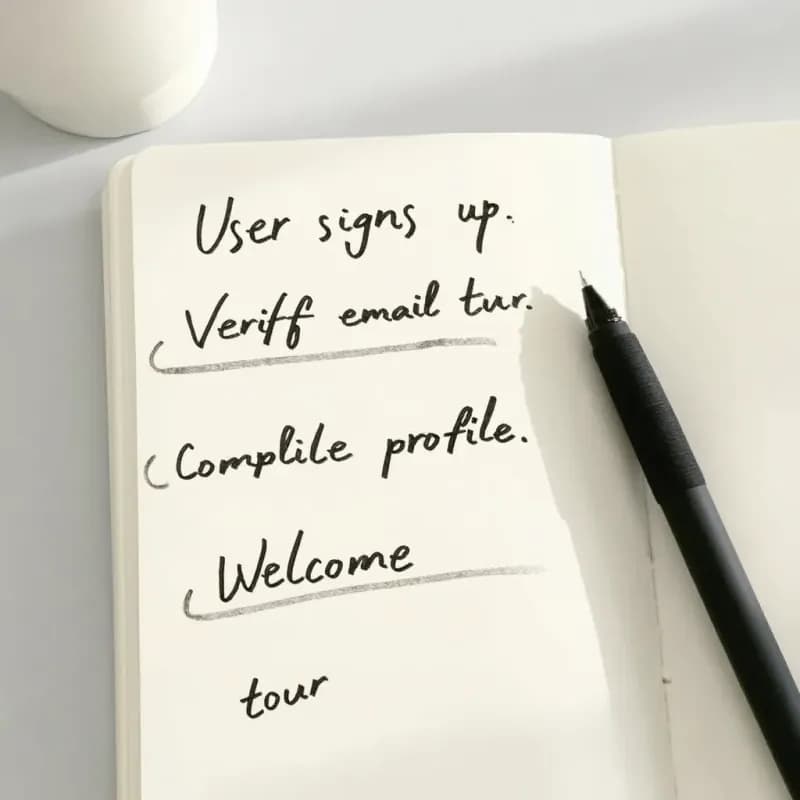
Input
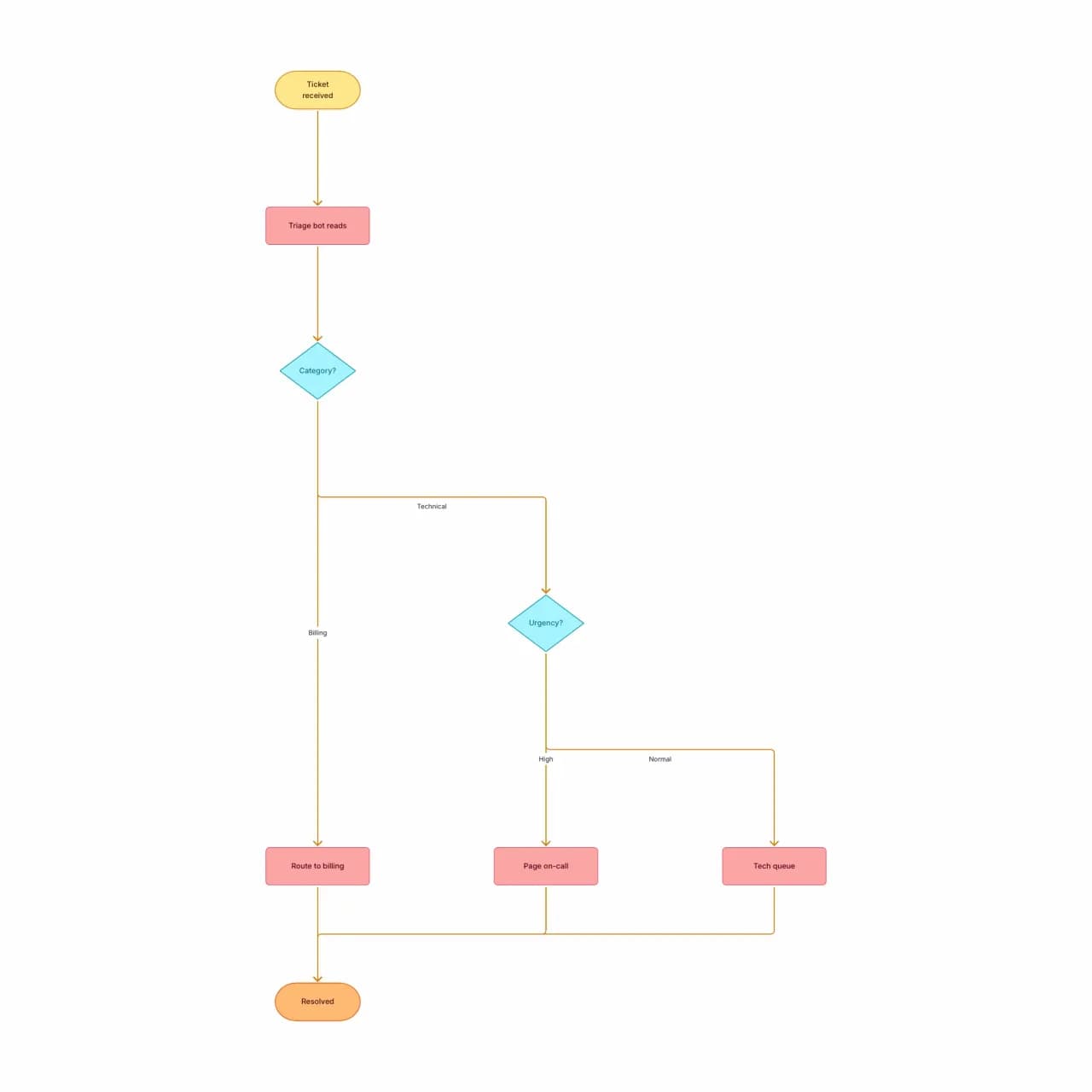
What the AI produces
Note how "anything weird that doesn't fit" became a third branch of the category decision — not a separate flow. The AI infers branch structure from natural-language hedge phrases.
What is text-to-flowchart generation?
Paste a paragraph that sequences anything — onboarding steps, an approval rule, an algorithm — and Flowova reads the structure out of your words. The AI infers branches when you write 'if', loops when you write 'until', and joins paths when two branches converge. The input cap is 10,000 characters: enough for a multi-section SOP, but tight enough that pasting one process at a time gives the cleanest layout — long runbooks get split into separate generations.
How to Convert Text to a Flowchart
Describe Your Process
Describe your process in plain language. Sequential paragraphs, bullet points, numbered steps, or stream-of-consciousness all work. The AI is good at inferring structure from informal writing.
- Bullet points or paragraphs both work
- No fixed schema — informal writing parses
- Up to 10,000 characters per generation
AI Creates Your Flowchart
Flowova's language model identifies entities (steps, decisions, outcomes), maps them to flowchart shapes, and connects them. The output-language selector covers eleven options: English, Simplified Chinese, Traditional Chinese, Japanese, Korean, Spanish, French, German, Portuguese, Italian, and Auto.
- Branches inferred from 'if' / 'unless' / 'when'
- Implicit start/end nodes added when missing
- Loops detected from 'while' / 'until' / 'repeat'
Customize and Export Free
Refine inline labels, redirect connections by dragging, apply a theme, and export. Mermaid output is free — useful for embedding in Markdown docs without screenshots.
- Drag nodes to rearrange before exporting
- PNG export is free; SVG and WebP are Pro
- Mermaid round-trip works (free) for README sync
Text to Flowchart Features
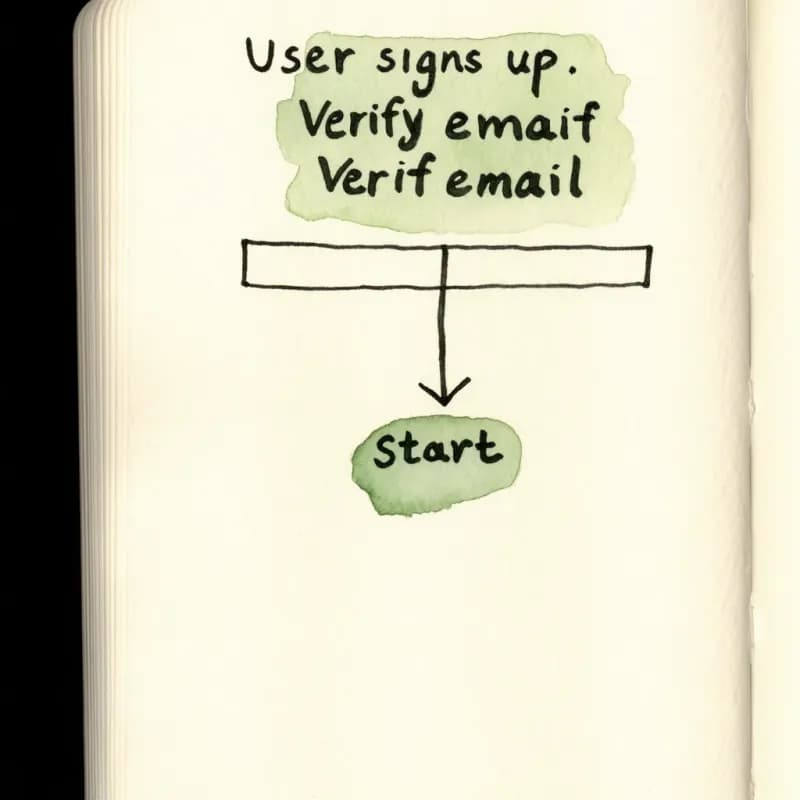
Loose Prose Works
No required schema — paste a paragraph, bullet list, meeting transcript, or stream-of-consciousness. The AI extracts structure from informal writing.
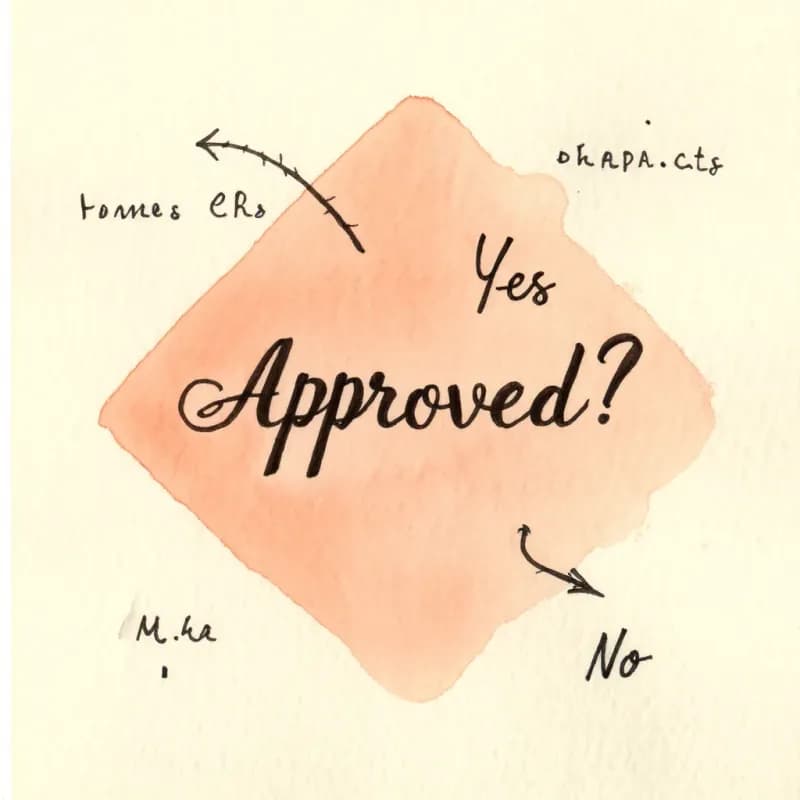
Conditional Inference
"If approved" becomes a Yes branch from a decision diamond; "unless rejected" becomes an inverted branch. Loop language (while, until, repeat) generates back-edges.
Implicit Start and End
When your text begins mid-process ("after the form is submitted…"), the AI synthesizes an explicit start node so the diagram is valid in BPMN-ish terms.
Mermaid Round-Trip
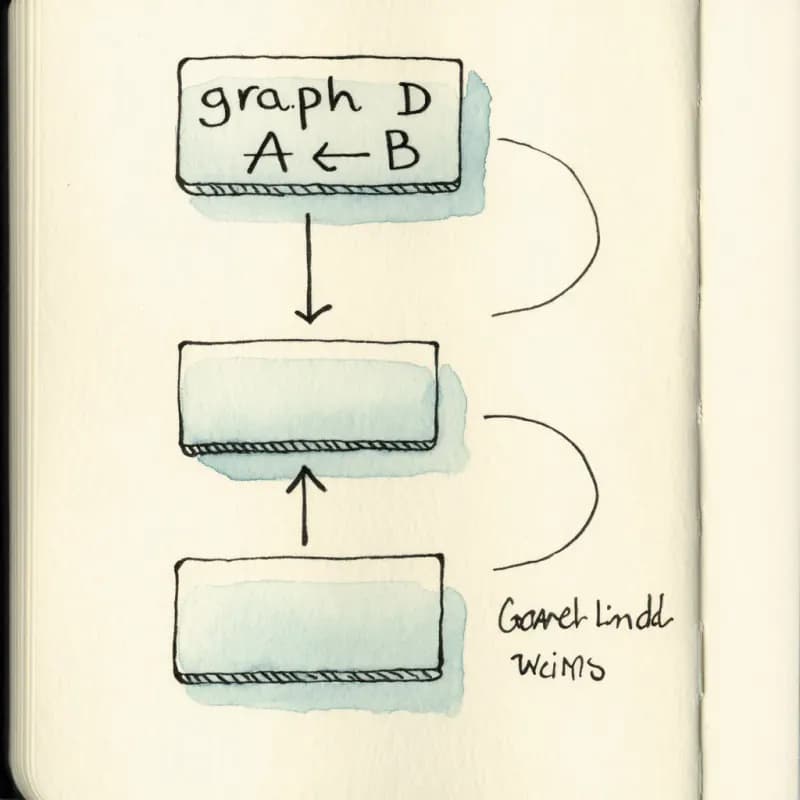
After generation, export back to Mermaid (free) and paste into your README or docs site. Future edits in the visual editor stay round-trip safe.
Multilingual Input
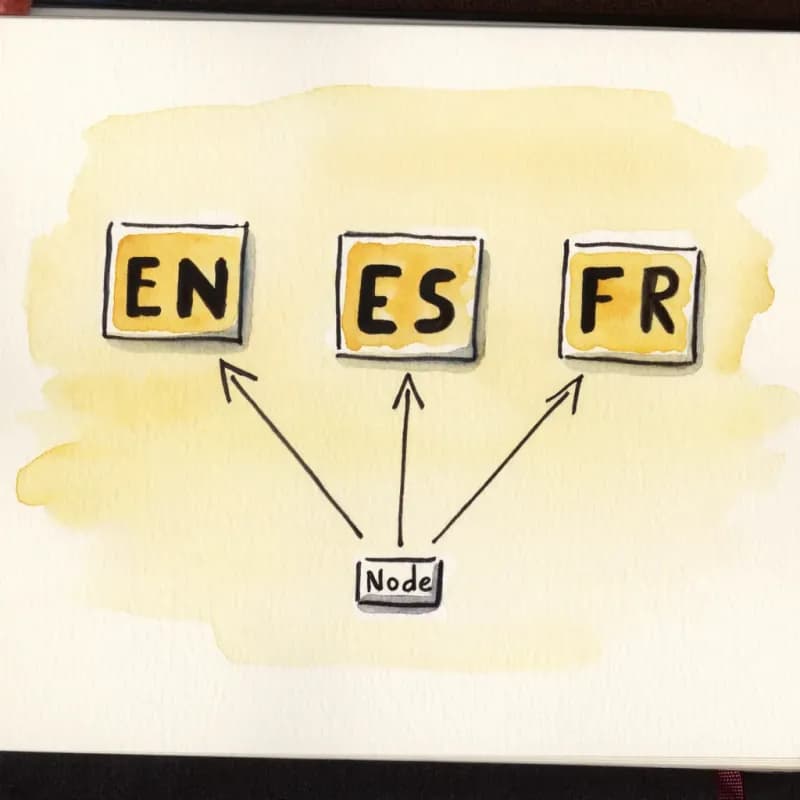
Describe in English, Chinese, Japanese, Spanish, Portuguese, French, German, and more — node labels render in the language you used.
AI Chat Agent (Pro)
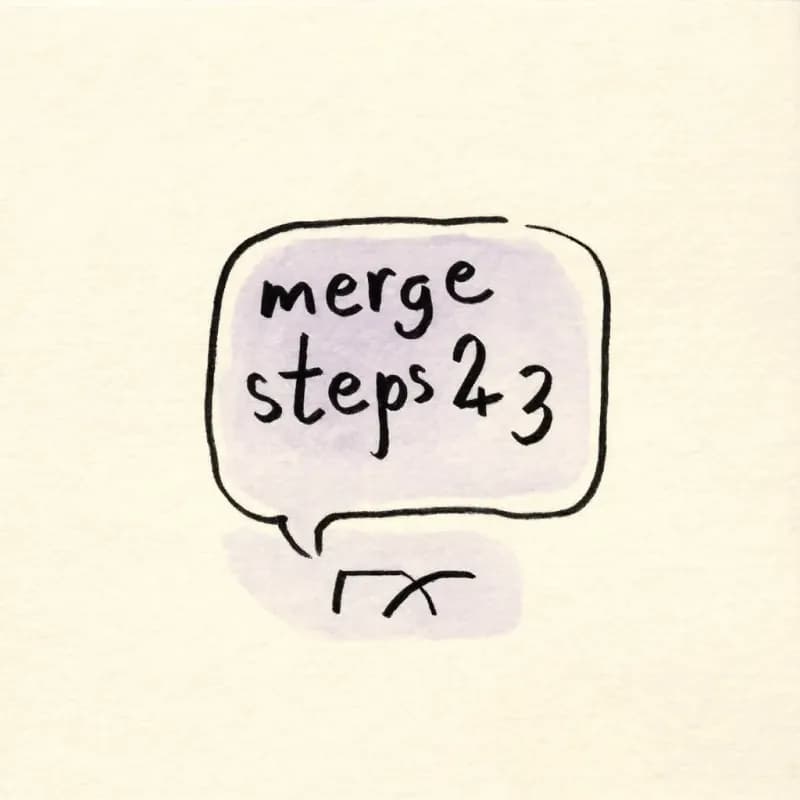
After generation, say "merge steps 2 and 3" or "add a retry loop after the validate step" — incremental edits without re-prompting from scratch.
When to use text-to-flowchart
Use this tool for
- You have the process in your head, in meeting notes, or in a doc — but not yet as a diagram — and you want a first draft in under a minute.
- Translating an SOP or how-to written as paragraphs into a visual for stakeholders who skim.
- Drafting collaboratively: generate a first pass here, then iterate with your team rather than starting from a blank canvas.
- Multilingual teams — describe in your team's language and the diagram renders with labels in the same language.
Use a different tool for
- You already have source code that compiles — Code-to-Flowchart's language-aware parser produces a more faithful diagram.
- The 'text' actually lives in a PDF, Word doc, or Excel file — upload the file directly to the matching tool instead of pasting partial content.
- Cross-functional processes where the story is who hands off to whom — Swimlane Diagram Maker draws roles natively.
- Pixel-perfect brand-aligned diagrams for an investor deck — generate the structure here, then refine the exported SVG in Figma or Illustrator.
Text to Flowchart FAQ
Related guides
How to Make a Flowchart: A Complete Beginner Guide for 2026
Learn how to create effective flowcharts from scratch. This step-by-step guide covers flowchart basics, symbol meanings, design tips, and the best tools to use in 2026.
Flowchart Symbols Cheat Sheet: Meanings, Shapes, and Examples
A quick visual guide to flowchart symbols and meanings: start/end, process, decision, input/output, connectors, documents, data stores, and common mistakes.
What Is a Flowchart? Definition, Symbols, and Real-World Examples
What is a flowchart? A complete definition with core symbols, types of flow chart models, real-world uses, and when to use (or skip) them. Practical examples included.
Ready to Try the AI Flowchart Generator?
Join tens of thousands of professionals who use Flowova to visualize their ideas. Start creating flowcharts with AI in seconds.
Get Started Free