Criador Gratuito de DFD Online
Desenhe DFDs de Nível 0, Nível 1 e Nível 2 a partir de uma curta descrição. A IA mapeia entidades externas, processos, repositórios de dados e fluxos de dados automaticamente — sem trabalho manual de formas.
DFD de sistema de autenticação
Um sistema de login simplificado como DFD Nível 1.

Entrada
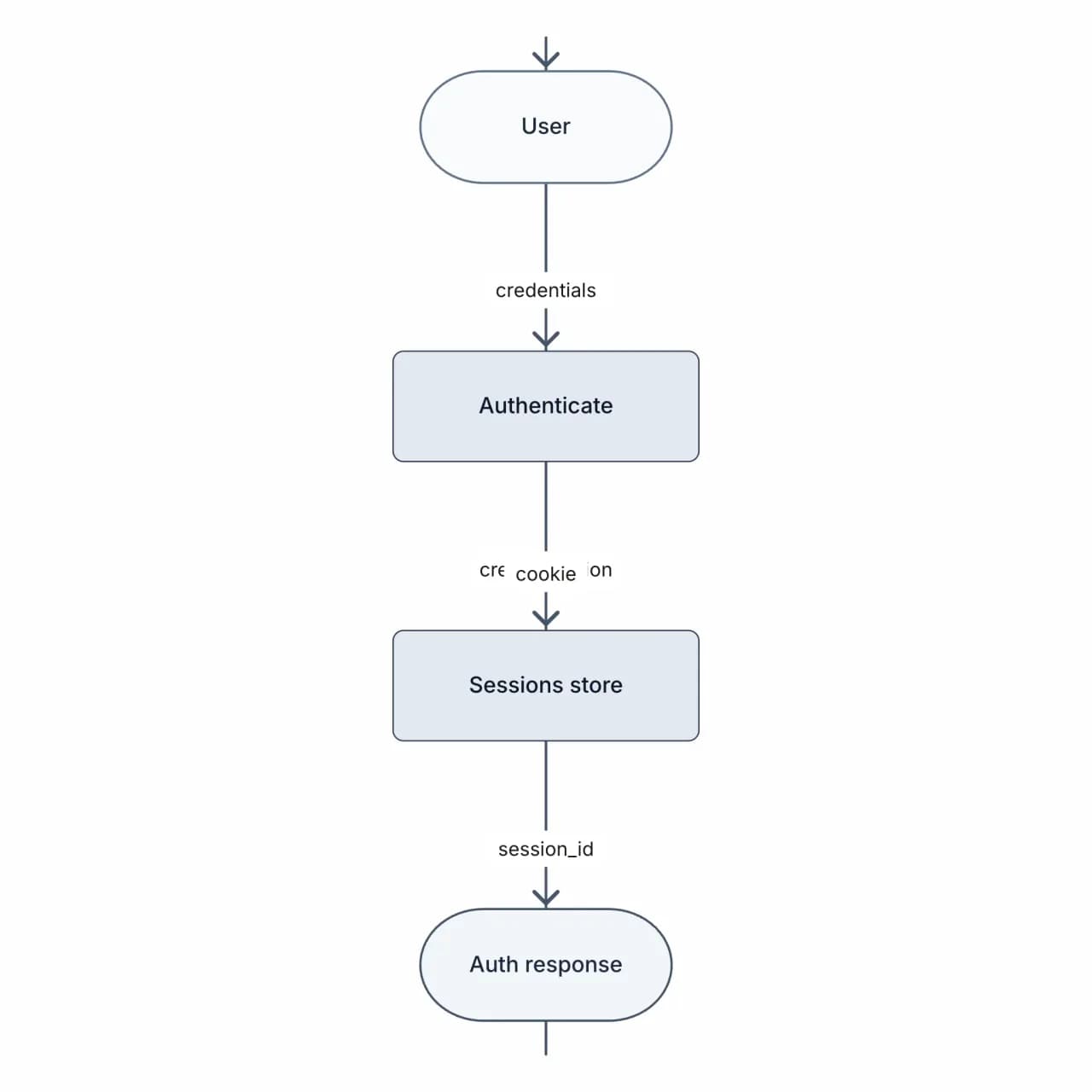
O que a IA produz
Auditores adoram exatamente este diagrama — mostra claramente limites de confiança (Usuário está fora do sistema), fluxo de credenciais e log de auditoria em uma única imagem.
O que é um criador de DFD?
DFD significa Data Flow Diagram (Diagrama de Fluxo de Dados) — a notação clássica para mostrar como os dados se movem entre entidades externas, processos e repositórios de dados. O criador de DFD do Flowova recebe uma curta descrição ("um usuário envia um pedido, o validador verifica o estoque, o processador de pagamento cobra a Stripe, o pedido é gravado no banco de dados de pedidos") e produz um DFD adequadamente nivelado com entidades externas como quadrados, processos como círculos, repositórios de dados como retângulos abertos e setas de fluxo de dados rotuladas. Especifique Nível 0 / 1 / 2 no seu prompt para controlar a profundidade.
Construa um DFD em Três Passos
Descreva o Sistema e o Nível
Descreva os dados: fontes externas, processos e repositórios. O criador de DFD aceita a mesma entrada que o Criador de Diagrama de Fluxo de Dados na forma longa.
- Descrição curta: entidades, processos, repositórios, fluxos
- Escolha Nível 0 / 1 / 2 no seu prompt
- Até 12.000 caracteres por geração
A IA Constrói o DFD
A IA constrói um DFD com entidades externas, processos (numerados) e repositórios de dados. Notação Yourdon por padrão; Gane/Sarson sob demanda.
- Quadrados para entidades, círculos para processos, retângulos abertos para repositórios
- Processos numerados (1, 1.1, 1.2…); repositórios rotulados D1, D2 para rastreabilidade
- Yourdon-DeMarco por padrão; Gane–Sarson sob demanda
Refine e Exporte
Refine, valide o nível (0 vs 1) e exporte. DFDs são o formato padrão para modelagem de ameaças (STRIDE), design de sistema e documentação de conformidade.
- Edite rótulos e redirecione setas inline
- Decomponha um processo em um subdiagrama Nível 2
- PNG grátis; SVG e Mermaid são Pro
Recursos do Criador de DFD

Diagrama de Contexto Nível 0
Um DFD Nível 0 (contexto) de processo único mostrando o limite do sistema, entidades externas e os principais fluxos de dados de entrada e saída — útil para kickoffs com stakeholders.
Decomposição Nível 1
3-7 subprocessos numerados com os repositórios de dados certos e fluxos entre eles — o nível de DFD que a maioria das equipes realmente entrega em documentos de sistema.
Detalhe Nível 2
Decomponha um processo específico Nível 1 em um DFD Nível 2 quando você precisa especificar o comportamento no nível de implementação para handoff de engenharia.
Fluxos de Dados Rotulados
Cada seta carrega um rótulo que nomeia os dados que se movem através dela — detalhes do cliente, pedido validado, token de pagamento, mensagem de confirmação.
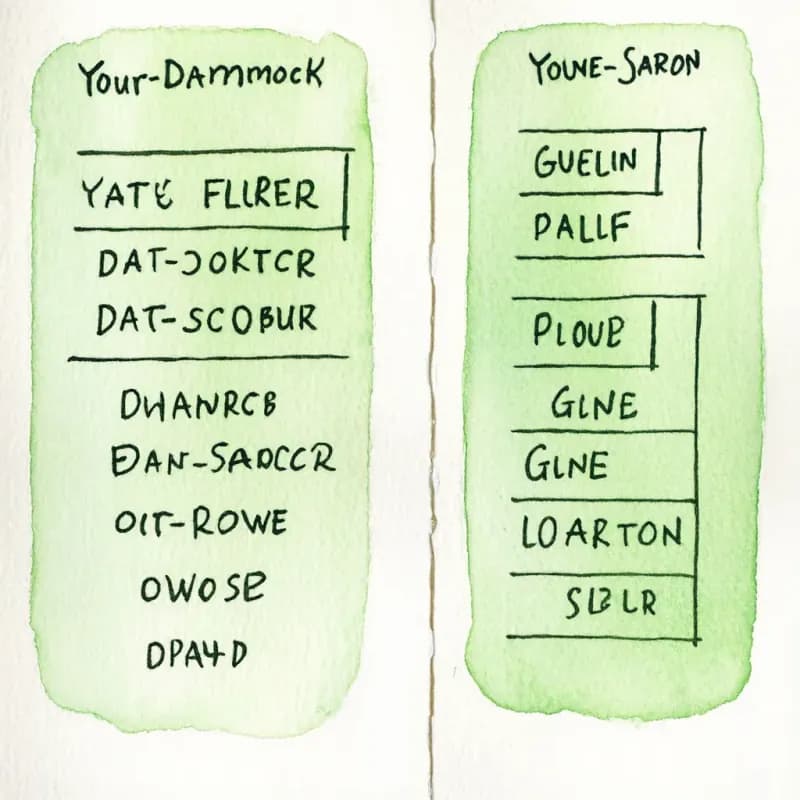
Yourdon-DeMarco e Gane-Sarson
Entidades externas, processos, repositórios de dados e fluxos seguem as convenções Yourdon-DeMarco por padrão, com variantes de forma Gane-Sarson para as quais você pode alternar.
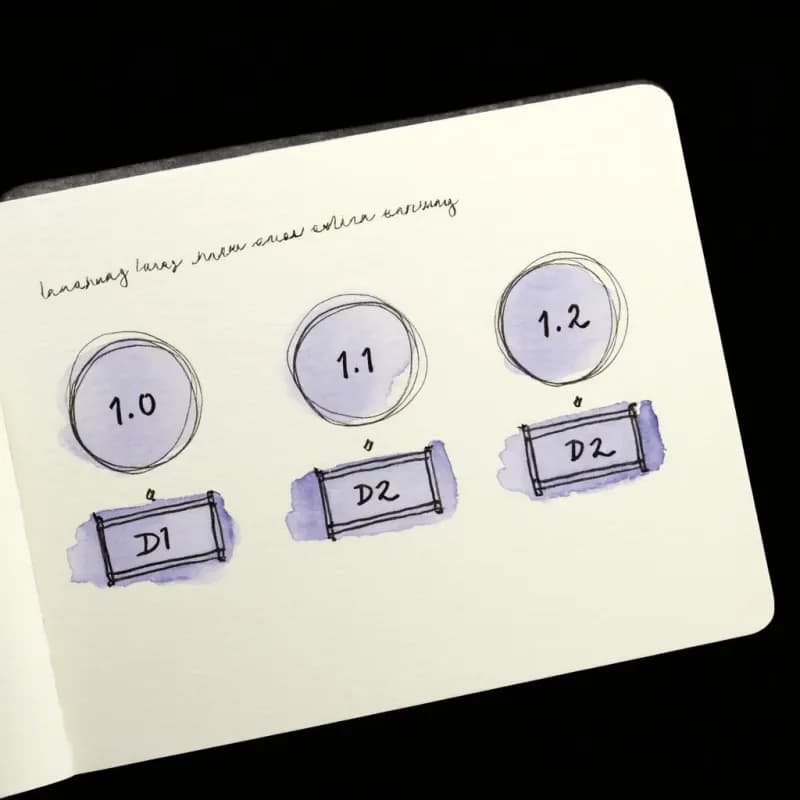
Processos e Repositórios Numerados
Processos são numerados (1, 1.1, 1.2…) e repositórios de dados seguem a rotulagem padrão D1, D2 para que o diagrama permaneça rastreável entre níveis.
Quando usar o criador de DFD
Use esta ferramenta para
- Sessões de modelagem de ameaças STRIDE onde você precisa que os limites de confiança estejam visíveis antes de percorrer Spoofing, Tampering, Repudiation, Information disclosure, Denial of service e Elevation of privilege.
- Documentação de revisão de segurança — mostre entidades externas, processos e repositórios em uma página para que os revisores vejam a superfície de ataque de relance.
- Visualização de ETL e pipeline de dados — fontes, transformações, destinos — para um RFC de engenharia de dados.
- Artefatos de conformidade (descrições de sistema SOC 2, avaliações de risco de segurança HIPAA) onde o auditor pede especificamente um diagrama rotulado como DFD.
Use uma ferramenta diferente para
- Lógica procedimental passo a passo — um fluxograma mostra ordem; DFDs intencionalmente não.
- Design de schema — Gerador de Diagrama ER descreve tabelas e joins, não movimento.
- Interações de serviço por requisição — Criador de Diagrama de Sequência captura o tempo da chamada.
- Anotação estrita de limite de confiança como parte do diagrama — gere o DFD aqui, depois sobreponha linhas de limite tracejadas no Figma, Excalidraw ou Microsoft Threat Modeling Tool.
FAQ do Criador de DFD
Guias relacionados
Diagramas de Fluxo de Dados (DFD): Níveis 0, 1, 2, Símbolos e Exemplos
Aprenda a criar um DFD com a notação correta. Abrange DFD nível 0, nível 1, nível 2, símbolos Yourdon-DeMarco vs Gane-Sarson e exemplos reais.
Guia de Diagrama ER: Diagramas Entidade Relacionamento, Símbolos de ERD e Exemplos
Aprenda a desenhar um diagrama ER (ERD) para design de banco de dados. Abrange entidades, atributos, relacionamentos, cardinalidade, notação Chen vs Pé de Galinha e exemplos reais de schema.
Pronto para Experimentar o Gerador de Fluxograma com IA?
Junte-se a dezenas de milhares de profissionais que usam o Flowova para visualizar suas ideias. Comece a criar fluxogramas com IA em segundos.
Comece Gratuitamente