Free Online Flow Diagram Maker
Create professional flow diagrams by describing any process, system, or data flow in plain language. AI generates the diagram with correct symbols and logical structure.
A request-handling flow
The middle ground between a flowchart and a DFD.
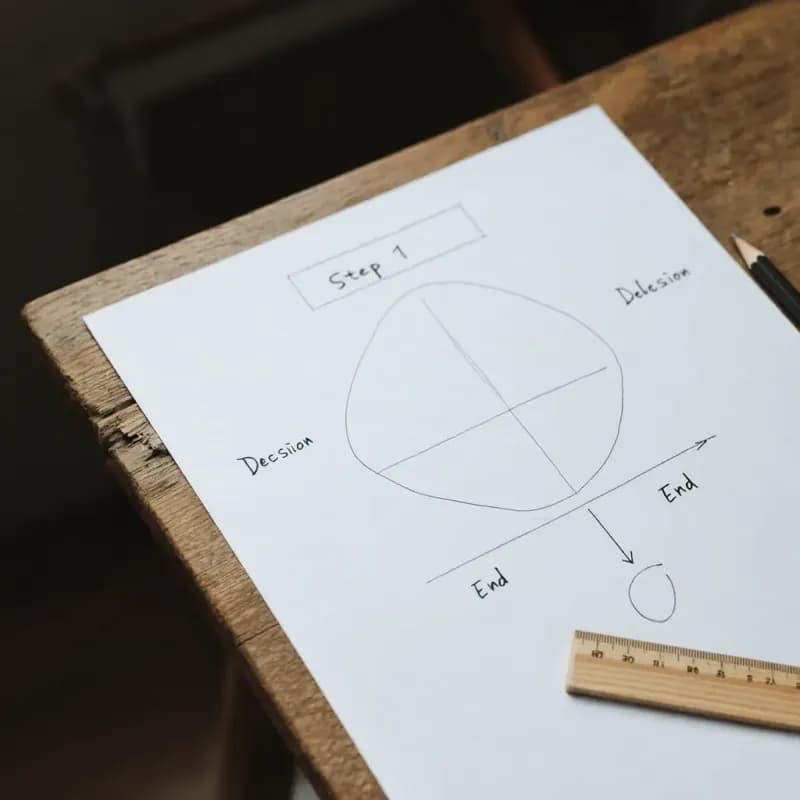
Input
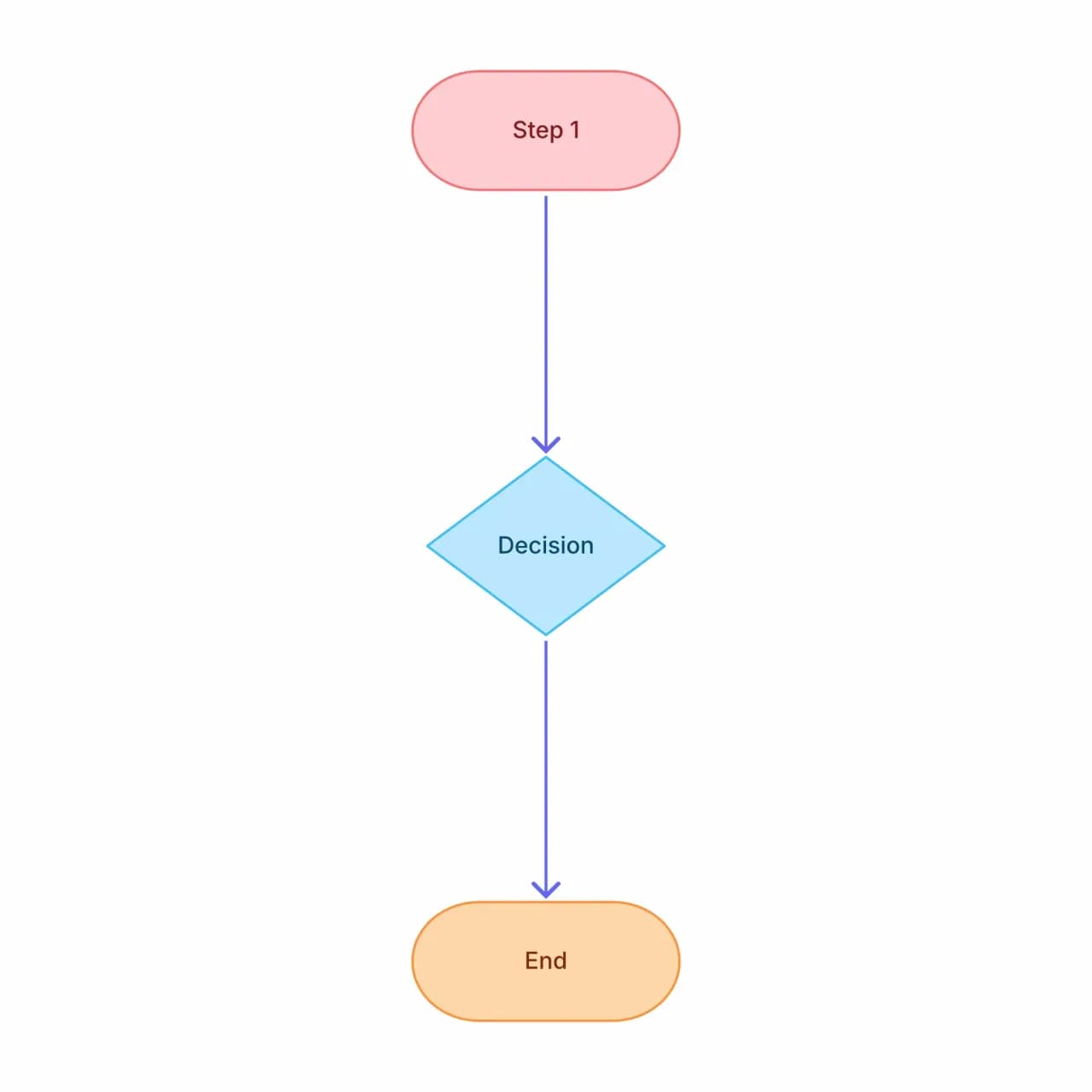
What the AI produces
This is a mixed flow: the approval branch represents control, the form submission represents data movement, and both sit on the same canvas. Most marketing, ops, and customer-support workflows don't neatly separate the two — forcing the split adds noise an audience won't reward.
What is a flow diagram?
"Flow diagram" is the umbrella term covering anything that shows movement through a system — process flow, data flow, user flow, workflow. Flowova's flow diagram maker accepts a plain-language description of what flows through your system and produces a diagram with standard symbols and clean auto-layout. The default convention is top-to-bottom with rectangular process nodes and diamond decisions — the most universally readable layout for mixed audiences where some readers won't recognize specialized notation like BPMN gateways or DFD circles.
Create a Flow Diagram with AI
Describe Your Flow
Describe the flow — works for system flow, signal flow, control flow, or general process flow. "Flow diagram" is the umbrella term covering all of these.
- Process, data, user, or workflow flows — same entry
- Plain language description of what flows
- Major world languages supported on input
AI Creates the Diagram
The AI picks the right shape vocabulary based on context. Engineering flow gets technical shapes; business flow gets business shapes.
- Symbol set picks based on the flow type you described
- Decision diamonds, parallel paths, loops all rendered
- For tight results, prefer the dedicated tool when known
Edit and Export
Refine, theme, and export. Useful when you don't want to pick "flowchart" vs "DFD" vs "process map" upfront.
- Drag-to-rearrange and re-route arrows
- Theme to match the audience
- Free PNG; SVG and Mermaid are Pro
Flow Diagram Maker Features
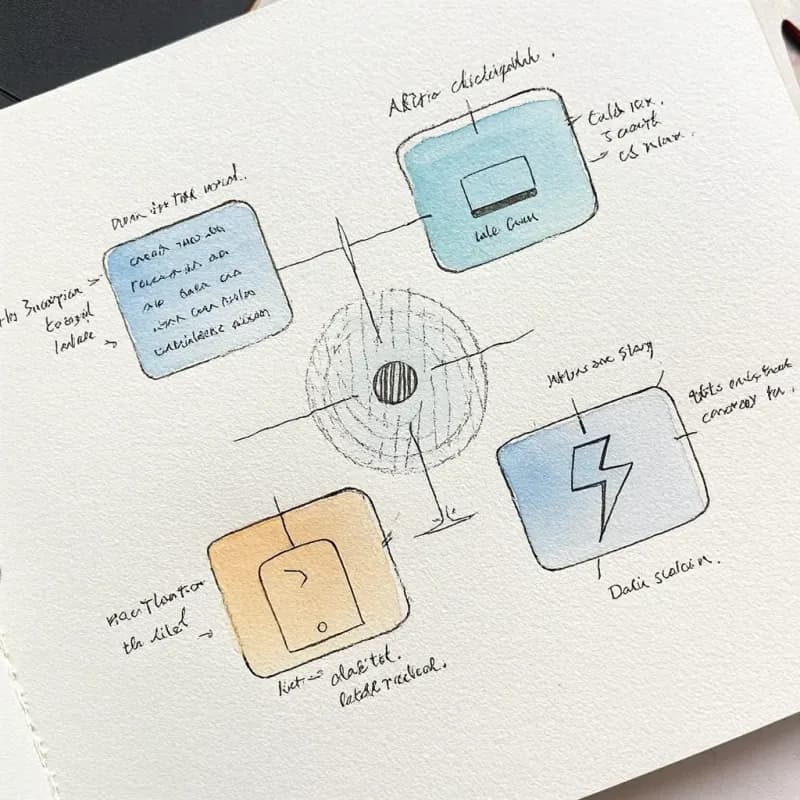
Auto-Detects Flow Type
Generic descriptions are classified into process flow, data flow, user flow, or workflow — the appropriate symbol set is applied based on what you described.
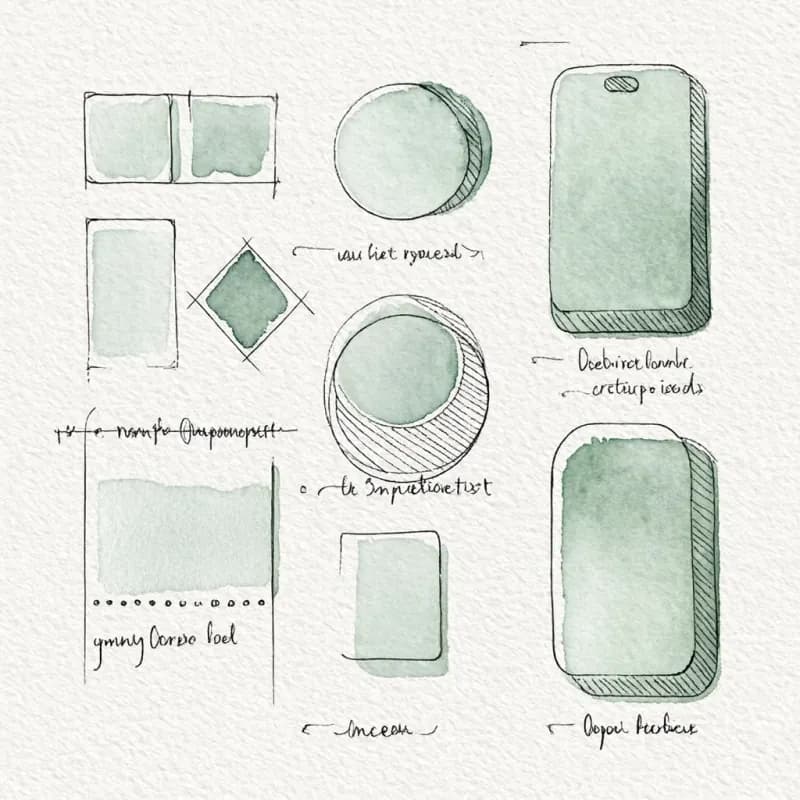
Symbol Set Adapts
Process descriptions get rectangles + diamonds; data descriptions get circles + open rectangles; user flows get phone-screen rounded rectangles.

Mixed-Content Flows
When your description spans multiple types ("data flows into a process where users approve"), both symbol sets coexist in a hybrid diagram.
Generalist by Design
Tradeoff: looser shape conventions than the dedicated tools. For strict-notation needs (DFD compliance, BPMN audit), use the specialized tool for tighter results.
Quick-Sketch Workflow
Optimized for whiteboard sketches, brainstorm visuals, tech talks, and onboarding diagrams where exact notation doesn't matter — fast over rigorous.
Theme Independent
Apply any of 40+ themes regardless of detected flow type — the symbol set and the color palette are independent choices.
When to use the flow diagram maker
Use this tool for
- You need a diagram of the flow and don't want to debate whether it's a flowchart, DFD, or process map first.
- Mixed-content situations — some control flow, some data flow, some user interaction in the same picture.
- Whiteboard captures and brainstorm sketches where the goal is a clean visual rather than a notation deliverable.
- Tech-talk visuals and onboarding sketches where flexibility beats notation purity.
Use a different tool for
- Audit or compliance deliverables that require a specific notation — pick the matching specialized tool (BPMN, DFD, ER, Process Map).
- Database schemas — ER Diagram Generator is built for that question.
- API or service-to-service interaction — Sequence Diagram Maker preserves the message ordering that matters.
- Diagrams that need to be co-edited with a team in real time — Lucidchart, Miro, or FigJam is the right collaboration surface.
Flow Diagram FAQ
Related guides
Data Flow Diagrams (DFD): Levels 0, 1, 2, Symbols, and Examples
Learn how to create a DFD with the right notation. Covers DFD level 0, level 1, level 2, Yourdon-DeMarco vs Gane-Sarson symbols, and real-world examples.
How to Make a Flowchart: A Complete Beginner Guide for 2026
Learn how to create effective flowcharts from scratch. This step-by-step guide covers flowchart basics, symbol meanings, design tips, and the best tools to use in 2026.
Ready to Try the AI Flowchart Generator?
Join tens of thousands of professionals who use Flowova to visualize their ideas. Start creating flowcharts with AI in seconds.
Get Started Free