Criador Gratuito de Fluxogramas Online
Descreva qualquer processo, sistema ou lógica de decisão em linguagem simples. A IA cria um fluxograma profissional com símbolos corretos, layout limpo e nós editáveis - pronto em segundos.
O fluxograma de um não-designer, feito em 30 segundos
O caso em que "criar um fluxograma" realmente significa "criar um diagrama apresentável."

Entrada
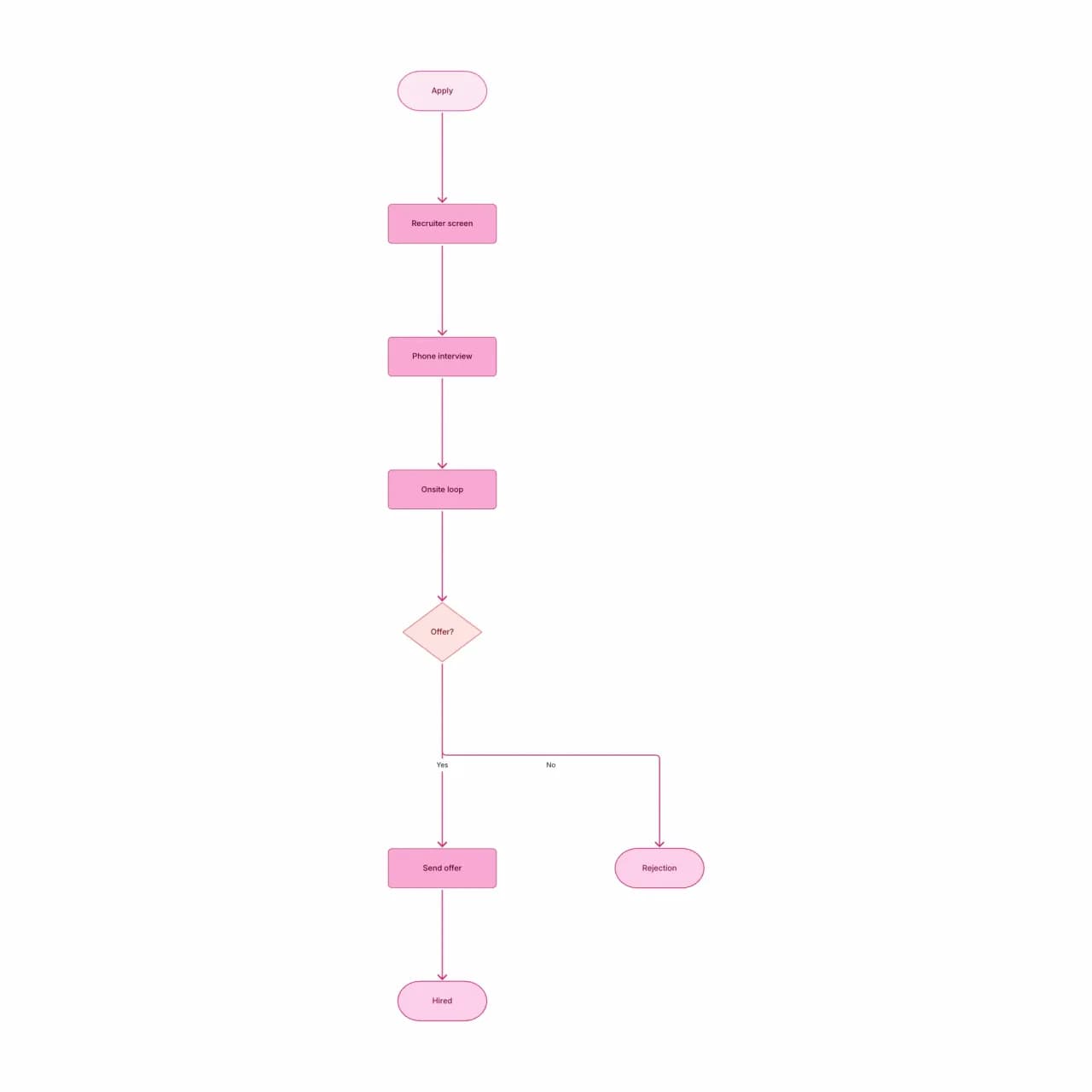
O que a IA produz
A saída é dimensionada em 16:9 com preenchimentos de nó de alto contraste — encaixa em uma apresentação sem recoloração manual. O loop de aprovação lê da esquerda para a direita para que um diagrama projetado rastreie naturalmente para um público executivo em vez de forçar leitura estilo telefone de cima para baixo.
O que o Flowova como criador de fluxogramas faz de diferente?
A maioria das ferramentas de fluxograma começa com uma tela em branco e uma paleta de formas. O Flowova começa a partir de sua descrição — cole um parágrafo, solte um arquivo, vincule uma URL ou faça upload de uma imagem — e produz um fluxograma editável na primeira passagem. A partir daí, você recebe o habitual: arrastar para reorganizar, mais de 40 temas, Agente de Chat IA para edições incrementais ("divida a etapa de aprovação em gerente + diretor") e exportações para PNG (grátis), ou SVG / Mermaid / WebP / JPEG (Pro). Feito para o caso em que você já sabe o que quer; só não deveria precisar desenhá-lo.
Crie um Fluxograma em Três Etapas
Descreva Seu Processo
Escreva o que você quer como fluxograma. Marcadores, etapas numeradas ou um parágrafo — todos funcionam. Específico para públicos não técnicos: escreva da maneira como explicaria o processo em uma reunião.
- Cole texto, solte um arquivo, vincule uma URL ou envie uma imagem
- Principais idiomas mundiais suportados na entrada
- Entrada em idiomas mistos (descrição em PT, rótulos em EN) funciona
A IA Cria Seu Fluxograma
A IA converte sua descrição em formas e setas. Ela escolhe formas pela intenção (decisões se tornam losangos mesmo que você não diga "losango") e aplica um layout padrão limpo que você pode alterar depois.
- Layout automático via Dagre, não posicionamento aleatório
- Ovais de início/fim, losangos de decisão, conexões rotuladas
- Agente de Chat IA (Pro) para edições incrementais
Personalize e Exporte
Estilize o gráfico para seu contexto — apresentação, material de treinamento, documento para clientes — usando um dos mais de 40 temas. Exporte como PNG grátis, ou faça upgrade para SVG e saída sem marca d'água.
- Mais de 40 temas para slide vs. documento vs. contextos de marca
- PNG grátis; SVG, Mermaid, WebP, JPEG são Pro
- Links públicos de compartilhamento somente leitura para destinatários
Recursos do Criador de Fluxogramas
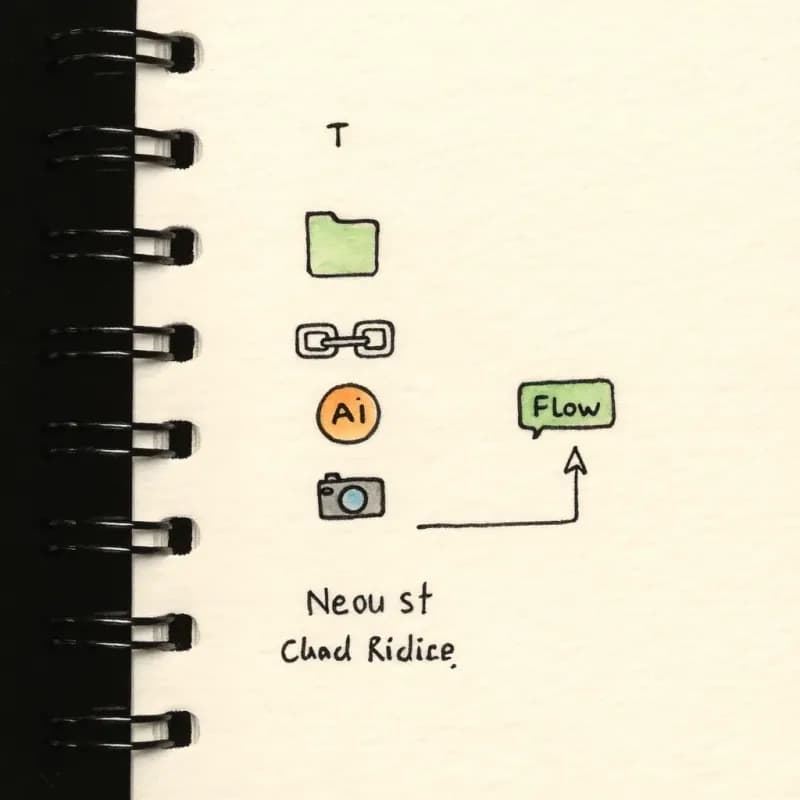
Cinco Superfícies de Entrada
Cole texto, solte um arquivo, vincule uma URL, envie uma imagem ou converse com o Agente de Chat IA. Mesmo ponto de partida independentemente de onde seu conteúdo de origem reside.
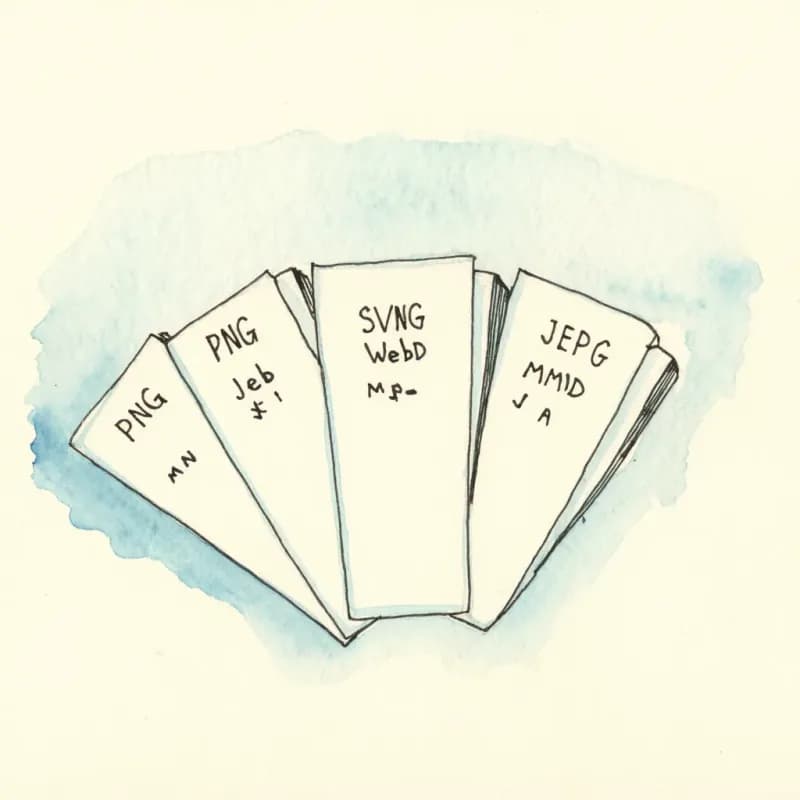
Cinco Formatos de Exportação
PNG (grátis), SVG (Pro), WebP (Pro), JPEG (Pro), Mermaid (Pro). PNG para slides, SVG para documentos vetoriais, Mermaid para conversão bidirecional entre código e diagrama.
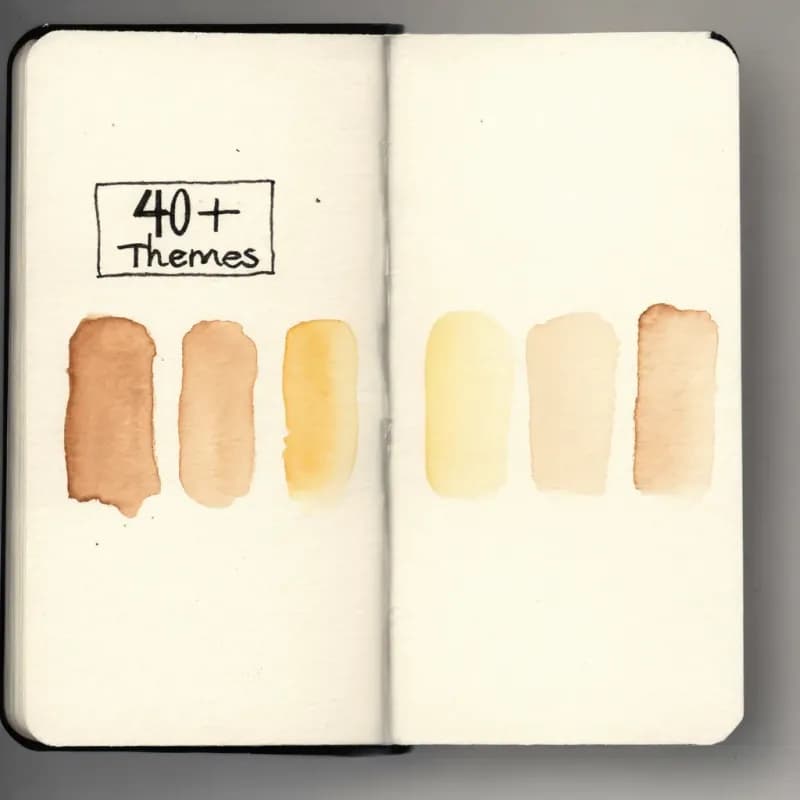
Mais de 40 Temas
Vibrante para apresentações, Floresta/Oceano para operações, Grafite para especificações técnicas, Meia-Noite para código, Vinho para conteúdo de marca. Alterne em um clique, aplica globalmente.
Agente de Chat IA (Pro)
"Mescle as etapas 2 e 3", "divida a etapa de aprovação em gerente + diretor", "adicione um caminho de exceção na falha de validação" — refinamentos incrementais via linguagem natural.
Links Públicos de Compartilhamento
Gere uma URL somente leitura — destinatários veem o diagrama em seu navegador sem uma conta. Útil para revisão de stakeholders sem compartilhar acesso de edição.

Salvamento Automático
Edições são salvas automaticamente após cada mudança — sem botão "salvar", sem trabalho perdido. O histórico é preservado para a sessão para desfazer/refazer.
Quando usar o criador de fluxogramas
Use esta ferramenta para
- Diagramas de apresentação para atualizações do conselho, all-hands ou pitches de vendas onde o visual carrega a mensagem.
- Gráficos voltados ao cliente que precisam de uma aparência alinhada à marca em vez de uma técnica.
- Diagramas de marketing — funis, mapas de jornada, visões de stakeholders — que vão em landing pages ou em PDFs.
- Conteúdo de treinamento e integração onde o polimento importa mais que a correção rigorosa da notação.
Use uma ferramenta diferente para
- Design de banco de dados — o Gerador de Diagrama ER lida com cardinalidade e PK/FK corretamente.
- Diagramas de raias multifuncionais onde a responsabilidade é a história — o Criador de Diagrama de Raias desenha raias nativamente.
- Documentação de sequência de eventos — o Criador de Diagrama de Sequência preserva o ordenamento de mensagens entre lifelines.
- Alinhamento perfeito de marca em pixels para uma apresentação externa de alto risco — exporte SVG daqui, depois refine no Figma ou Illustrator para a passagem final.
Perguntas Frequentes sobre o Criador de Fluxogramas
Guias relacionados
Como Criar um Fluxograma: Guia Completo para Iniciantes em 2026
Aprenda a criar fluxogramas eficazes do zero. Este guia passo a passo abrange os fundamentos, significados dos símbolos, dicas de design e as melhores ferramentas para usar em 2026.
Folha de Referência de Símbolos de Fluxograma: Significados, Formas e Exemplos
Um guia visual rápido para símbolos de fluxograma e seus significados: início/fim, processo, decisão, entrada/saída, conectores, documentos, depósitos de dados e erros comuns.
Pronto para Experimentar o Gerador de Fluxograma com IA?
Junte-se a dezenas de milhares de profissionais que usam o Flowova para visualizar suas ideias. Comece a criar fluxogramas com IA em segundos.
Comece Gratuitamente